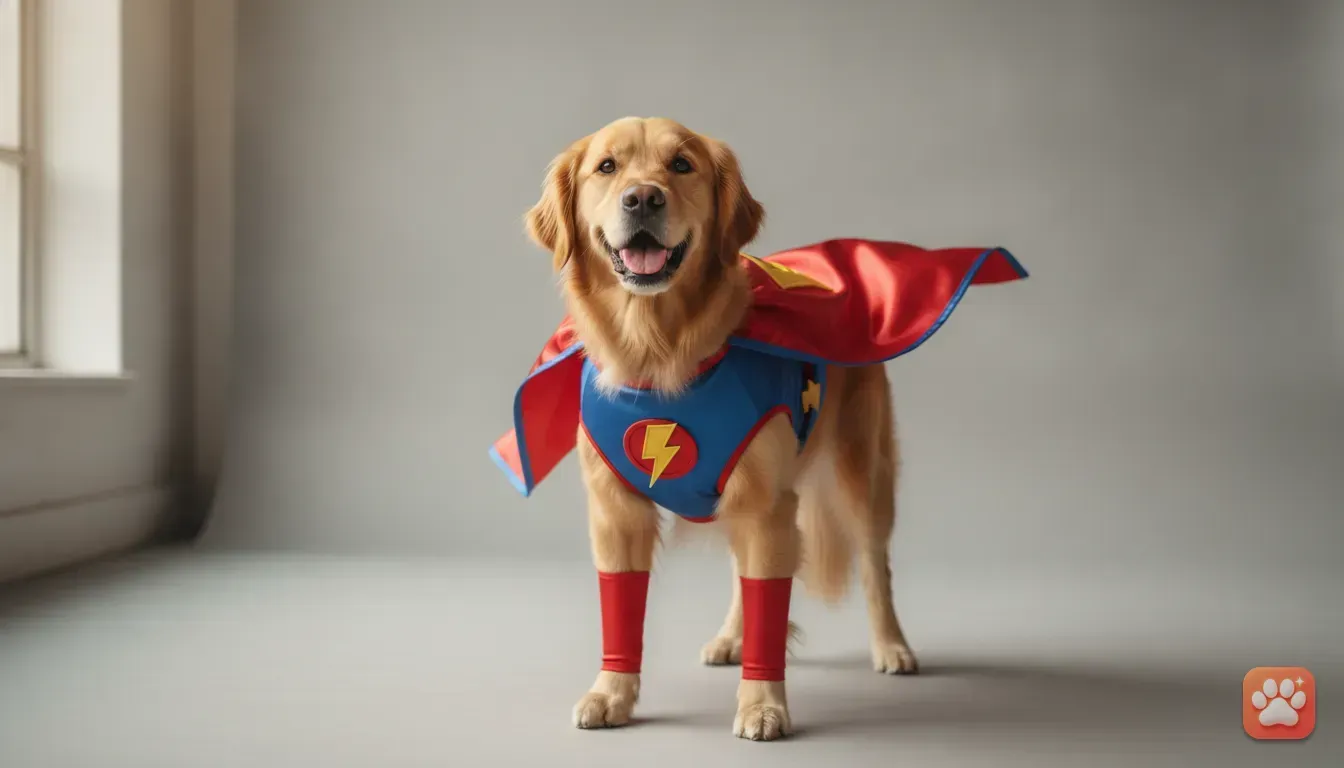
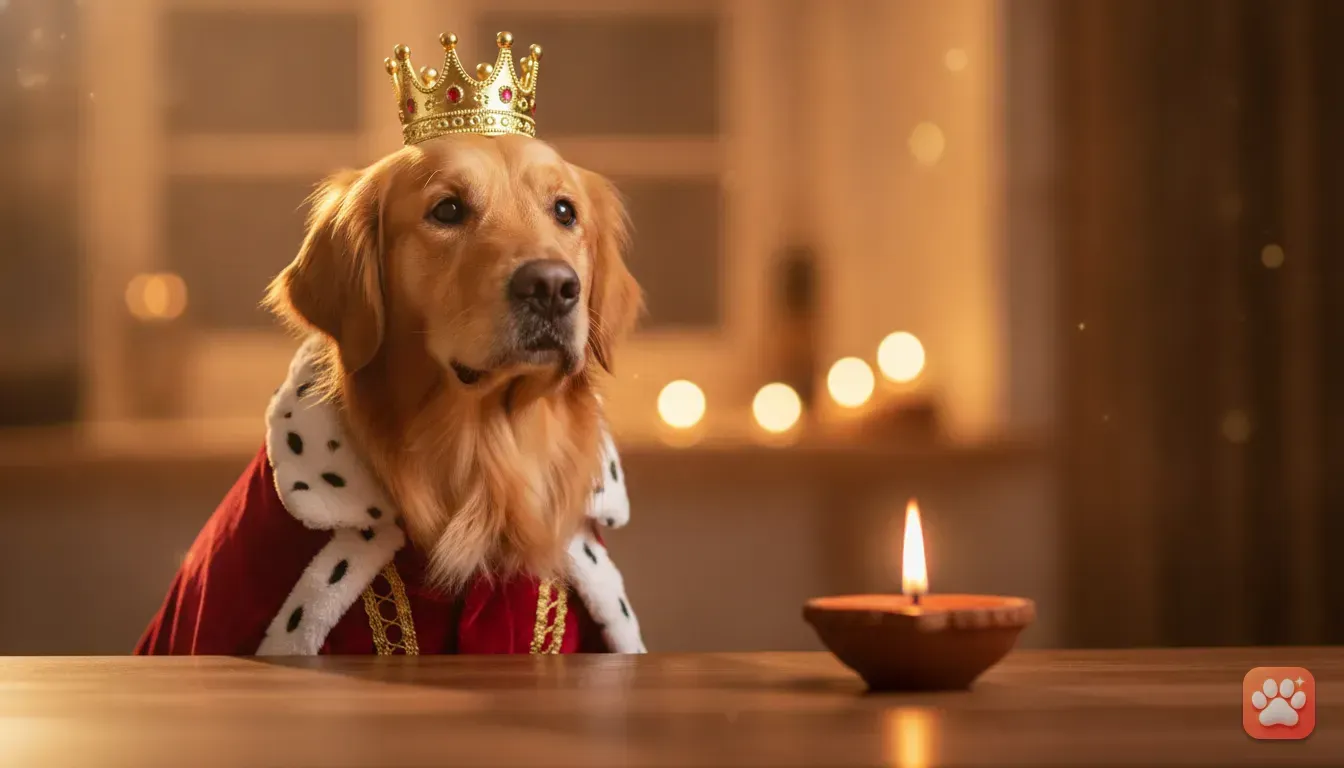
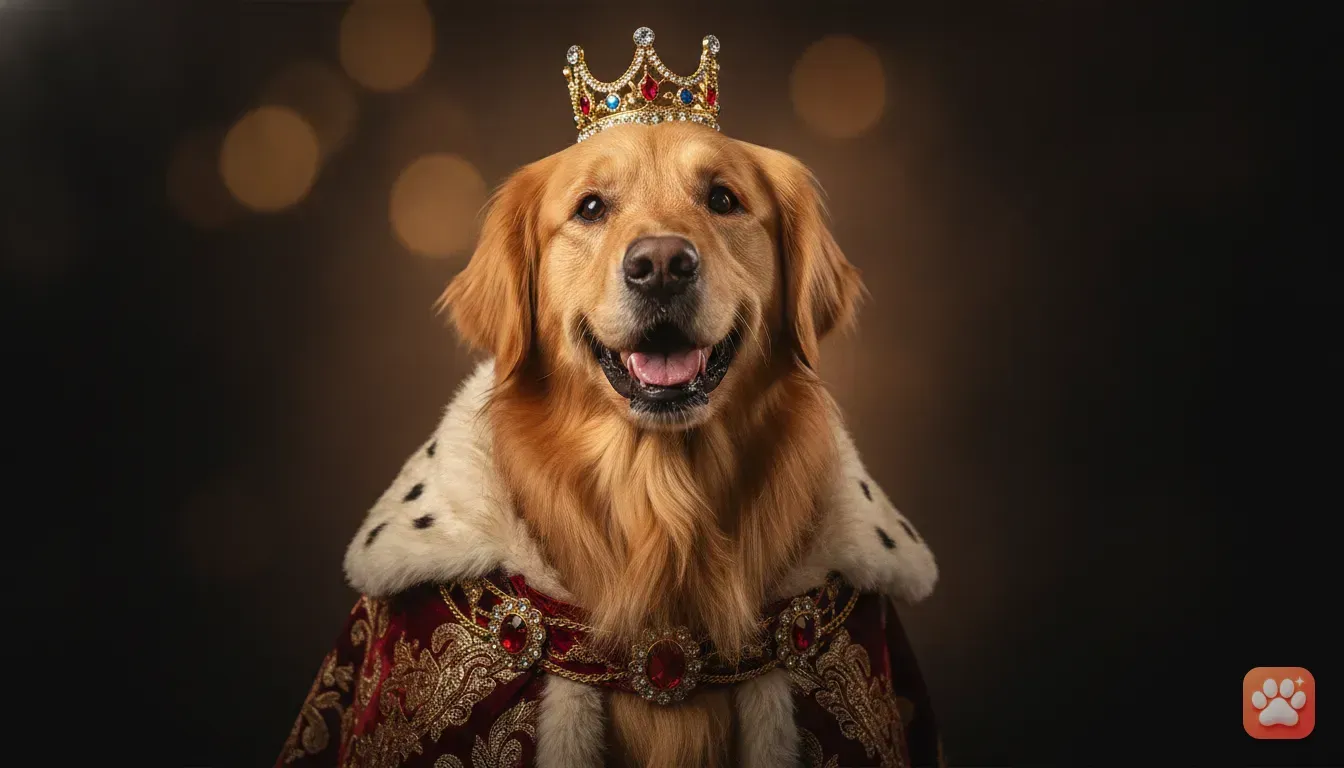
Stress-Free Cat Costume Ideas Using a Pet Photo Editor App
Skip the scratches and the grumpy hiding. Learn how to create adorable, stress-free cat costume photos using just your phone and a single photo.
 DevForge Studio
7 min read
We all know the dream. You see a tiny knitted jumper or a pirate hat online and think your cat will look adorable in it. Then reality hits.
The moment you bring fabric near them, your cat turns into a liquid escape artist. Putting clothes on a cat usually ends with scratched arms and a grumpy pet hiding under the sofa. You don't have to give up on those cute seasonal photos for your Instagram feed or family chats, though.
You can get stress-free cat costume ideas using a pet photo editor app instead. This gives you all the fun of seeing your cat dressed as a tiny chef or a majestic king with zero stress. You just need one clear photo of your cat sitting naturally, and the app handles the rest.
Why skipping physical costumes is better for your cat
Cats are highly sensitive creatures. Unlike dogs who might tolerate a sweater for a treat, cats often feel trapped by clothing. When you try to put a physical costume on a cat, you'll likely notice immediate stress signals.
Their ears flatten. Their tail might start flicking sharply from side to side. Many cats do the classic freeze and flop where they fall over and refuse to walk.
This happens because clothing presses against their fur. It messes with their sensory receptors and makes them feel restricted. We see this all the time in the studio.
If your pet hates wearing clothes, it's always best to respect their boundaries. Pets who hate wearing clothes should never be forced into them just for a photo. A digital alternative lets you celebrate festivals and birthdays while your cat stays comfortable.
Top stress-free cat costume ideas to try
When you edit your cat's photo, the possibilities are huge. You aren't limited by what fits or stays on their head for two seconds. Here are some of the best costume ideas you can generate digitally.
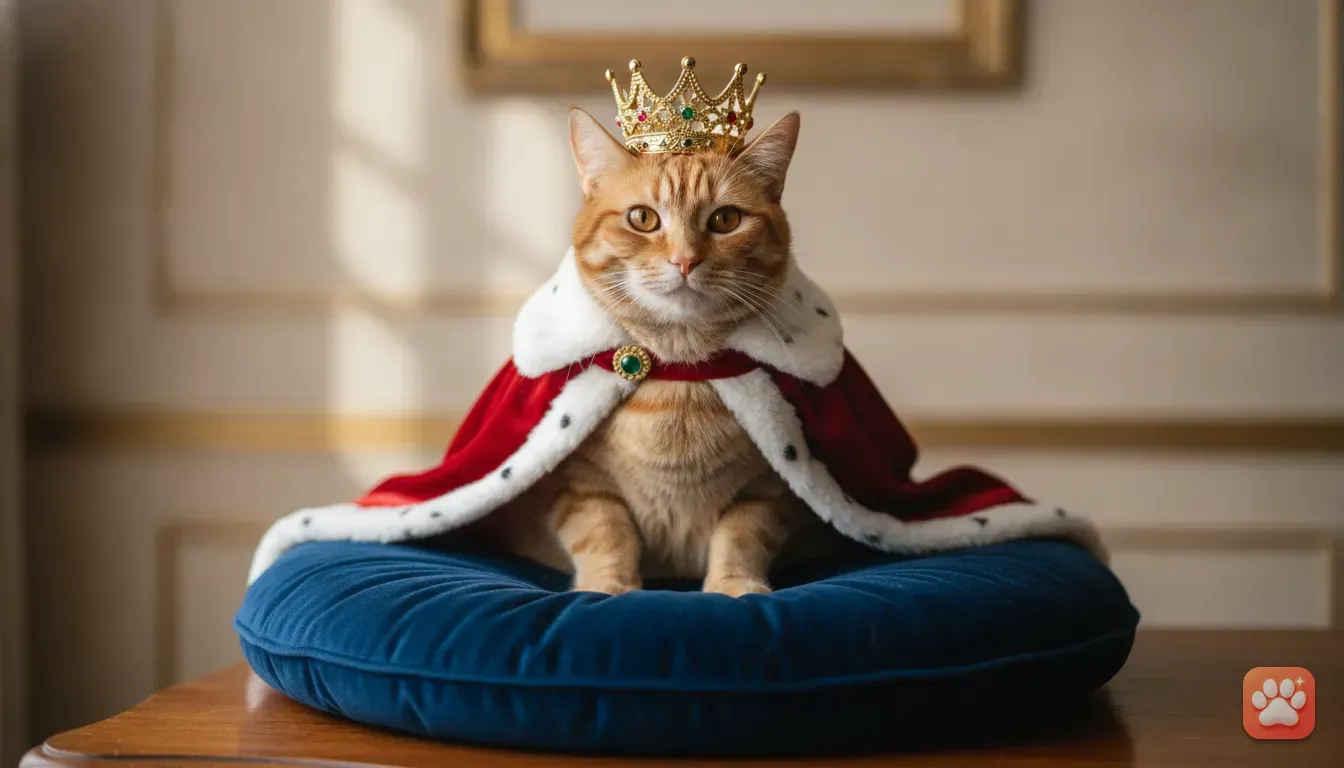
The Regal King or Queen
Cats already act like they own the house, so a royal costume is a perfect fit. You can edit your cat into a velvet cape with a jewelled crown. A good editor blends the crown into their fur so it looks natural.
We find this is a brilliant option for a pet's birthday post on WhatsApp or Facebook.
The Quirky Taco Cat
Turning your cat into a giant taco always gets a laugh. This works exceptionally well for orange tabby cats because their fur matches the warm tones of a taco shell. It's a silly, playful idea perfect for a quick Instagram story.
The Magical Wizard
Black cats and fluffy Persians look amazing in a wizard costume. Picture your cat wearing a starry robe and a pointed hat in a dimly lit library.
Because you do this digitally, you get dramatic studio lighting for free. Your pet will look like a character straight out of a fantasy movie.
The Festive Santa Paws
When December arrives, everyone wants a cute holiday photo. A digital Santa costume adds a fluffy red and white hat to your cat, maybe with some snow falling behind them.
It's an incredibly popular choice for custom Christmas cards. You get a professional portrait without dragging your cat to a loud, busy studio.
How to create cat costume photos on your phone
Getting these results is simple if you use the right tool. You want an app that actually keeps your pet's real face and markings. It shouldn't just generate a random cat that looks somewhat similar.
We built Furstume AI exactly for this reason. It's a pet photo editor app that turns your real pet into a King, a Chef, an Astronaut and over 100 other costumes.
The AI keeps your cat's exact fur colour, pattern and face shape. The final portrait looks exactly like your pet. Here's exactly how to do it:
- Step 1: Get a good photo. Find or take a clear photo of your cat facing the camera. The lighting should be bright enough to see their eye colour and fur markings clearly.
- Step 2: Upload to the app. Open Furstume AI and upload the photo. The app only uses your photos to create your portraits, which keeps your data private.
- Step 3: Pick your costume. Scroll through the 100+ options. You can pick a seasonal drop like Halloween or Christmas, or go for an everyday funny costume like a Superhero.
- Step 4: Generate and save. Tap the button to create the portrait. The app applies studio-quality lighting and detailed clothing. Once it's done, save the full-quality image to your phone or share it straight to Instagram and WhatsApp.
Your first portrait on Furstume AI is free. You can earn more credits easily with a daily check-in.
Tips for taking the perfect base photo of your cat
The secret to an amazing digital costume is a brilliant base photo. The AI needs to see your cat's features clearly to recreate them. Here are the best ways we've found to get that perfect shot without any stress.
Use natural window light
Turn off your indoor lights. They often cast an ugly yellow glow. Encourage your cat to sit near a large window during the day.
Natural light captures the true colour of their fur. It also adds beautiful reflections to their eyes.
Get down on their level
Photos taken from above looking down at your cat rarely make good portraits. Kneel or sit on the floor so your phone camera is at the same height as your cat's eyes. This makes the final costume portrait look much more engaging.
Grab their attention gently
You want your cat looking directly at the camera. Calling their name repeatedly usually stops working after a while. Try holding their favourite treat just above your phone.
You can also crinkle a sweet wrapper or lightly tap the back of your phone. This gets them to stare right into the lens for a split second. Snap the photo exactly when they make eye contact.
Mistakes to avoid when generating pet portraits
Even with the smartest apps, a poor starting photo gives strange results. Avoid these common mistakes when preparing your cat's photo:
- Using blurry photos: If your cat was running or shaking their head, the app will struggle to find their eyes and nose.
- Photos in the dark: Heavy shadows hide markings. If you have a tuxedo cat, bad lighting might make them look like a solid black cat.
- Extreme angles: Photos of your cat sleeping tightly curled up won't work well for clothing edits. You need a standard sitting or standing pose.
- Multiple pets in one photo: Make sure your cat is the only animal in the picture. If you have several pets, take individual photos of each one (in Furstume, you can add multiple pets to your profile and switch between them in one tap, but you still need single photos to start).
Fun ways to use your edited cat portraits
Once you have a gallery of your cat dressed up as a Chef or Queen, you'll want to show them off. Digital pet portraits are incredibly versatile.
You can post them on your WhatsApp status to make your family smile. Or, create a funny Instagram Reel swiping through your cat's new wardrobe. They also make incredible custom gifts.
You can print the digital portrait onto a mug, a canvas or a set of greeting cards. For more inspiration, we have a whole guide on unique pet portrait gift ideas you can read next.
Next steps for your cat's digital wardrobe
Dressing up your cat doesn't have to be a battle of wills. A digital route respects your pet's comfort and keeps your arms free of scratches. The results are usually much funnier and higher quality than cheap physical costumes anyway.
To get started today, grab your phone. Find a clear, well-lit photo of your cat in your camera roll.
Try putting them in a funny costume using a pet photo editor. They'll look like a tiny furry superstar. It takes less than two minutes, and the photos will make you smile for years to come.
Frequently asked questions
Can I edit a costume onto my cat if they are black or very fluffy?
Yes, a good AI pet photo editor can handle all types of fur. Just make sure you take the photo in bright, natural light so the app can see the texture and shape of your cat's face clearly.
Do these apps keep my cat's real markings?
High-quality pet portrait apps are designed to retain your pet's specific fur patterns, eye colour and face shape. The final image will look exactly like your cat wearing an outfit, rather than a generic lookalike.
Is it completely free to try?
Many apps offer a free trial or starting credits. For example, Furstume AI gives you your first portrait for free, and you can earn more credits simply by doing a daily check-in on the app.
What kind of photo works best for a digital cat costume?
The best photo is taken at eye level in natural lighting, with your cat looking directly at the camera. Avoid blurry photos or pictures where your cat's face is hidden by shadows or furniture.
Try it yourself
Furstume AI
Turn your pet into Santa, a King, a Chef and 100+ costume portraits.