How to Get a Studio-Quality Pet Costume Photo at Home Without a Photoshoot
Learn how to create professional-looking pet costume portraits from your sofa without stressing out your dog or cat.
 DevForge Studio
7 min read
You want a cute photo of your dog dressed as a king or your cat wearing a tiny chef hat. You picture a crisp, bright image you can frame or share on WhatsApp. Then reality hits.
Your pet hates the outfit. The room lighting looks muddy, and you end up with a blurry photo of a stressed animal trying to shake off a cape.
Figuring out how to get a studio-quality pet costume photo at home without a photoshoot doesn't mean booking a photographer. You don't have to force your pet into uncomfortable clothes either.
You can create a high-quality portrait right from your sofa using just your phone and an everyday picture. We'll show you exactly how to capture the right base photo and choose the best digital outfits for a realistic result.
Why taking pet costume photos indoors usually fails
Anyone who has tried to execute a cute dog birthday photoshoot idea knows the drill. You buy an outfit online, and it arrives feeling like cheap plastic. You put it on your dog, and they instantly freeze or start rolling on the carpet.
Cats are even less cooperative. Most of them will simply fall over on their side and refuse to move the second a fabric touches them. It's a disaster.
Taking good photos indoors is incredibly hard. Professional studios use massive softbox lights to make fur look shiny and detailed. Your living room ceiling light just casts weird, harsh shadows over your cat's face.
If you try to fix it with your phone flash, you get those glowing demon eyes. We've all seen them.
Then there's the cost. Booking a professional pet photographer costs a lot of money, and they usually strictly limit your time.
If your pet is nervous around strangers, the whole experience becomes stressful. You pay for the session, but you can't guarantee your pet will actually cooperate.
The stress-free secret to a studio-quality photo
The trick to getting a perfect pet costume photo is simple. Don't dress up your pet. Dress up their photo instead.
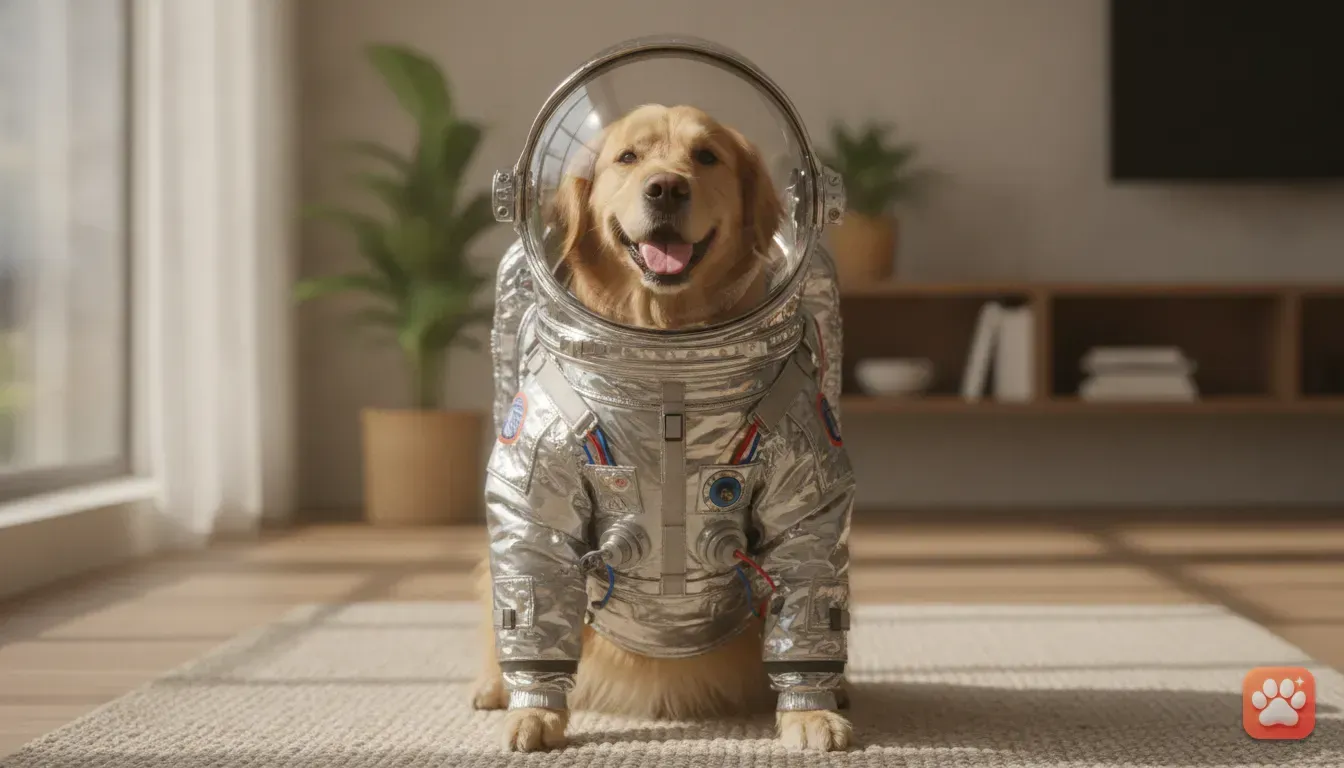
Using an AI pet portrait app lets you skip the stress completely. You just take a happy photo of your dog or cat sitting in natural light. Then you let the app digitally place them in a detailed studio setting.
This is exactly why we built Furstume AI. We wanted to see our own pets in fun outfits without annoying them. The app takes your pet's real photo and creates an entirely new studio portrait.
It keeps their exact fur colour, pattern, and facial markings. Your pet still looks exactly like your pet, just wearing a tiny crown or a fluffy Santa suit. You get the studio lighting and textures without the hassle.
Your first portrait is free. You can earn more credits just by checking in daily.
How to take the best base photo using just your phone
Even when using an app, the final result depends heavily on the photo you start with. An AI photo editor needs clear details to work properly. Here's how to capture a great base picture at home.
- Find natural window light. Turn off your warm indoor lamps and move your pet near a large window during the day. Natural light gives the camera the detail it needs to capture fur texture and eye colour accurately.
- Get down on their level. Don't stand up and point your phone down at your dog. Sit or lie on the floor so the camera is at their eye level to create a professional angle.
- Make sure their face is fully visible. We need a clear view of their eyes, nose, and ears. If they have floppy ears, make sure they aren't cut off at the edge of the frame.
- Use a high-value bribe. Hold a piece of cheese or a squeaky toy right next to your phone lens. We've found this gets them to look directly at the camera with an alert expression.
- Keep the background simple. A blank wall or an empty floor makes it easier for the app to focus purely on your pet's face and markings.
Top pet costume ideas you can create instantly
Once you have a great base photo, you can experiment with different looks. Here are some popular themes you can create depending on the season or your pet's personality.
Christmas and Halloween ideas for dogs
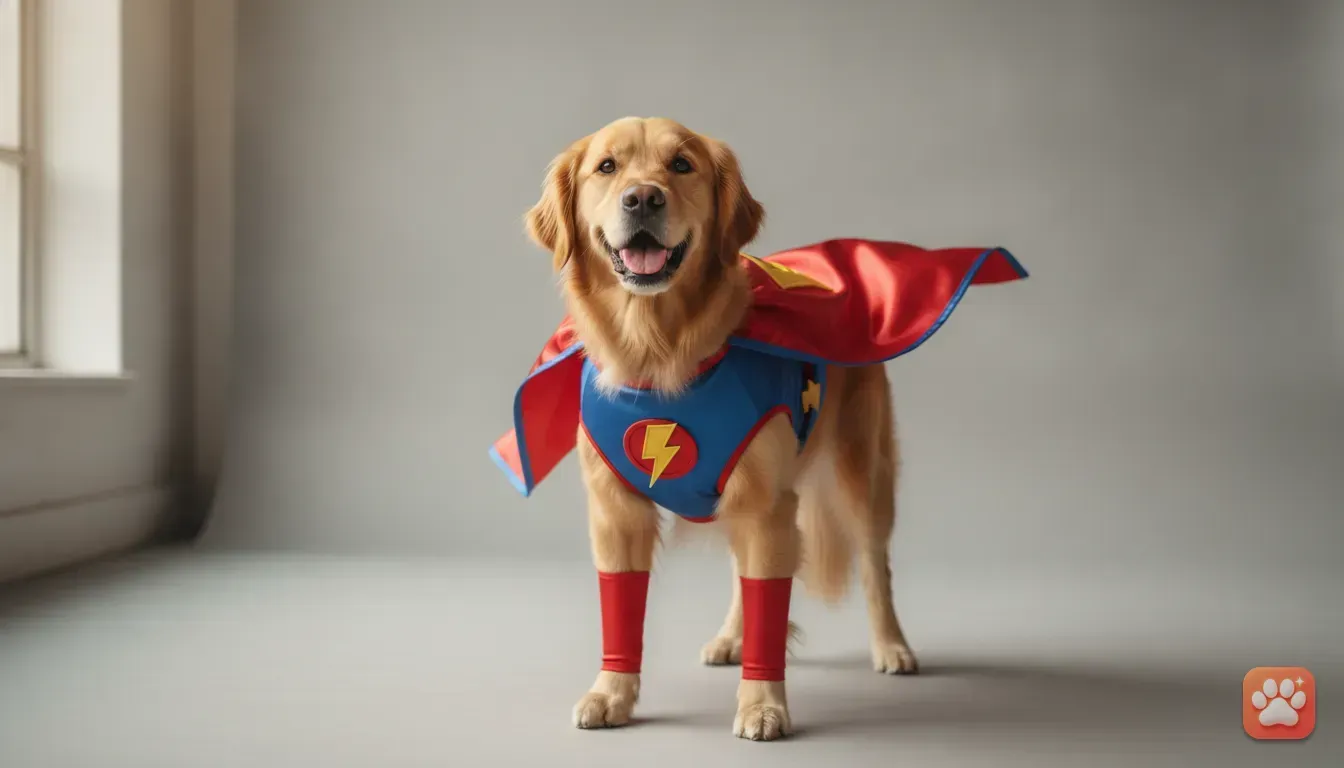
When October rolls around, finding pet halloween costume ideas for dogs who hate clothes is a headache. Going digital solves this instantly. You can turn your dog into a superhero without them ever knowing.
Later in the year, a Santa costume for a dog photo is a classic holiday choice. Instead of buying a red suit they'll wear once, try a digital Santa Paws outfit. The app adds plush red velvet, white trim, and a perfect little hat.
These make fantastic custom Christmas cards to send to your family. They always get a good laugh.
Royal and funny outfits for cats
Cats often have a natural attitude that fits perfectly with royal costumes. If you want cute cat photo ideas for Instagram, try putting them in King or Queen outfits.
Seeing your grumpy Persian cat dressed in a jewelled crown and a heavy velvet cape is hilarious. A tiny Chef outfit also works brilliantly if your cat always begs for food in the kitchen.
If you need more inspiration for these quirky looks, check out our guide on funny pet photo ideas to see how to turn your pet into a wizard.
Custom pet portrait gift ideas
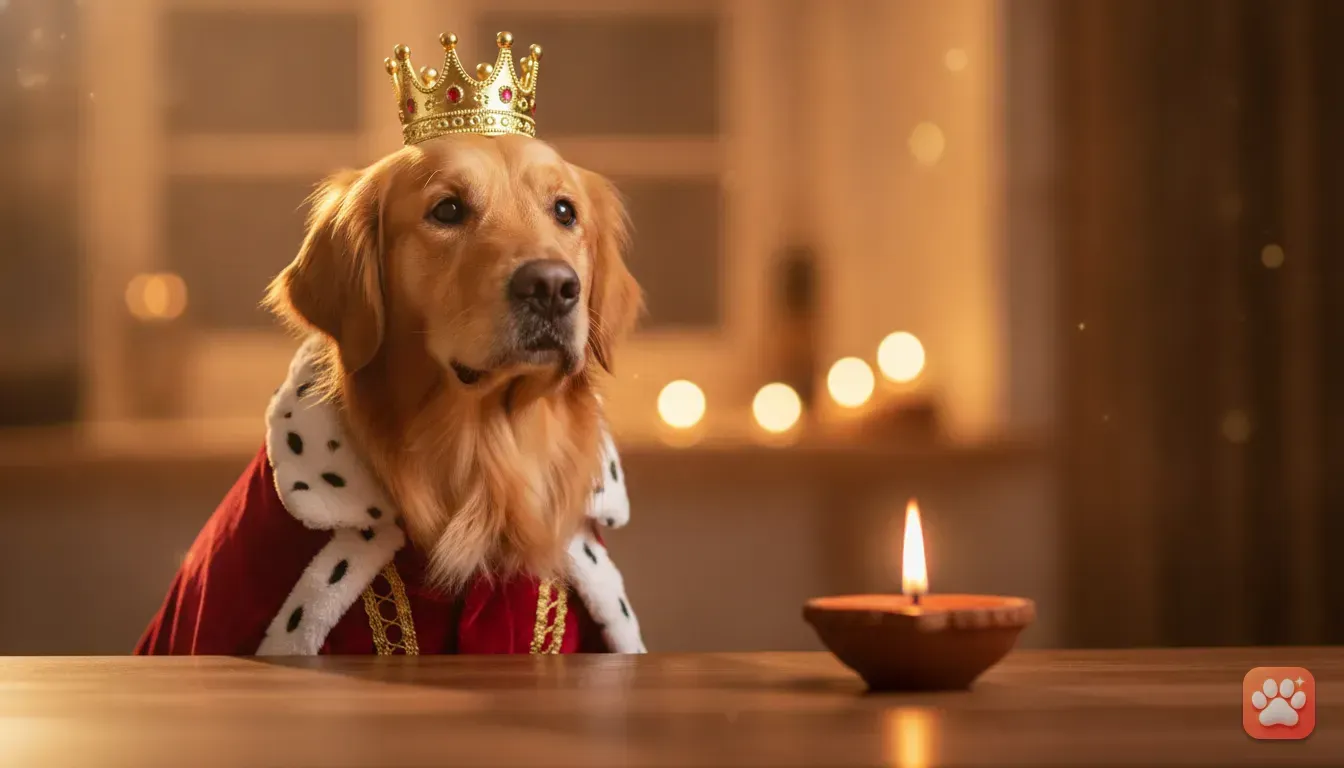
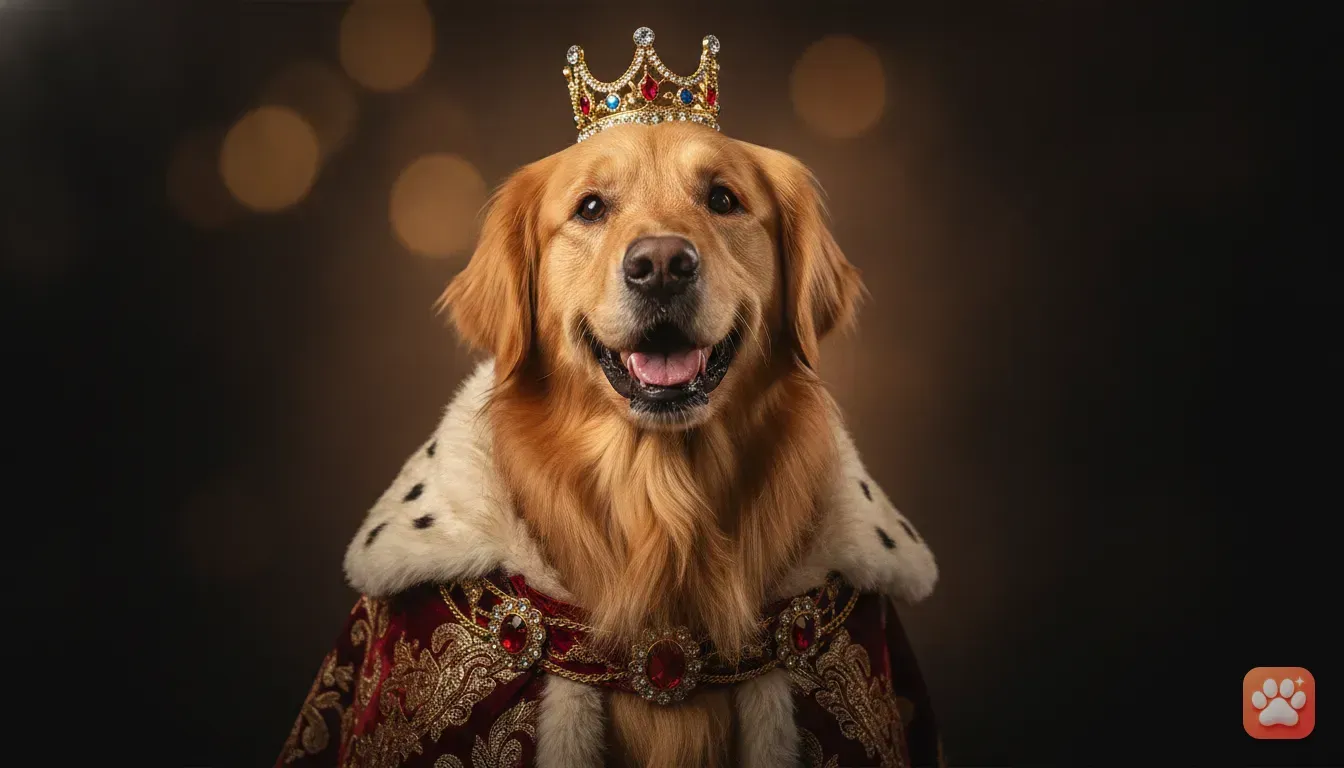
A high-quality pet portrait makes a wonderful present. If you're looking for unique pet portrait gift ideas, you can generate a digital picture of a friend's dog dressed as a royal monarch.
You can save the high-resolution file and print it on a canvas, mug, or phone case. Because the app creates studio-quality lighting, the final print looks like an expensive commissioned painting rather than a quick snap.
Why this works perfectly for fluffy or small pets
If you have a fluffy breed like a Husky or a Persian cat, putting physical clothes on them is a nightmare. Their thick coats make clothes fit awkwardly, and they overheat easily.
A digital photo bypasses this issue entirely. The app understands how to blend natural thick fur with the collar of a digital costume. It looks completely realistic rather than squashed.
This method is also brilliant for smaller animals. Finding physical costumes for rabbits or hamsters is nearly impossible.
Dressing them up can actually be quite dangerous because they stress easily. By using a photo instead, you can safely turn your hamster into a tiny king or your rabbit into a chef. They won't feel a thing.
Mistakes to avoid when using an AI pet portrait app
While the process is easy, a few common mistakes can make the final photo look a bit strange. Keep these tips in mind to get the best possible result.
- Don't use photos with heavy shadows. If half of your dog's face is dark, the app might misinterpret their fur pattern. Always aim for even lighting across the whole face.
- Avoid blurry action shots. If your cat was running when you took the picture, the facial details vanish. Pick a shot where they're sitting completely still.
- Make sure nothing is blocking their face. If there's a toy in their mouth or your hand on their chin, the app struggles to recreate their snout accurately. Give the camera a clean, unobstructed view.
- Stick to one pet per photo for the base upload. You can add multiple pets to your Furstume AI profile and switch between them. However, the reference photo you upload should just feature one animal clearly.
Your next step for a perfect pet photo
You don't need an expensive camera, a rented studio, or a wardrobe full of scratchy pet clothes. With just a few minutes and a good everyday picture of your pet, you can create dozens of looks.
Your pet stays happy on the sofa, and you get exactly the photo you wanted. Grab your phone and find a clear picture of your pet sitting in good lighting. Try making your first free portrait today.
Pick an outfit that matches their personality. Try a royal king or a messy chef. You'll love seeing the final result.
Frequently asked questions
Can I use this for my rabbit or hamster?
Yes, you can use the app for dogs, cats, rabbits, and hamsters. As long as you have a clear photo of their face, it will work perfectly.
Do I need a professional camera for the base photo?
Not at all. Your standard smartphone camera is completely fine. Just ensure you take the picture in good natural lighting and keep your pet's face in focus.
How do I get more credits in the Furstume app?
Your first portrait is free. After that, you can earn more credits simply by using the daily check-in feature or watching short ads.
Will the portrait look exactly like my pet?
Yes. The AI is designed to keep your pet's real fur colour, pattern, and specific facial markings, so it looks like them and not just a lookalike.
Try it yourself
Furstume AI
Turn your pet into Santa, a King, a Chef and 100+ costume portraits.