How to Use a Pet Photo Editor App to Turn Your Dog Into a Superhero
Learn how to create fun, stress-free superhero portraits of your dog using a pet photo editor app without making them wear real costumes.
 DevForge Studio
6 min read
We've all tried dressing up our pets for a fun photo. You buy a tiny superhero cape, hold up a treat, and pray your dog sits still. Two seconds later, the cape is on the floor, your dog is chewing it, and the picture is a blurry mess.
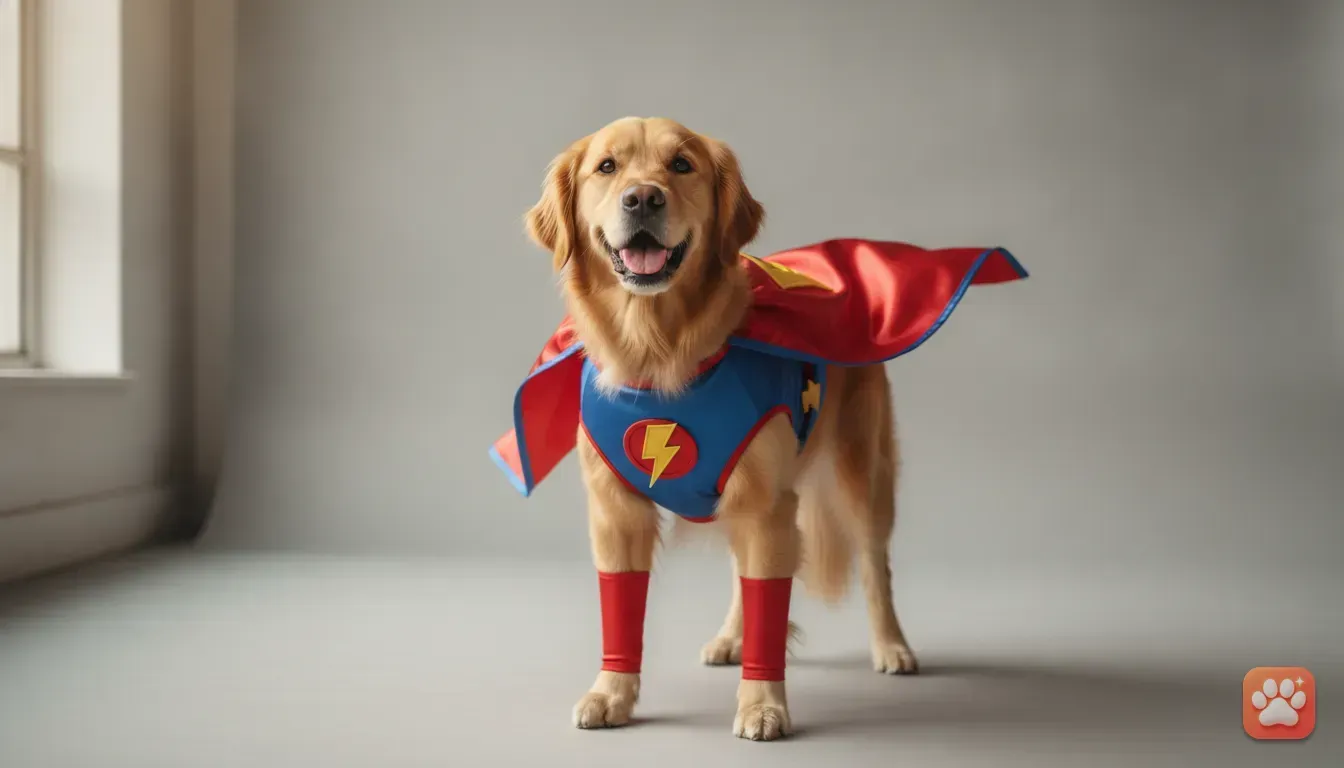
To see your furry friend looking brave without the stress, learning how to use a pet photo editor app to turn your dog into a superhero is the best solution. A good AI app takes a normal gallery photo and completely transforms it. You get professional studio lighting, a perfectly fitted costume, and a dramatic background while your pet stays completely comfortable.
Let's look at the exact steps needed to create these portraits. We'll cover how to capture the right base photo and choose the best settings. You'll also learn how to make sure the final result looks exactly like your real pet.
Why digital costumes beat real clothes for pets
Putting real clothes on dogs is often uncomfortable for them and frustrating for you. Most dogs aren't used to fabric tied around their legs, so they freeze up or shake it off. A stressed dog doesn't make a cute photo.
A digital app changes the whole process. It's completely stress-free for the animal. You only need one clear photo of them sitting naturally.
They don't even need to know a photoshoot is happening. You can snap a quick picture while they relax on their bed.
The visual quality is also much higher. Cheap physical costumes often look flimsy in photos, but a good AI generator adds rich textures. A digital superhero cape actually looks like shiny, high-quality fabric.
The app adds dramatic lighting and shadows to match the scene. The final image looks like you hired a professional photographer for a luxury studio session.
Step 1: Capture the perfect base photo
The secret to an amazing AI portrait is starting with a great original photo. The app needs to see your dog clearly to recreate their unique features. Here is how to get the best shot.
Get down to their eye level
Don't stand above your dog and point your phone down. This distorts their proportions and makes their head look massive. Instead, kneel on the floor so your camera is exactly at their eye level for a professional-looking portrait.
Find soft, natural light
Lighting makes or breaks the image. Turn off harsh indoor ceiling lights, as these cast weird yellow shadows. Bring your dog near a large window during the daytime instead.
Face them toward the light so their face is evenly illuminated. If you're outside, an overcast day provides beautiful, soft light. This prevents heavy shadows across their fur.
Get their attention for eye contact
A superhero portrait looks best when your dog stares directly into the camera. Hold a small treat or squeaky toy right next to your phone lens.
Wait for them to perk their ears up and look at the toy. Then, take a few quick photos. You want their expression to look alert and focused.
Step 2: Avoid these common photo mistakes
Before you upload your photo to the app, check it for a few common issues. These small mistakes can confuse the AI and ruin the final portrait.
- Blurry motion: Ensure the photo is crisp. If your dog moves their head right as you take the picture, the app struggles to map their face.
- Obstructions: Keep objects away from their face. Don't use a photo where they have a toy in their mouth or your hand is holding their chin. The app needs a clear view of their snout and ears.
- Extreme shadows: If half of your dog's face is pitch black, the AI might misinterpret their fur colour. Even lighting is always best.
- Heavy filters: Don't use Instagram filters on the base photo. Upload a natural, unedited image so the app accurately detects their real fur colours.
Step 3: Turn your dog into a superhero using Furstume AI
Once you have a clear photo, it's time to use an app designed specifically for pets. We built Furstume AI to solve a big problem with normal photo editors. They often make your dog look like a generic breed lookalike.
Maybe you have a spotted Indie dog or a Persian cat with unique eye colours. Furstume AI keeps those exact details intact. Your superhero portrait will actually look like your pet.
Here is how to create the portrait:
- Open the app and add your pet: Upload the clear photo you just took. You can add multiple pets to your profile and switch between them with one tap.
- Browse the costume library: Scroll through the 100+ available styles. You'll find the Superhero costume right there.
- Generate the portrait: Tap the Superhero theme. The app applies studio lighting, a heroic background, and a detailed outfit. It keeps your pet's actual face and fur patterns perfectly accurate.
- Save and share: Once the image is ready, save it in full quality directly to your phone. The first portrait is completely free. You can earn more credits simply by using the daily check-in feature.
The app prioritises privacy. Your pet photos are only used to create your portraits. You can delete your data at any time.
Step 4: Try other fun characters and themes
Once you create a superhero portrait, you'll probably want to experiment with other looks. Seasonal and themed photos are incredibly popular on social media.
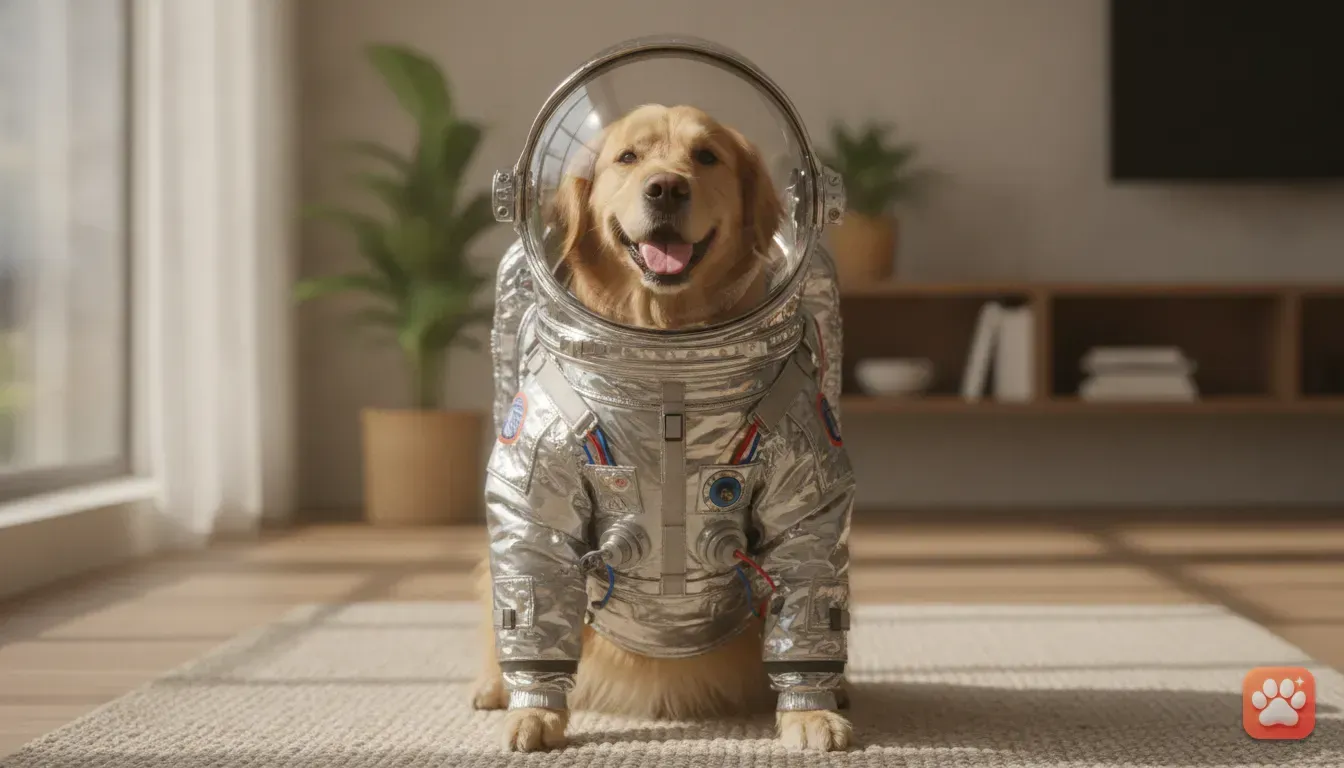
Need more inspiration? Check out our guide on funny pet photo ideas to turn your dog into a wizard or astronaut. The process is exactly the same, but the results give off a completely different mood.
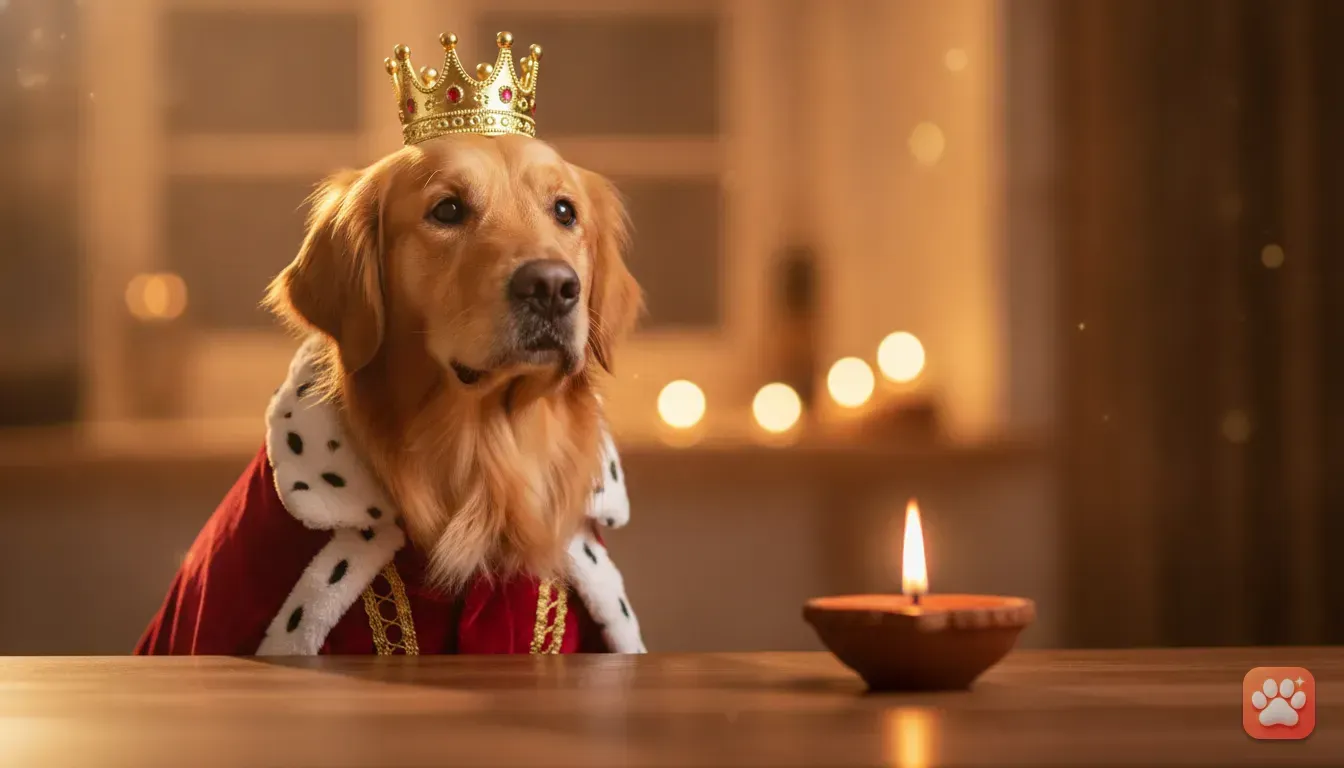
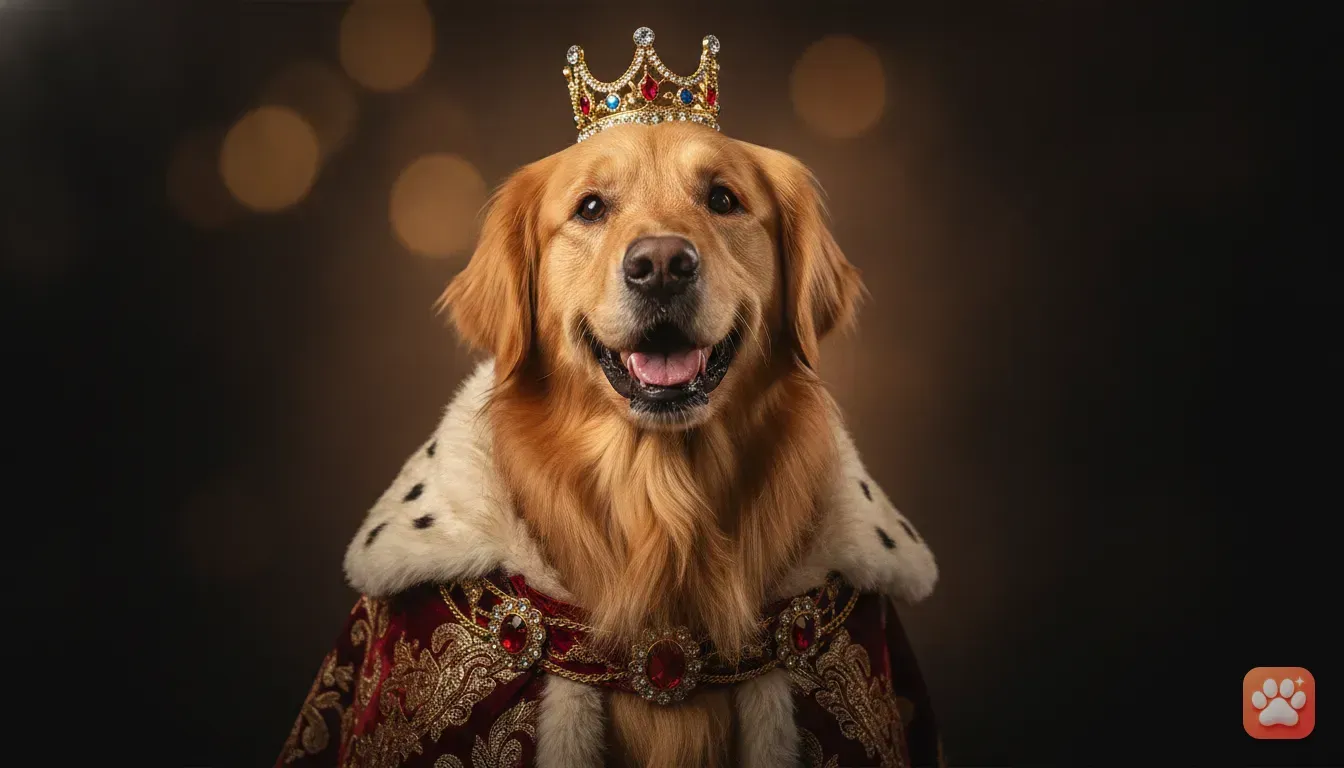
You can also create festive photos without buying tiny seasonal outfits. Themes like Santa Paws for Christmas or a King costume for birthdays are perfect for special occasions.
To learn more about getting these high-end results, read our tips on getting a studio-quality pet costume photo at home.
Creative ways to use your new pet portraits
Now you have these high-quality images of your dog dressed as a superhero. Don't just leave them sitting in your phone gallery. There are many fun ways to use them.
Upgrade your social media
These portraits make perfect Instagram posts. A picture of your dog wearing a cape with a stormy background is highly shareable. It's guaranteed to get a reaction from your friends.
You can also use them as covers for Instagram reels. Setting them as your WhatsApp status is another easy way to make your contacts smile.
Create custom pet gifts
The AI generates high-resolution images, so they look amazing when printed. Print your favourite superhero portrait on a coffee mug, phone case, or canvas. They also make brilliant personalised birthday or Diwali cards for your family.
Design a custom phone wallpaper
Crop the portrait to fit your phone screen. Every time you unlock your phone, you'll see your dog looking brave. They'll always be ready to save the world.
Your next practical step
Creating professional-looking photos of your pet has never been easier. You no longer need to buy expensive, uncomfortable costumes. There's no need to struggle to keep your dog still for a camera.
Your next step is simple. Grab your phone, find a bright window, and take a clear, eye-level photo of your dog.
Then, download the Furstume app, upload the photo, and use your free credit to generate your first superhero portrait. You'll be amazed at how accurately the digital result captures your pet's real personality.
Frequently asked questions
Can I use photos of my cat or rabbit to create a superhero portrait?
Yes, a good pet photo editor app works with different animals. You can easily turn photos of cats, rabbits, and hamsters into fun superhero portraits.
Will the final AI portrait actually look like my specific dog?
Yes, apps designed specifically for pets will maintain your dog's unique fur colour, patterns, and facial structure so they do not look like a generic breed.
Do I need to buy credits to try the pet portrait app?
No, you get your first portrait for free when you sign up. You can also earn extra credits by checking in daily or watching short ads.
What kind of base photo works best for AI pet portraits?
A clear, well-lit photo taken at your pet's eye level works best. Make sure their face is fully visible with no toys or hands blocking their features.
Try it yourself
Furstume AI
Turn your pet into Santa, a King, a Chef and 100+ costume portraits.