Creative Diwali Greeting Card Ideas Using an AI Pet Portrait App
Stand out in the family WhatsApp group this Diwali with a custom greeting card starring your pet. Learn how to create stunning, funny, and festive pet portraits in minutes without a stressful photoshoot.
 DevForge Studio
7 min read
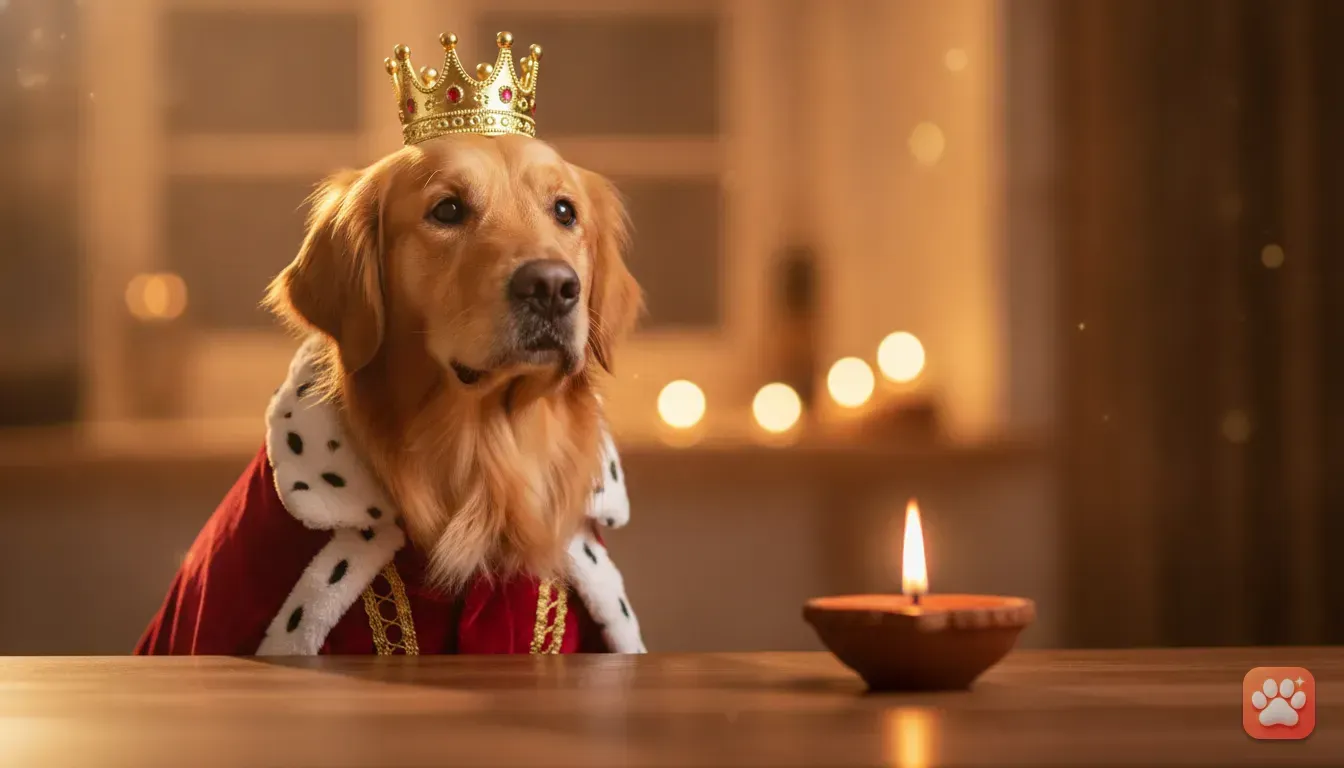
Every Diwali, WhatsApp and Instagram clog up with the exact same forwarded cards. You know the ones: generic diyas, copied text, and heavy glitter. This year, you can put your own dog, cat, rabbit, or hamster on your festival greetings instead.
Getting a real pet to sit still for a festive photo is incredibly frustrating. Dogs get distracted, and placing them near lit diyas isn't safe, so skip the stress entirely. We'll walk you through Creative Diwali greeting card ideas using an AI pet portrait app, helping you design studio-quality greetings while your animal sleeps on the sofa.
Why use an AI pet portrait app for festival cards?
Diwali is loud and bright. Between firecrackers and constant guests, pets often feel anxious. Forcing them into tiny, itchy clothes for a flash photo just makes things worse.
Most pets genuinely hate clothes. They'll scratch the fabric, roll around, and pull off whatever hat you use. Getting a sharp, well-lit photo before they bolt is nearly impossible.
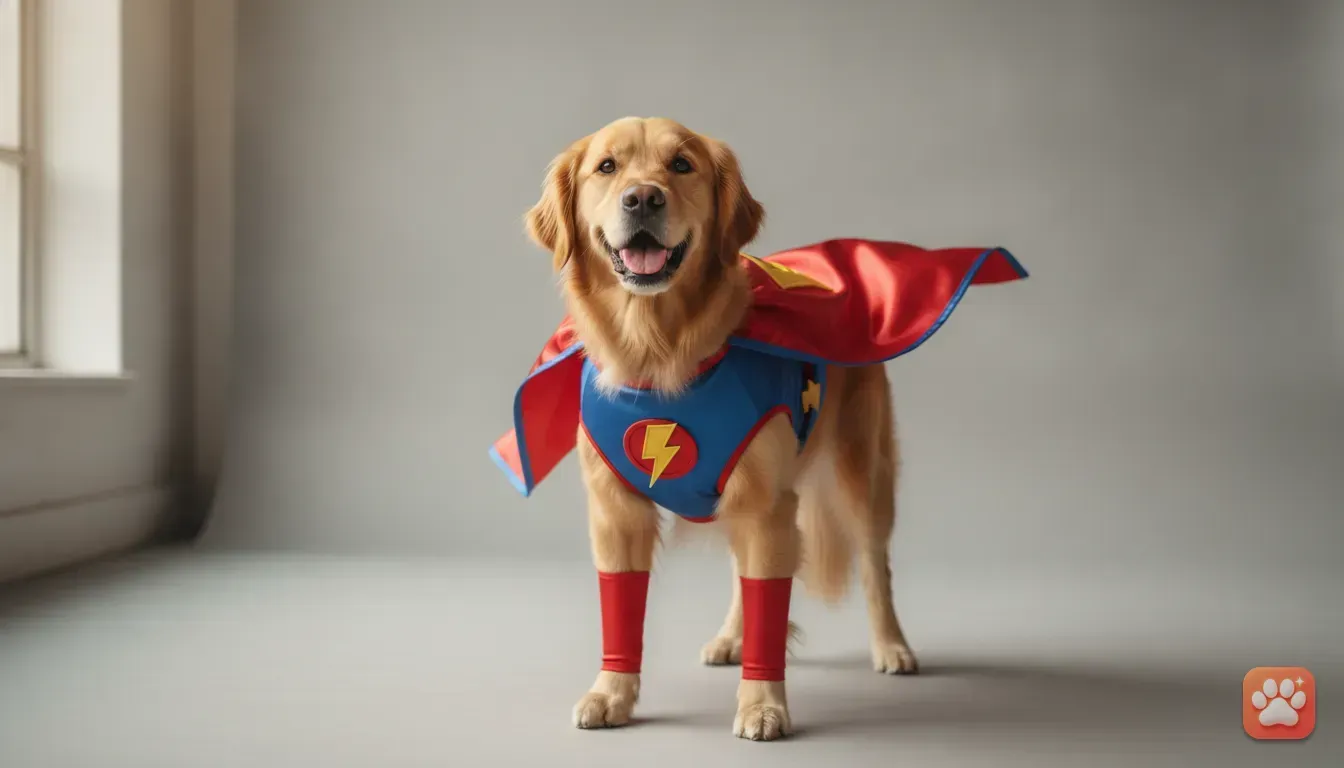
An app fixes this because you only need one clear photo of your pet's face. The software handles the rest, placing them in elaborate outfits with professional lighting for a hilarious pet portrait gift idea or greeting card. If you have a stubborn feline, check our guide on stress-free cat costume ideas using a pet photo editor app for tips on avoiding dress-up drama.
5 creative Diwali greeting card ideas featuring your pet
You don't need a traditional outfit to make a brilliant festival card. Fun, character-based costumes paired with clever messages make people smile. Here are five ideas you can try today.
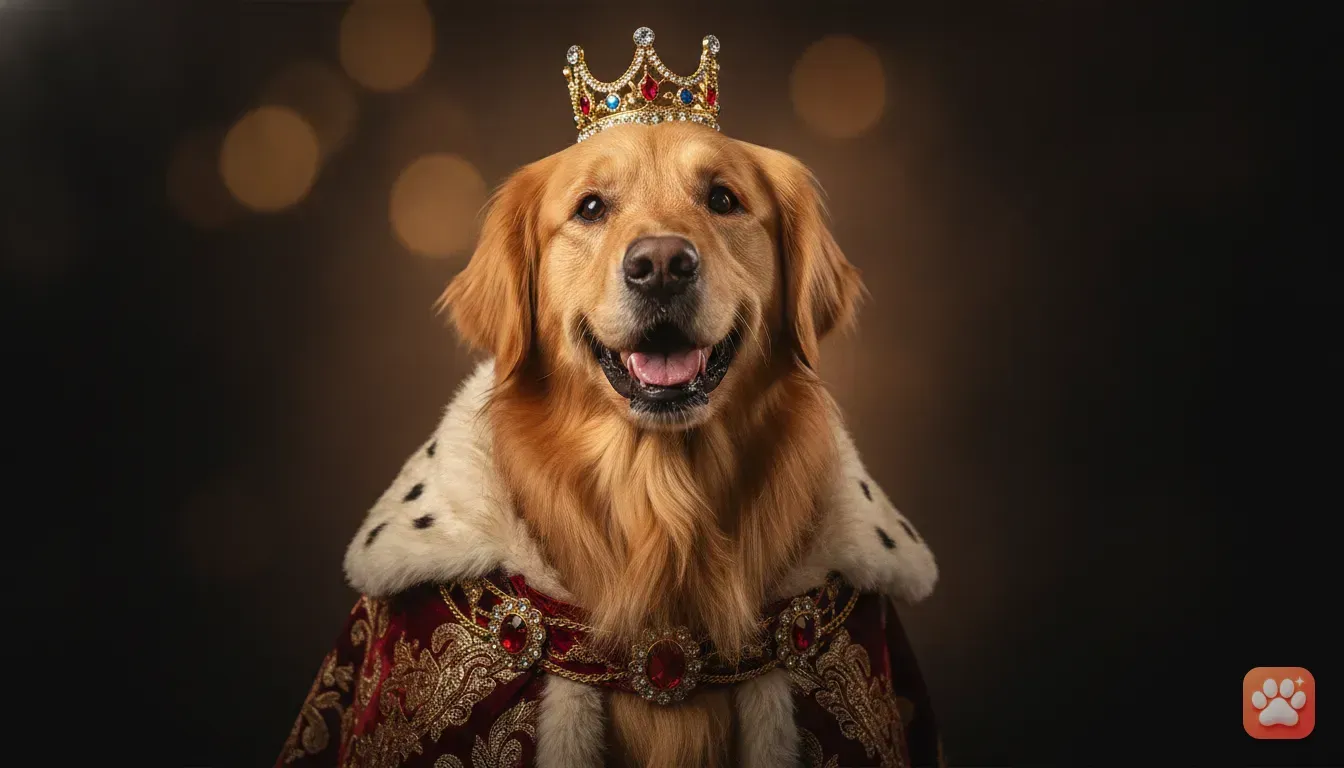
1. The Royal Maharaja
Turn your pet into a King or Queen. This works brilliantly for a formal greeting. Picture your Golden Retriever or Persian cat in a crown and heavy velvet robes.
- Card text idea: "Wishing you a royal, prosperous, and bright Diwali, from the true ruler of our house."
- Best for: Dogs and cats with a serious, grumpy, or dignified face.
2. The Festive Sweets Maker
Diwali is all about food. Put your pet in a Chef costume. They'll look busy in the kitchen preparing laddoos, kaju katli, and jalebis.
- Card text idea: "Cooking up some love, light, and a lot of treats this Diwali! Have a sweet one."
- Best for: Highly food-motivated pets like Beagles, Labradors, or chubby cats.
3. The Magical Light
Because Diwali is the festival of lights, a Wizard costume fits perfectly. Magical glowing props and starry robes give a bright, positive energy to the card. It's a great match.
- Card text idea: "Sending you magical vibes and a brilliantly glowing Diwali."
- Best for: Fluffy cats, small fluffy dogs, or rabbits.
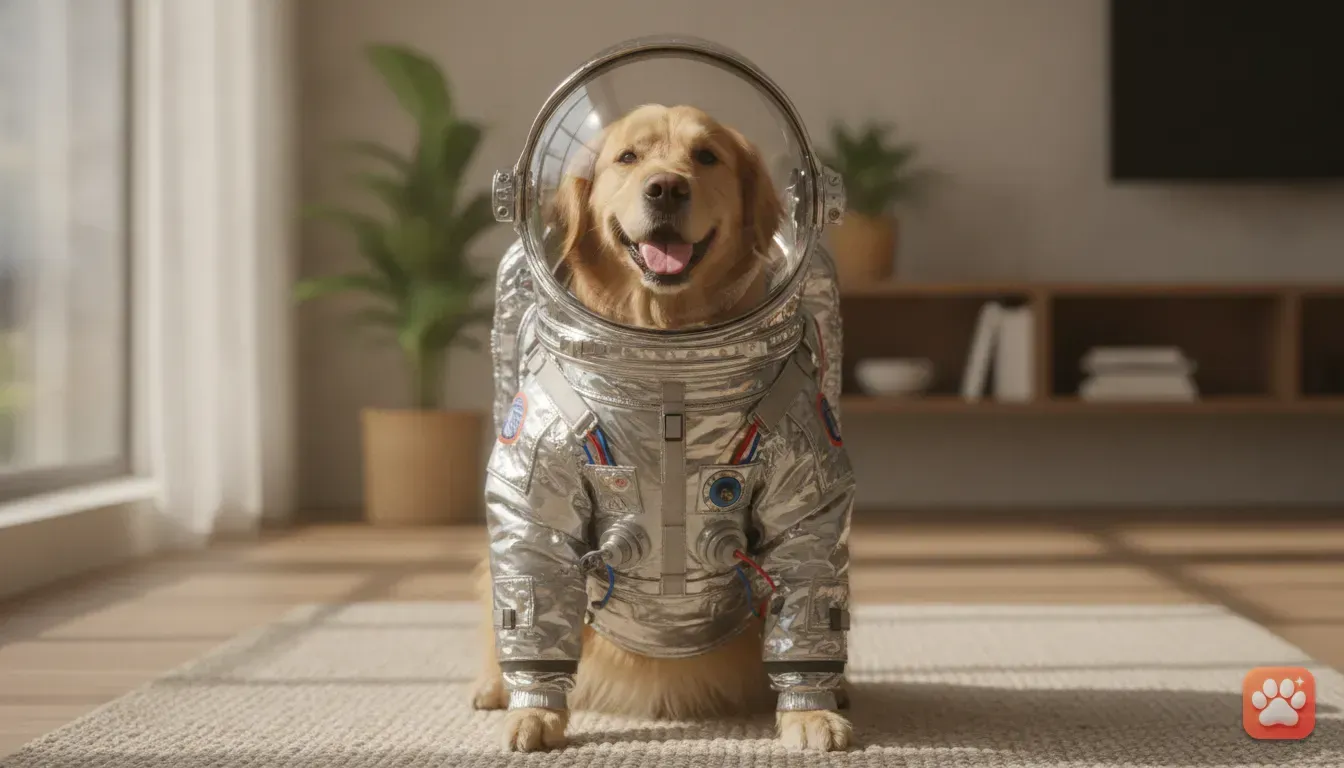
4. The Astronaut of the Night Sky
Instead of firecrackers, focus on the night sky. An Astronaut costume puts your pet among the stars. It ties in beautifully with the theme of light conquering darkness.
- Card text idea: "Shooting for the stars this Diwali! Wishing you a festival that is out of this world."
- Best for: Energetic dogs like Huskies or Terriers.
5. The Comic Relief
If you want to send funny pet photo ideas to close friends, try a Taco costume. It's completely unexpected for an Indian festival. That's exactly why it gets loud laughs in the group chat.
- Card text idea: "May your Diwali be as stuffed with joy and good food as I am right now."
- Best for: Pugs, hamsters, and pets with goofy smiles.
How to create your pet's portrait with Furstume AI
We built Furstume AI to make these ideas a reality. We wanted an app that actually keeps your pet's real fur colour, pattern, and markings instead of pasting a generic face onto a body. It analyzes your pet so the result looks exactly like them.
Here is how you'll get your Diwali card ready:
- Download the app: It's on your phone, and your first portrait is free. You earn more credits just through daily check-ins.
- Add your pet: Upload a clear photo of your dog, cat, rabbit, or hamster. You can add multiple animals to your profile and switch between them with one tap.
- Choose a costume: Browse the 100+ costumes available. Pick the King, Chef, Wizard, or any outfit that fits your theme.
- Generate the portrait: The app uses studio-quality lighting to generate a professional pet costume photo. It only takes a few minutes.
- Save the image: Download the full-quality photo directly to your gallery. We take privacy seriously, so your photos are only used for these portraits, and you can delete your data anytime.
Tips for taking the best base photo of your pet
The AI needs a good starting photo. If you feed it a dark or messy picture, the final result won't look right, which we see happen a lot. Follow these rules, or read our full guide on how to get a studio-quality pet costume photo at home without a photoshoot.
- Get down to their eye level: Don't stand above your dog pointing the camera down. Kneel on the floor so your phone aligns with their nose and eyes.
- Find good lighting: Natural daylight from a large window works best. Turn off harsh yellow ceiling lights and let soft daylight hit your pet's face evenly.
- Look for clear markings: Ensure their unique spots, fur patterns, and eye colour are clearly visible. If your cat has a white patch over its left eye, capture it clearly.
- Keep the face clear: Don't use photos where your pet is holding a large toy. Avoid shots where they hide behind blankets or are covered in mud.
- Use treats for attention: Hold a small piece of chicken right next to your phone lens. This practically guarantees they'll look directly at the camera with wide eyes.
How to turn your AI portrait into a digital greeting card
Once you save the photo, it's time to make the card. You don't need a designer or complicated desktop software.
Using Instagram or WhatsApp
The fastest way to share is through stories. Open a new Instagram Story or WhatsApp status update and upload your portrait. Use the text tool to type your greeting directly over the image.
You can use the sticker menu to add digital diyas, sparkles, or small firecracker animations around the edges. Once it looks good, hit send.
Using a free design app
If you want to print the card or send a high-quality file to family, use a free design app like Canva. Open the app and search for "Diwali card template". Pick a design you like, delete the default photo, and upload your pet's portrait instead.
Try to match the festive mood when picking text colours. Gold, deep red, bright orange, and royal blue always look great. They usually complement the digital outfits perfectly.
Common mistakes to avoid when making pet greeting cards
Creating a custom digital card is fun, but simple errors ruin the final look. We see people make these mistakes all the time. Watch out for these issues before you hit send on Diwali morning.
- Using blurry base photos: If your starting photo is out of focus, the AI can't see specific details. Always check that the eyes and nose are perfectly sharp before uploading.
- Writing too much text: Keep your greeting short and punchy. A massive paragraph just hides your cute pet portrait, so let the photo be the main focus.
- Choosing busy backgrounds: If you use a Canva template, pick a simple, solid colour background. A messy background mixed with a highly detailed costume looks cluttered.
- Forgetting your audience: A formal card might be best for older relatives or colleagues. A funny pet photo idea like a Taco costume is perfect for close friends, and you can easily make two different versions.
Send a card they will actually remember
People receive hundreds of repetitive messages during the festivals. A custom card featuring your pet is a thoughtful way to make friends smile. It costs nothing to start, and it saves your pet from real-life photoshoot stress.
Grab your phone. Find a well-lit photo of your dog or cat, and open Furstume AI to claim your free credit. You'll create a hilarious Diwali greeting today that everyone will actually want to save to their camera roll.
Frequently asked questions
Can I use an AI pet portrait app for cats and rabbits?
Yes, Furstume AI works perfectly for dogs, cats, rabbits, and hamsters. The AI is trained to recognise and adapt costumes to different types of animal faces and body shapes.
Do I need professional photos to use the AI app?
No, you do not need professional equipment. A clear, well-lit smartphone photo of your pet's face looking at the camera is all you need for the AI to generate a studio-quality result.
Are AI pet portraits safe for my privacy?
Yes, apps like Furstume AI use a privacy-first approach. Your photos are only used to generate your requested portraits, and you can delete your data from the app at any time.
How do I turn my pet portrait into a greeting card?
You can use free mobile apps like Canva to add festive text, borders, and stickers to your pet portrait. Alternatively, you can upload the image directly to Instagram Stories or WhatsApp Status and use the built-in text tools to write your message.
Can I put multiple pets on one Diwali greeting card?
Furstume AI allows you to add multiple pets to your profile and generate individual portraits for each. You can then use a photo collage app to place your different pets side-by-side on one greeting card.
Try it yourself
Furstume AI
Turn your pet into Santa, a King, a Chef and 100+ costume portraits.