How to See Clothes on Yourself Online to Avoid Shopping Returns
Stop guessing your style. Learn how to preview any outfit on yourself using a virtual try-on app before you hit the buy button.
 DevForge Studio
6 min read
You order a gorgeous dress on Myntra or Ajio, wait eagerly for the delivery, and then realize it looks completely different on you. We've all been there. Returning clothes is a massive headache.
You have to tape the bag back up, wait for the pickup guy, and track your refund for days. But you can stop guessing. Here is exactly How to See Clothes on Yourself Online to Avoid Myntra and Ajio Shopping Returns.
All you need is a clear photo of yourself and a screenshot from the shopping app. You upload both pictures to a virtual try-on tool, and it blends them together. You'll see exactly how the colour, neckline, and silhouette work with your actual body.
Why We Keep Returning Online Clothing Purchases
When you browse shopping apps on your phone, you're looking at a highly polished fantasy. Store models pose perfectly under bright, professional studio lighting. Their clothes are usually pinned tightly at the back for a flawless fit.
Then the package arrives at your door, and reality sets in. That deep red gown might have orange undertones that clash with your skin. The boat neckline that looked elegant on the model might not suit your shoulders at all.
Most returns happen for three reasons. The colour washes you out, the style doesn't match your everyday vibe, or the fabric drapes poorly on your actual body shape. You can avoid those first two problems entirely by running a quick visual check before buying.
How to See Clothes on Yourself Online Before Buying
Checking an outfit on your own photo takes less than a minute once you know the process. We do this constantly in the studio. Let's break down the exact steps to preview your next purchase so you can shop with confidence.
Step 1: Take a Great Base Photo of Yourself
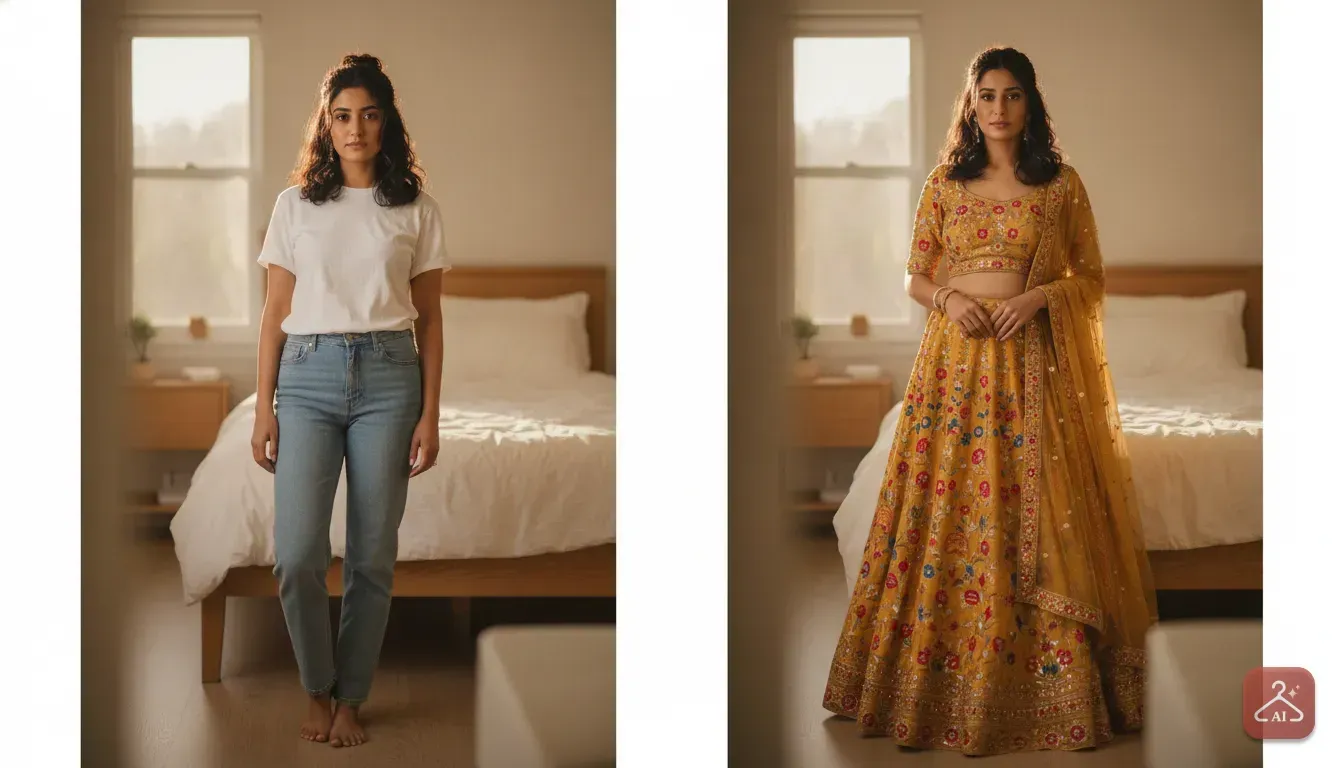
Your try-on result is only as good as the photo you start with. Don't use a heavily filtered selfie or a dark group photo from a restaurant. Stand facing a window during the daytime.
Natural light shows your true skin tone. This is crucial when testing new colours.
Wear fitted, basic clothing like a plain t-shirt and jeans. If you wear a bulky sweater, the try-on tool might struggle to apply a delicate dress over it. Look straight at the camera and keep your arms relaxed by your sides.
Step 2: Save a Clean Image of the Outfit
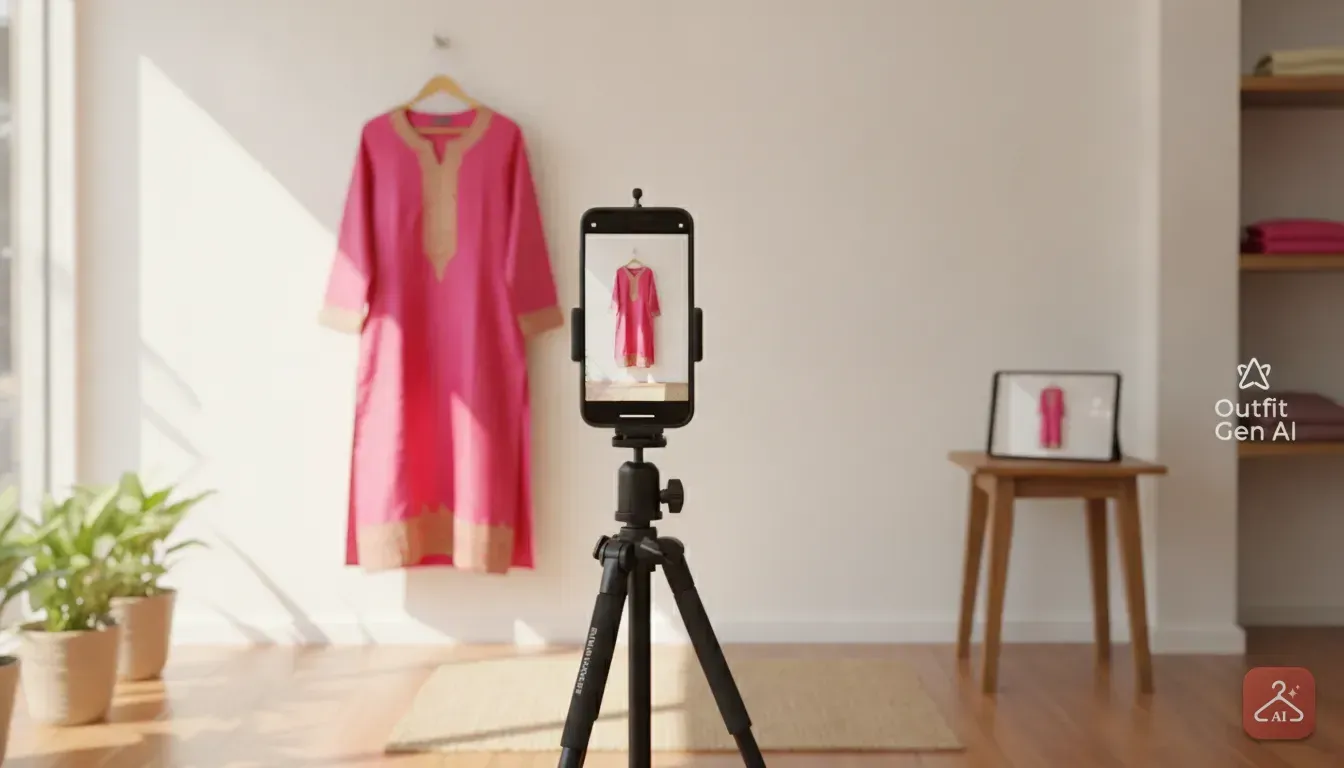
Open your shopping app and find the item you want. Look for a product gallery photo where the model is standing straight and facing forward. Take a quick screenshot.
Next, crop out the app interface. You want to remove the price tags, cart buttons, and review stars so only the outfit remains in the frame. If the seller uploaded a cluttered photo, you'll need to clean it up.
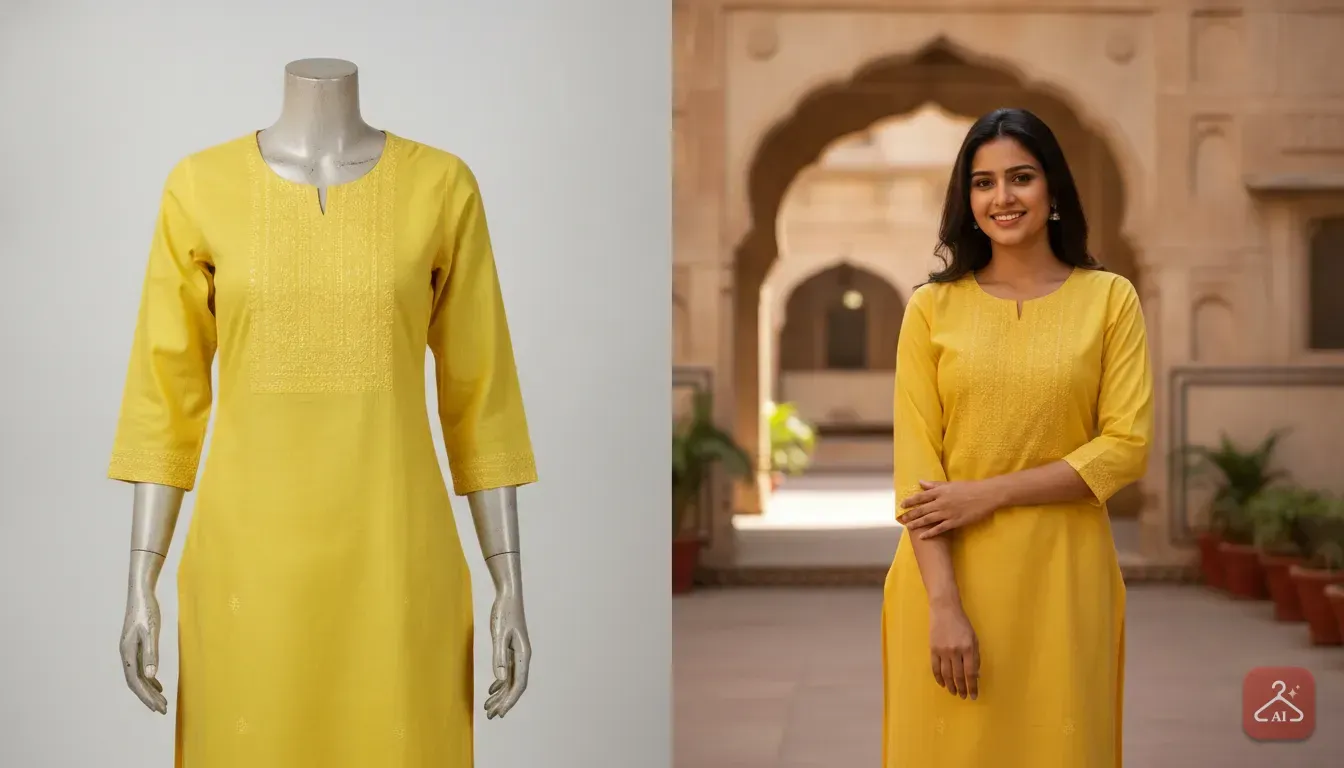
Our app Outfit Gen AI has a feature called Extract Outfit. It takes a messy photo of someone wearing a look and strips it down to a clean product image. This makes the try-on step much smoother.
Step 3: Run the Virtual Try-On
Now you're ready to combine the two images. Open Outfit Gen AI on your phone and tap the Outfit Swap feature. Upload your base photo first, followed by the cropped screenshot of the clothes.
The app processes the images and generates a photorealistic preview of you wearing that exact dress. You'll immediately see if the neckline flatters you and if the colour matches your skin. If it looks great, go ahead and buy it.
If you look washed out or uncomfortable, skip the item and keep browsing. Every AI image passes an automatic safety check before it appears on your screen. This keeps the whole experience secure and positive.
What Outfits Work Best for a Virtual Try-On
You can test almost any type of clothing online. But different styles have specific details you should watch out for. We recommend paying close attention to cuts and proportions when reviewing your generated photos.
Heavy Ethnic Wear
Sarees, lehengas, and heavy Anarkalis are expensive purchases. You don't want to buy a heavy wedding guest outfit just to discover the wide borders make you look shorter. When you test a saree digitally, study how the blouse cut and pallu drape sit on your frame.
For lehengas, the silhouette is everything. Check if a flared A-line skirt suits your body better than a fitted mermaid cut.
Everyday Kurtis and Suits
We buy kurtis frequently for office or college wear. The main thing to check here is the print size and the neckline depth. A massive floral print can easily overwhelm a petite frame, while tiny prints might just look busy.
You can read more about finding the perfect daily wear in our guide on everyday kurti styling ideas.
Western and Party Wear
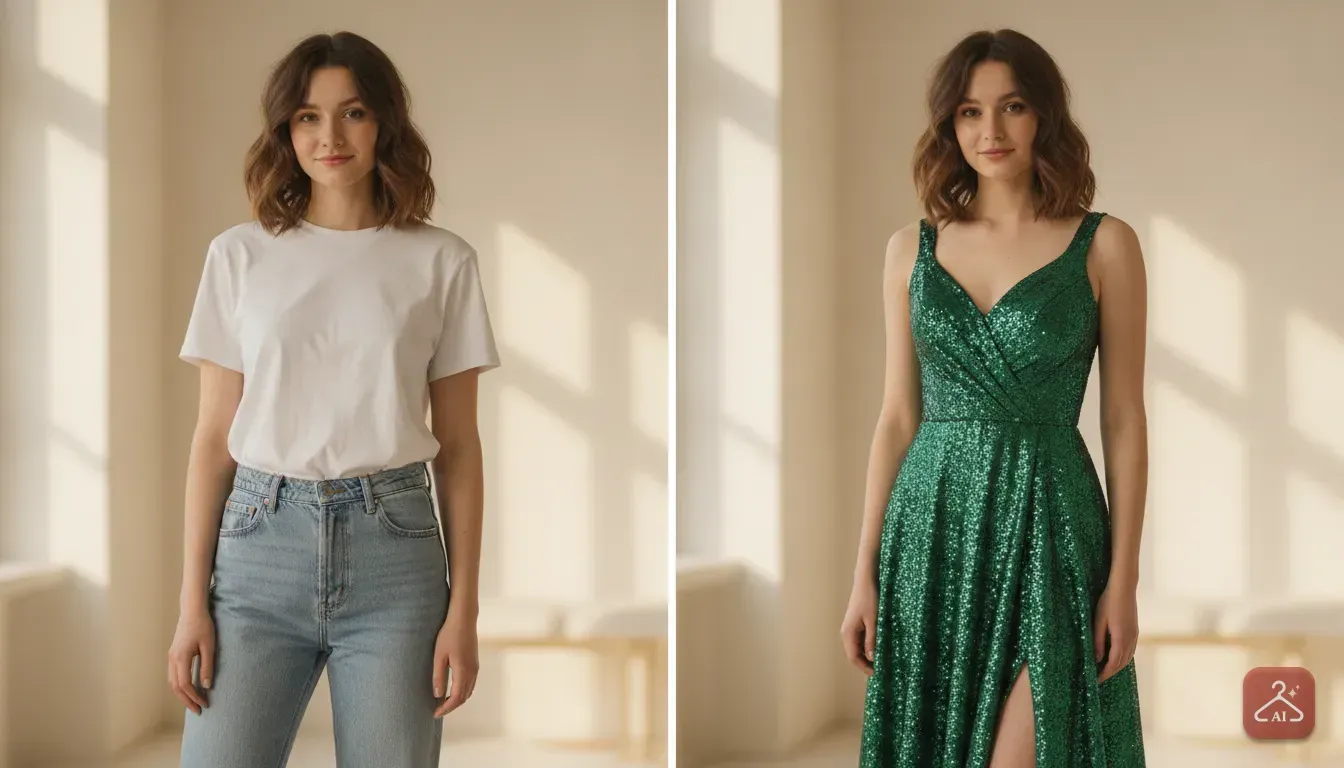
Party wear often involves unconventional cuts like asymmetrical hemlines, off-shoulder sleeves, or deep V-necks. These dramatic styles can be tricky to pull off in real life.
Seeing yourself in a sequin dress or a sharp blazer digitally is incredibly helpful. It helps you decide if you'll actually feel comfortable wearing it to a club or a dinner party.
Tips to Check Colours Against Your Skin Tone
Colour matching is the biggest advantage of trying clothes on digitally. We all have specific warm, cool, or neutral undertones. You might love a pastel pink dress on your screen, but it could make your actual skin look dull.
To check colours accurately, always use a base photo taken in bright daylight. Avoid photos taken under harsh yellow room lights.
When the try-on image generates, look closely at your face. Does the outfit colour make your eyes pop and your skin look healthy? Or does it highlight dark circles and make you look tired?
Jewel tones like emerald green, ruby red, and sapphire blue tend to look stunning on Indian skin tones. Pastel shades like pale yellow or mint green usually require much more careful checking.
How Small Fashion Sellers Can Prevent Returns
If you run an online boutique or Instagram store, you know high return rates eat directly into your profits. When customers can't visualize how your clothes look on a real person, they either hesitate to buy or return the item later.
Most small businesses can't afford expensive studio photoshoots with professional models for every catalogue update. But instead of uploading flat-lay photos on a bed, you can create realistic catalogue shots digitally.
Using the Model Photoshoot feature in Outfit Gen AI, sellers can upload a basic product photo and pick a digital model that matches their target customer. You can then use the AI Edit tool to swap the background to a sunny street or a chic indoor studio.
If your original photo is slightly blurry, a quick tap on the 4K Upscale button turns it into a sharp, high-resolution image. Showing off the actual fabric texture helps your customers make better choices.
To read more about improving your store imagery, check out our guide on how to take product photos for an online clothing store using AI.
Make Your Next Shopping Trip Smarter
Shopping for clothes online should be fun, not stressful. You no longer have to cross your fingers and just hope the item fits your personal style. Taking a few seconds to preview a garment completely changes how you shop.
The next time you find yourself scrolling through Myntra, Ajio, or an Instagram boutique late at night, resist the urge to buy immediately. Save the photos of your top three choices instead.
Take a clear photo of yourself the next morning. Run those three outfits through a virtual try-on and compare them side by side.
You'll instantly know which piece is the winner. Best of all, you'll never have to deal with the hassle of packing up a return box again.
Frequently asked questions
Can I try on clothes online with my own photo?
Yes, you can use virtual try-on apps to see how clothes look on your own body. Just upload a clear, well-lit photo of yourself and a screenshot of the outfit you want to buy.
How do I get clear outfit pictures from shopping apps?
Take a screenshot of the model wearing the outfit from the app's image gallery. Crop out any buttons, text or UI elements so only the clothing remains visible for the best virtual try-on result.
Do virtual try-on apps work for heavy ethnic wear like lehengas?
Absolutely. You can preview sarees, lehengas and heavy kurtis to see how the borders, drapes and colours match your body shape and skin tone.
How can online sellers reduce return rates on clothing?
Sellers can reduce returns by providing clear, high-quality catalogue photos featuring diverse models. Using AI model photoshoot tools helps customers better visualise the fit and drape without expensive studio costs.

Try it yourself
Outfit Gen AI
See yourself in any outfit before you buy it.