How to Use an AI Dress Changer App for Western Party Outfits
Stop guessing if that party dress suits you. Learn how to use an AI dress changer app to test western outfits on your own photo before buying.
 DevForge Studio
7 min read
Buying western party wear online often ends in a return request. You spot a satin slip dress on Instagram that looks fantastic on the model. You buy it, wait for delivery, try it on, and realise the neckline doesn't suit your shoulders at all.
This cycle of buying, trying, and returning is incredibly frustrating. An AI dress changer app solves this problem fast. You just upload a photo of yourself alongside a screenshot of the dress.
The app shows you exactly how you'll look. We use this tech daily, and knowing exactly How to Use an AI Dress Changer App to Plan Your Western Party Outfits will save you hours of guesswork. You can test your entire party wardrobe without spending a single rupee on clothes that don't match your style.
Why visualising party outfits saves you money
Party wear costs more than everyday clothing. A tailored blazer or a heavy cocktail dress demands a big budget. When you shop online, you have to guess how a thigh-high slit will actually look on your legs.
AI tools don't guarantee a perfect physical fit. If a dress runs small in the waist, the app can't tell you that. But they are brilliant for checking overall style, colour, and vibe.
You'll know instantly if a bright red neckline washes you out or makes your skin glow. You'll see if wide-leg trousers suit your proportions better than a mini skirt. Checking the style first stops you from buying clothes that just gather dust in your wardrobe.
Step by step: How to use an AI dress changer app
Testing outfits takes just a few minutes. You can do this with our app, Outfit Gen AI. We built the Outfit Swap feature specifically to let you see clothes on yourself before paying.
1. Find a clear base photo of yourself
The app needs a clear view of your body to work well. Don't use a high-angle selfie or a photo where you are sitting down. Ask a friend to shoot a picture of you standing straight, facing the camera.
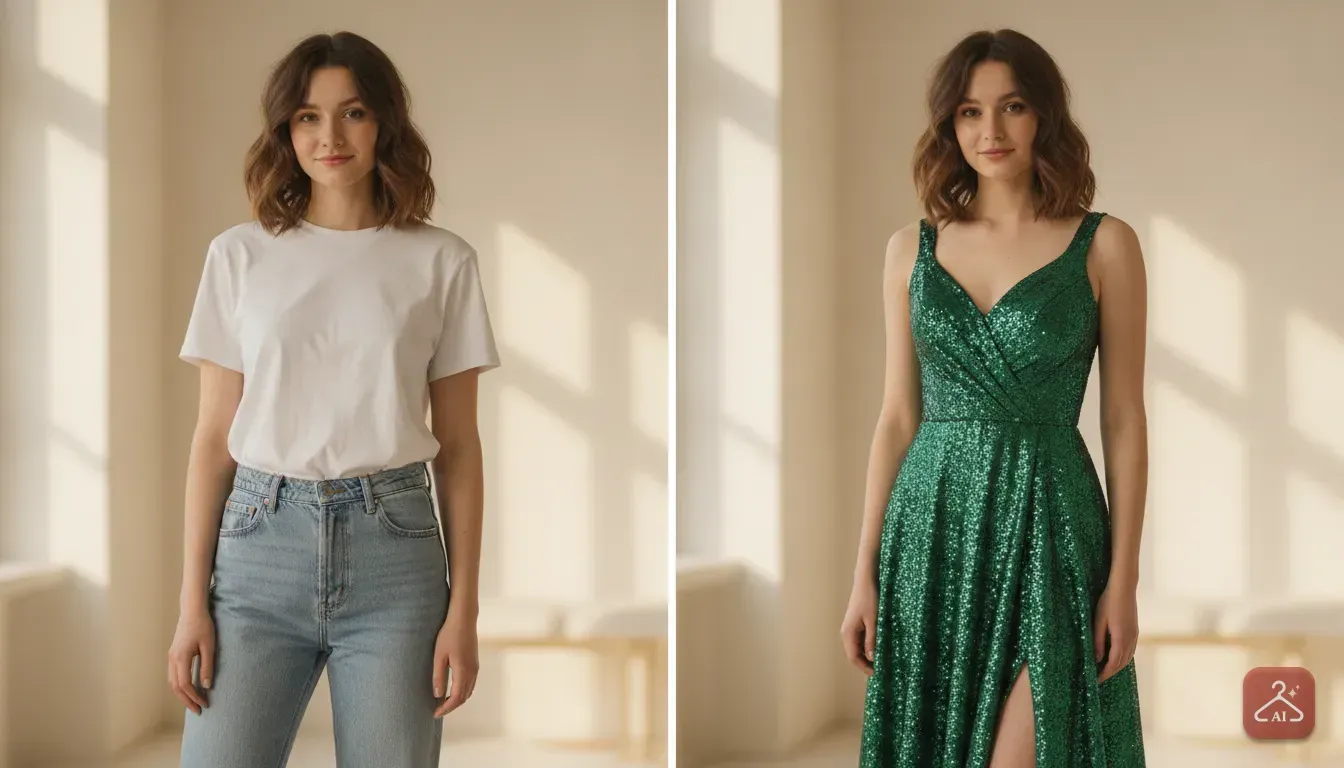
Wear fitted clothes like a plain t-shirt and leggings. If you wear a bulky winter jacket, the AI will struggle to paste a delicate party dress over it. We've noticed that tight, plain clothing works best.
The cleaner your base photo, the better your final result. For more details on getting this right, read our guide on how to choose the right photo for an AI virtual try-on.
2. Screenshot the western wear you want
Go to your favourite shopping app or an Instagram boutique. Find the exact dress, top, or co-ord set you want. Take a screenshot.
Make sure the clothes are clearly visible. If the model hides half the outfit behind a large handbag, the AI won't have enough data to copy it. A simple front-facing product photo always works best.
3. Run the outfit swap
Open Outfit Gen AI and upload your base photo. Next, add the screenshot of the party outfit you just saved. Tap generate.
In seconds, the app maps the dress onto your photo. You'll see yourself wearing the exact item. You can then instantly decide if it belongs in your shopping cart.
Best western party outfits to test right now
If you aren't sure what to wear, try testing some classic western styles. These popular choices look great in photos but are often tricky to buy without trying them on first.
The satin slip dress for dinner parties
Slip dresses look elegant. However, they cling to the body in unexpected ways.
Take a screenshot of a midi-length satin dress in emerald green or navy blue. Try it on virtually to see if the thin straps and draped neckline suit your shoulder width.
Sequin co-ords for club nights
Sequins are loud and grab attention. Sometimes a full sequin dress feels like too much, but a sequin top paired with plain black trousers is just right.
You can test both options using the app. Upload a matching sequin co-ord set and see if you feel confident in it before spending your cash.
Tailored blazers for formal events
Attending a work party or formal dinner? A sharp blazer over a camisole is a safe, stylish choice.
Find a photo of an oversized blazer on a shopping site. Use the AI to check if that baggy fit looks chic or just messy on your frame.
Corset tops and wide-leg jeans
Corset tops are incredibly popular right now. They look amazing on models, but that structured fit can feel intimidating to wear.
Find a lace or satin corset top online. Use the app to pair it with your favourite jeans to see if you like the look.
How to test different colours for your skin tone
One of the biggest benefits of a virtual try-on is colour testing. You might love the design of a dress, but the specific shade might completely wash you out.
Western party wear often comes in bold jewel tones or metallic shades. If you usually wear black, stepping into bright magenta or metallic silver feels risky.
Don't take a chance on your order. Find the same dress in three different colours online, then run the outfit swap for all of them. You'll quickly see if warm tones like gold suit you better than cool tones like blue.
Common mistakes to avoid when doing a virtual try on
To get realistic results from any AI dress changer app, keep these simple rules in mind.
- Avoid extreme poses: If your arms are tightly crossed, the app can't map the front of a dress properly. Keep your arms relaxed at your sides.
- Watch your hair: Long hair covering your shoulders often blocks the outfit's neckline. Tie your hair back if you want to test off-shoulder tops or halter neck dresses.
- Pick clean product photos: Pulling an outfit from an influencer's photo usually copies their heavy filters too. A clean product image or a simple studio shot gives much better results. You can read more in our guide on how to change your outfit in a photo with an AI editor.
- Check the lighting: If your base photo is very dark, the final image will look unnatural. Stand facing a window to get soft, even light on your face and body.
Adjusting your final look with AI edits
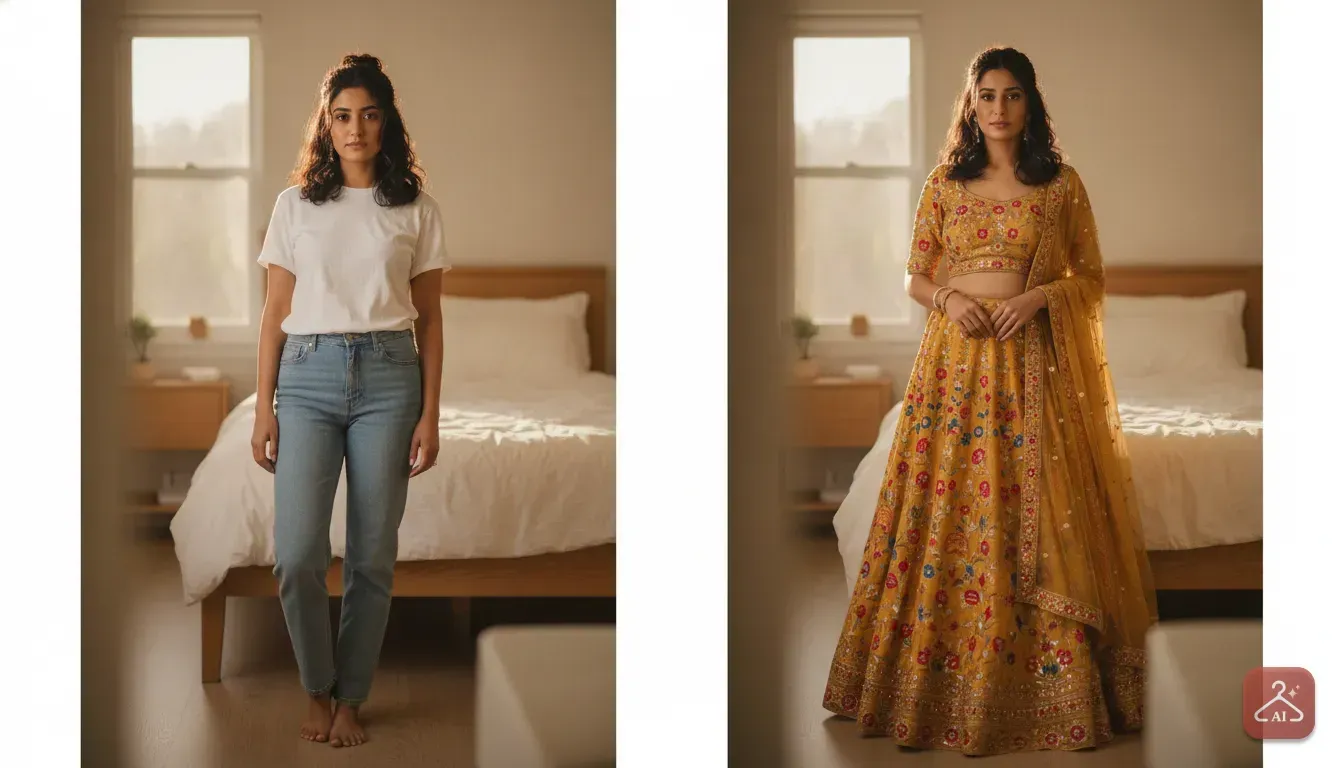
Sometimes the dress looks great, but your original photo background ruins the vibe. You might be standing in your messy bedroom. Naturally, you want to see the outfit in a party setting before sharing the picture with friends.
In Outfit Gen AI, you can use the AI Edit feature to fix this quickly. Type a simple prompt to swap your bedroom for a dimly lit cocktail bar or a sunny brunch spot.
Changing the background helps you visualise the entire look at the actual event. If you want a perfectly crisp image, use the one-tap 4K upscale feature before saving it.
A quick tip for clothing sellers and boutique owners
Shoppers love testing clothes, but these tools are just as useful for small business owners. If you run an Instagram boutique or sell western wear on Meesho, paying for professional models and studio space is very expensive.
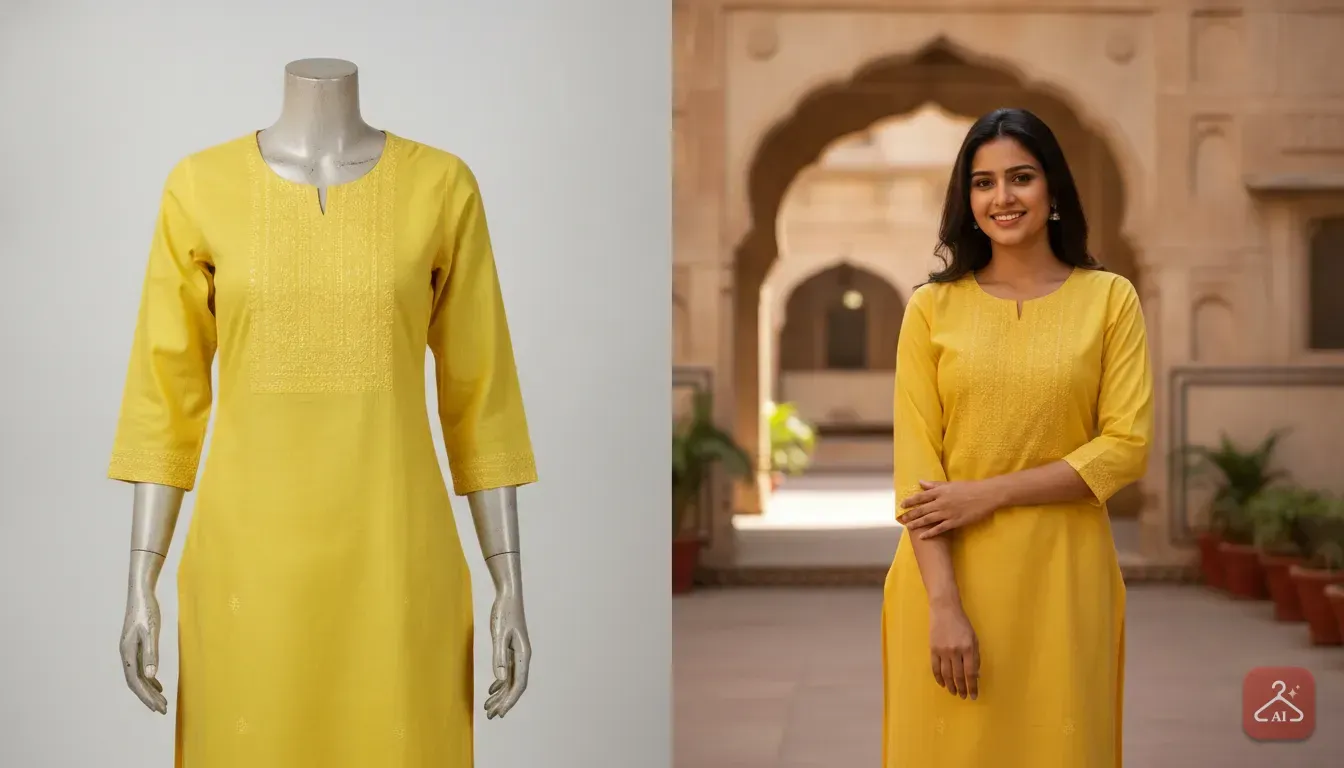
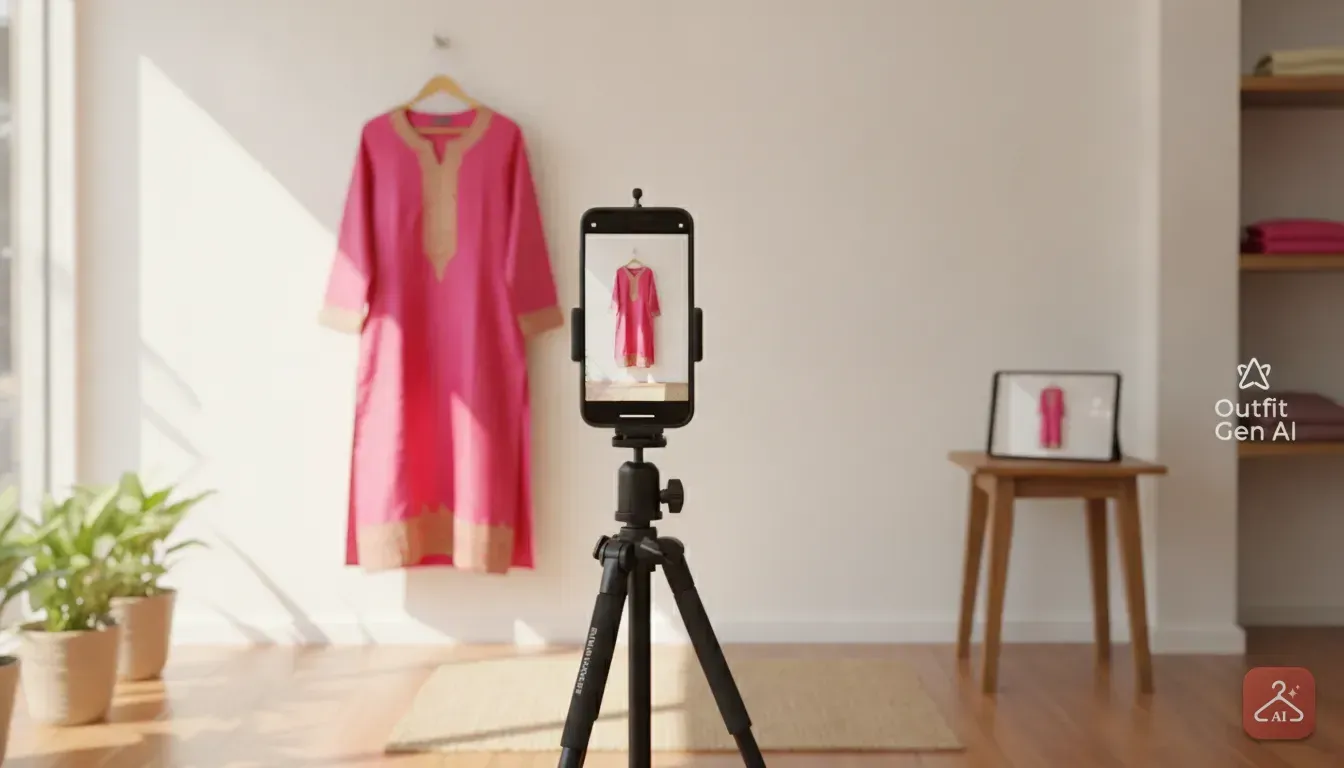
You can use this same technology in reverse to save cash. Our app includes a Model Photoshoot feature specifically for sellers. Take a flat lay photo of a dress or use a basic mannequin shot.
Upload that product photo, pick an AI model in the app, and generate a professional catalogue shot in minutes. We see sellers doing this every day to speed up their listings.
If your supplier gives you photos with messy backgrounds, use the Extract Outfit feature. This turns a cluttered photo into a clean product image to place on a new model. It's a highly affordable way to make your store look professional.
Plan your next party look today
Next time you get a party invitation, don't rush to buy the first dress you see. Put on a simple fitted outfit. Ask someone to take a good base photo of you in nice lighting.
Browse your favourite stores, save screenshots of five different western looks, and test them all on your phone. We do this ourselves to avoid the hassle of returning online orders.
Testing your clothes first means you'll order fewer items and process fewer returns. You'll finally build a wardrobe full of pieces that actually suit you. Grab your phone and start testing your weekend party looks right now.
Frequently asked questions
Does an AI dress changer app show the exact fit of the clothes?
AI apps do not guarantee a perfect physical fit, like whether a dress is tight around the waist. They are designed to show you how the style, colour, and overall cut look on your body type.
What kind of photo works best for a virtual try on?
You need a clear, well-lit photo of yourself standing straight and facing the camera. Wear fitted clothing so the AI can accurately map the new outfit over your frame.
Can small clothing businesses use these apps for product photos?
Yes, sellers can upload photos of their western wear and place them on AI models. This creates professional catalogue shots without hiring a photographer or renting a studio.
Try it yourself
Outfit Gen AI
See yourself in any outfit before you buy it.