How to Get the Old Money Aesthetic Using a Trending AI Photo Edit
Want that classic, wealthy look for your next profile picture without buying designer clothes? Learn how to use a trending AI photo edit to transform your selfies into quiet luxury.
 DevForge Studio
8 min read
You want that classic, wealthy look for your next Instagram post but don't want to spend thousands on designer clothes. The old money aesthetic is everywhere right now. It's all about quiet luxury, tailored outfits, neutral colours and a lifestyle that looks completely effortless.
Getting this look used to mean buying expensive cashmere and booking a flight to a European villa. Now, figuring out How to Get the Old Money Aesthetic Using a Trending AI Photo Edit takes just a few taps.
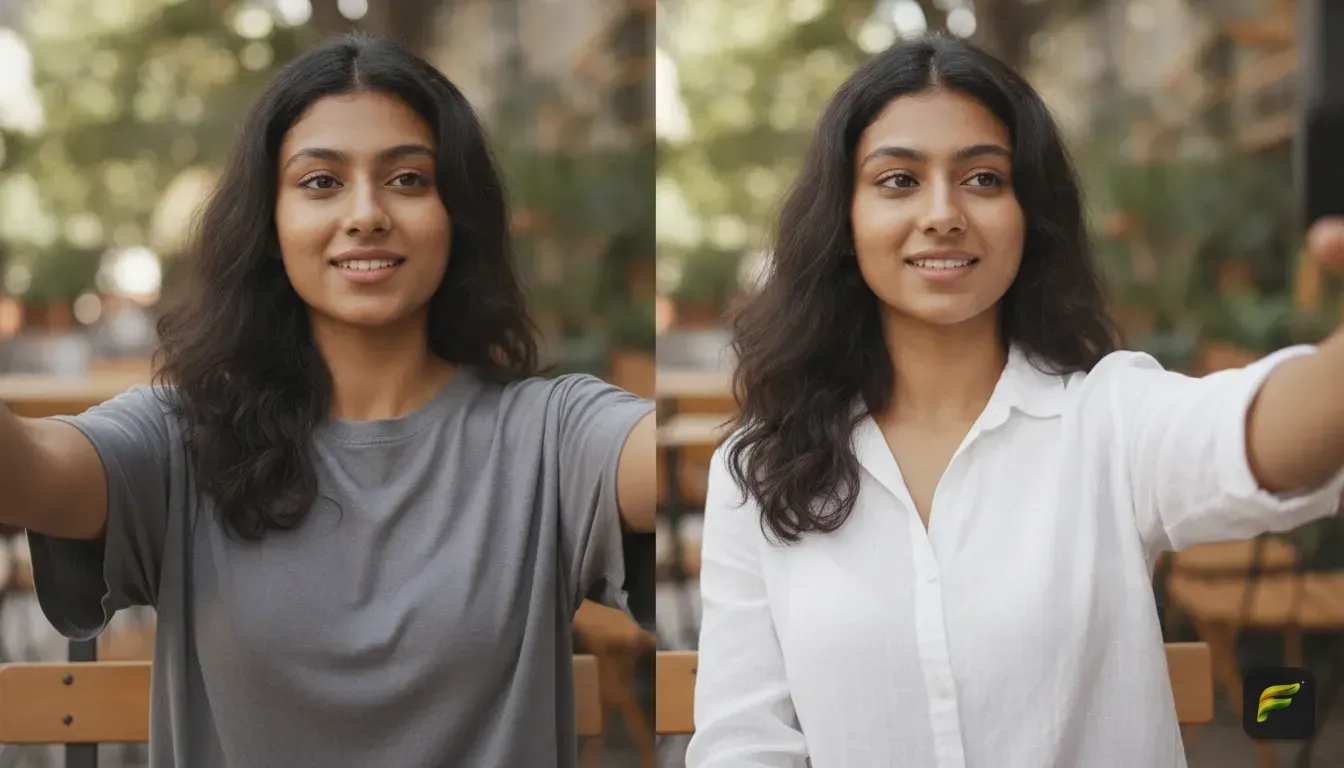
You simply need a clear photo of yourself and a good AI portrait generator. Upload your selfie, type a few words, and the app swaps your casual clothes for a tailored blazer or a crisp linen shirt.
It also changes your background to a vintage tennis court, a classic sports car or a grand estate. Your face stays exactly the same. Your entire vibe transforms into pure quiet luxury.
Let's walk through exactly how to do this, including the best prompts to copy and paste.
What Makes the Old Money Aesthetic Work?
Before you open an AI app, you need to know what makes this style work. The old money aesthetic is the opposite of flashy streetwear. It relies on timeless fashion and classic locations.
If you tell an AI to make you look 'rich', it might spit out shiny gold chains and neon sports cars. That isn't the old money look. To get those perfect aesthetic photo edit ideas, guide the AI towards specific elements.
- Colours: Stick to navy blue, beige, cream, white, maroon and olive green.
- Fabrics: Ask the AI for linen, silk, tweed, cashmere or thick cable-knit wool.
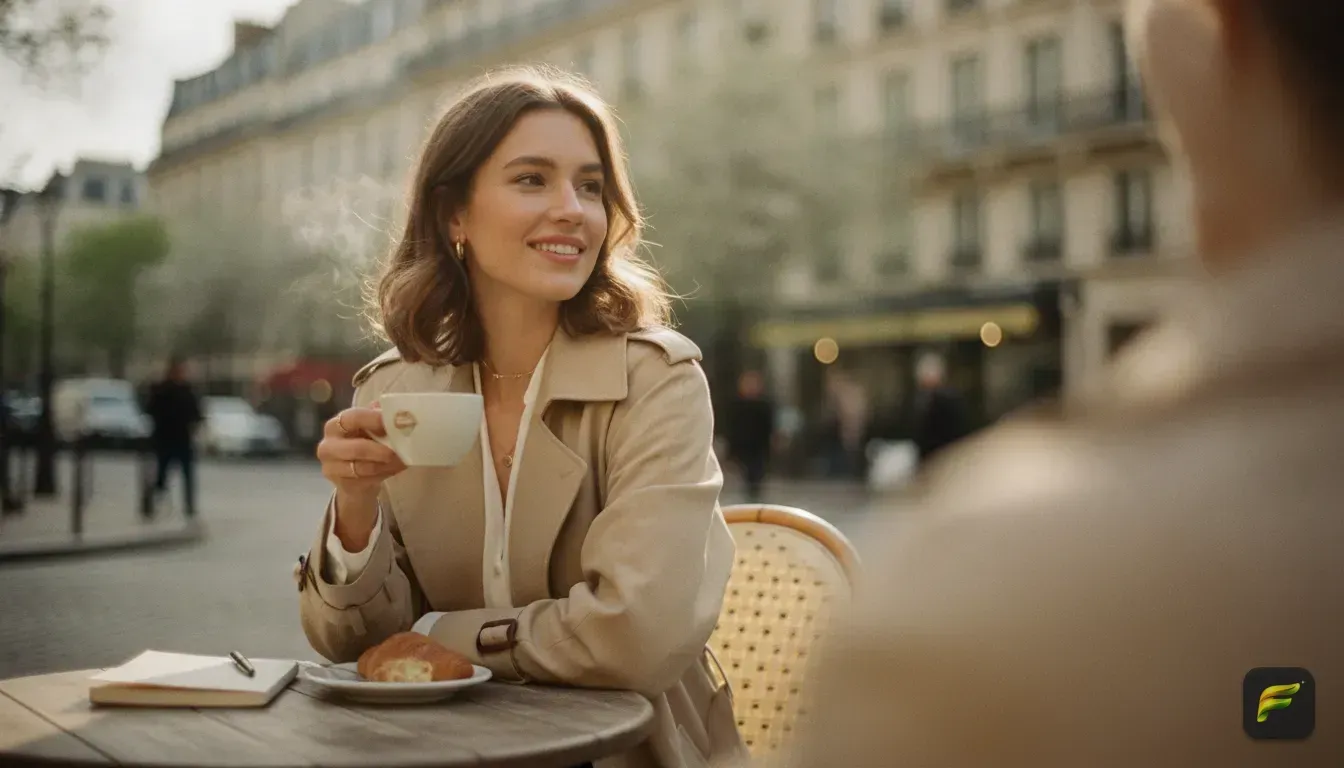
- Locations: Country clubs, private libraries, sailboats, Lake Como villas, equestrian estates or classic European cafes.
- Accessories: Think tortoiseshell sunglasses, pearl necklaces, silk scarves, leather driving gloves and vintage watches.
When you combine these details in a cinematic photo edit, the results look highly realistic. We've noticed that getting the fabric right makes the biggest difference.
Getting the Best Source Photo for Your Edit
AI photo styles are only as good as the original picture you upload. Feed the app a blurry, dark photo, and you'll get a blurry, weirdly shaped result. The AI needs a clear view of your face to keep your features accurate.
Follow these simple rules for your base photo.
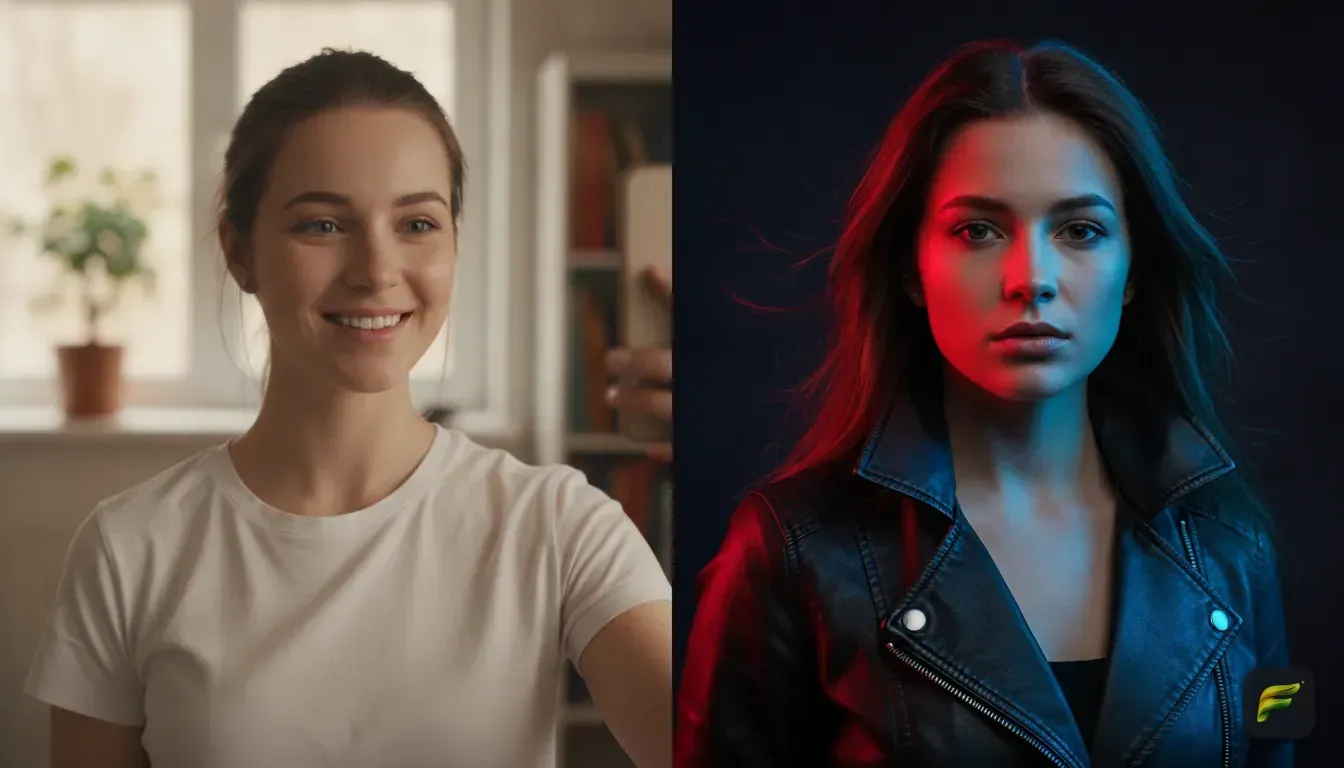
Find flat, natural light: Stand facing a window. You want soft light hitting your entire face evenly. Harsh shadows from direct sunlight confuse the AI and create strange shapes on your nose.
Keep your hair neat: Messy hair makes it hard for the app to separate you from the background. Tie it back, brush it flat or pull it behind your shoulders.
Wear a simple neckline: Stick to a plain t-shirt or a simple tank top. Heavy collars, giant hoods or thick scarves will bleed into the final image. A white shirt gives the app a blank canvas.
If you have a great picture where you're wearing the wrong clothes, don't worry. You can easily change outfit in photo ai using these exact same steps.
Look straight ahead: Keep your head mostly straight. A slight angle is fine, but extreme side profiles limit the generation.
Step-by-Step Guide to the Trending AI Photo Edit
Now that you have your perfect source photo, it's time to create the edit. You'll need an app that specializes in keeping your face intact while replacing the rest of the image.
We built Fotorra AI specifically for this. It gives you one-tap curated templates and accepts custom prompts. Plus, it ensures your photos stay private and save locally on your phone.
Here is how to get the old money look:
- Upload your photo: Open Fotorra AI and select your well-lit, clear selfie.
- Select your style method: Scroll through the curated templates to find a classic look, or tap on the custom prompt option to describe exactly what you want.
- Type your prompt: If you use the custom option, type in a detailed description of your outfit and setting. We've provided some excellent examples below.
- Generate the image: Tap the button and wait a few seconds. The app processes the image and returns a polished portrait.
- Save and share: Once you're happy, save the photo directly to your phone. It's now ready for Instagram or a new profile picture.
5 AI Photo Editing Prompts for the Old Money Look
Writing a good prompt is a learned skill. You have to tell the AI exactly what you want without confusing it with too many words.
Here are five highly effective prompts you can copy and paste right into your AI portrait generator. Just change the gender or hair description to match your own style.
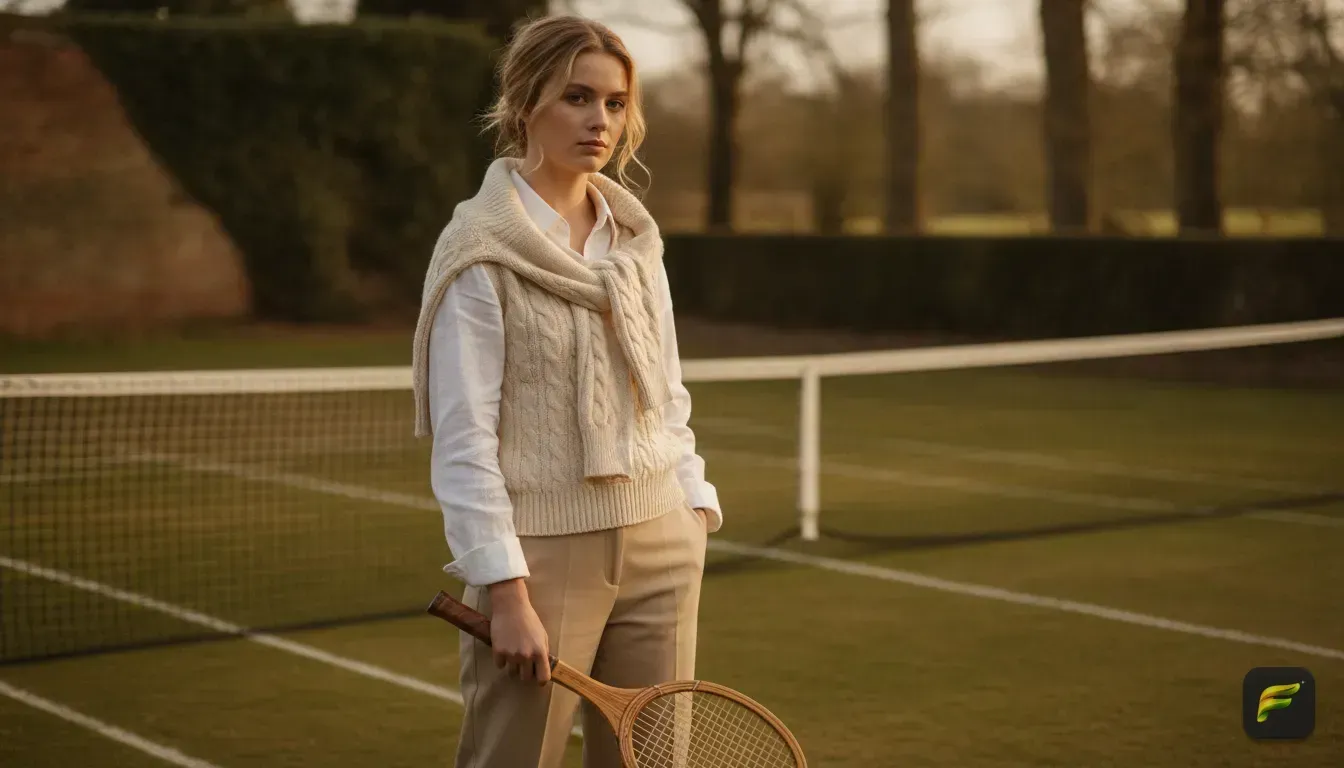
1. The Vintage Tennis Club
Prompt: A cinematic portrait of a person wearing a crisp white polo shirt with a cream cable-knit sweater draped over their shoulders. They are standing on a vintage grass tennis court on a sunny afternoon. Soft natural lighting, highly detailed, film photography style, quiet luxury aesthetic.
This prompt is brilliant for profile picture ideas. It keeps the background simple and green, making your face stand out perfectly.
2. Summer on Lake Como
Prompt: A photorealistic portrait of a person wearing a light blue linen button-down shirt and tortoiseshell sunglasses. They are sitting on a polished wooden speedboat on Lake Como, Italy. Bright summer lighting, navy blue water in the background, elegant and effortless style, 8k resolution.
Use this when you want a holiday vibe. The linen shirt and wooden boat instantly communicate European wealth without looking flashy.
3. The Equestrian Estate
Prompt: A classic portrait of a person wearing a tailored tweed blazer, a white silk shirt and a silk neck scarf. They are standing near a wooden fence at an autumn equestrian estate. Golden hour lighting, warm brown and olive green tones, vintage fashion photography, sharp focus.
This works wonderfully for autumn and winter posts. Tweed and silk textures look incredible when generated by a good AI app.
4. Classic Car Weekend
Prompt: A stylish portrait of a person wearing leather driving gloves and a beige trench coat. They are leaning against a vintage British sports car on a winding country road. Overcast soft lighting, cinematic colour grading, moody and elegant, editorial fashion style.
If you want a slightly moody edit, this is the one to use. The overcast lighting gives the image a professional, magazine-cover feel. We love using this one for outdoor shots.
5. The Quiet Luxury Evening
Prompt: An elegant evening portrait of a person wearing a classic black turtleneck sweater and a delicate silver watch. They are sitting in a dimly lit library with dark wood panels and leather chairs. Warm lamp lighting, sophisticated atmosphere, vintage film grain, highly realistic.
This prompt is fantastic for a sleek, mysterious profile picture. The dark background makes the lighting on your face pop beautifully.
Taking Your Edit Further for Instagram
Once the app produces the image, you might want to give it one final touch before posting. The old money aesthetic relies heavily on a vintage, film-camera look. AI images sometimes look a bit too smooth and perfect.
To fix this, open your edited photo in a basic filtering app on your phone. Lower the contrast just a little bit and add a slight film grain. This adds texture to the image.
It'll look like it was taken on a 35mm camera rather than generated by a computer. If you're building a carousel, matching the grain across all your images creates great aesthetic photo edit ideas for your next Instagram photo dump.
Mistakes to Avoid When Doing AI Photo Styles
Even with great prompts and a strong app, things occasionally look strange. Here are the most common mistakes we see people make when trying to create this specific look.
Writing essays instead of prompts: Keep your descriptions under 50 words. If you list ten different accessories, the AI tries to cram all of them onto your body, creating a messy picture. Stick to one main outfit piece and one background detail.
Uploading heavily filtered selfies: Sometimes your base photo already has a heavy beauty filter, fake eyelashes or extreme smoothing applied. The AI will exaggerate those features. Always use a raw, unedited photo as your starting point.
Wearing hats in your base photo: If you're wearing a baseball cap in the photo you upload, the AI struggles to give you classic, neat hair. It often just replaces your cap with a weirdly shaped AI hat. Take a fresh photo with no headwear.
Ignoring the lighting match: Say your base photo is taken in a dark room with a flash, but your prompt asks for a bright sunny afternoon on a boat. The AI will struggle to blend your flash-lit face into a sunny background. Try to match the lighting of your selfie roughly to the lighting in your prompt.
Your Next Steps for a Classic Profile Picture
Getting the old money aesthetic used to be incredibly difficult and expensive. Now, it just takes a bit of good lighting and the right words. By focusing on classic fabrics, neutral colours and vintage settings, you can completely transform your everyday selfies.
Find a window with good natural light, take a clear photo in a plain t-shirt and download an AI app to try it out. Copy the tennis club or Lake Como prompt above, paste it into the custom prompt box and see how you look.
You might just find your new favourite profile picture in seconds.
Frequently asked questions
What is the old money aesthetic?
It is a style that focuses on quiet luxury, neutral colours and classic tailoring rather than flashy logos. Think linen shirts, cable-knit sweaters, vintage tennis courts and European summer holidays.
Can I change my outfit in a photo without changing my face?
Yes, using an AI portrait generator like Fotorra AI, you can keep your facial features exactly the same while the app swaps your clothes and background based on your prompt.
What are the best colours for an old money photo edit?
Stick to navy blue, beige, cream, crisp white and olive green. These neutral, earthy tones are a massive part of the quiet luxury look and help the AI generate realistic results.
Do I need professional photos to use AI filters?
No, a well-lit selfie taken near a window with a clear view of your face is perfect for generating high-quality AI photo styles. Just ensure your hair is neat and your current outfit is plain.

Try it yourself
Fotorra AI
Transform photos instantly with AI.