Easy Pet Photography Tips at Home: Get One Clear Photo for AI Portraits
Learn how to capture a clear, well-lit photo of your dog or cat at home so you can create stunning AI costume portraits in minutes.
 DevForge Studio
8 min read
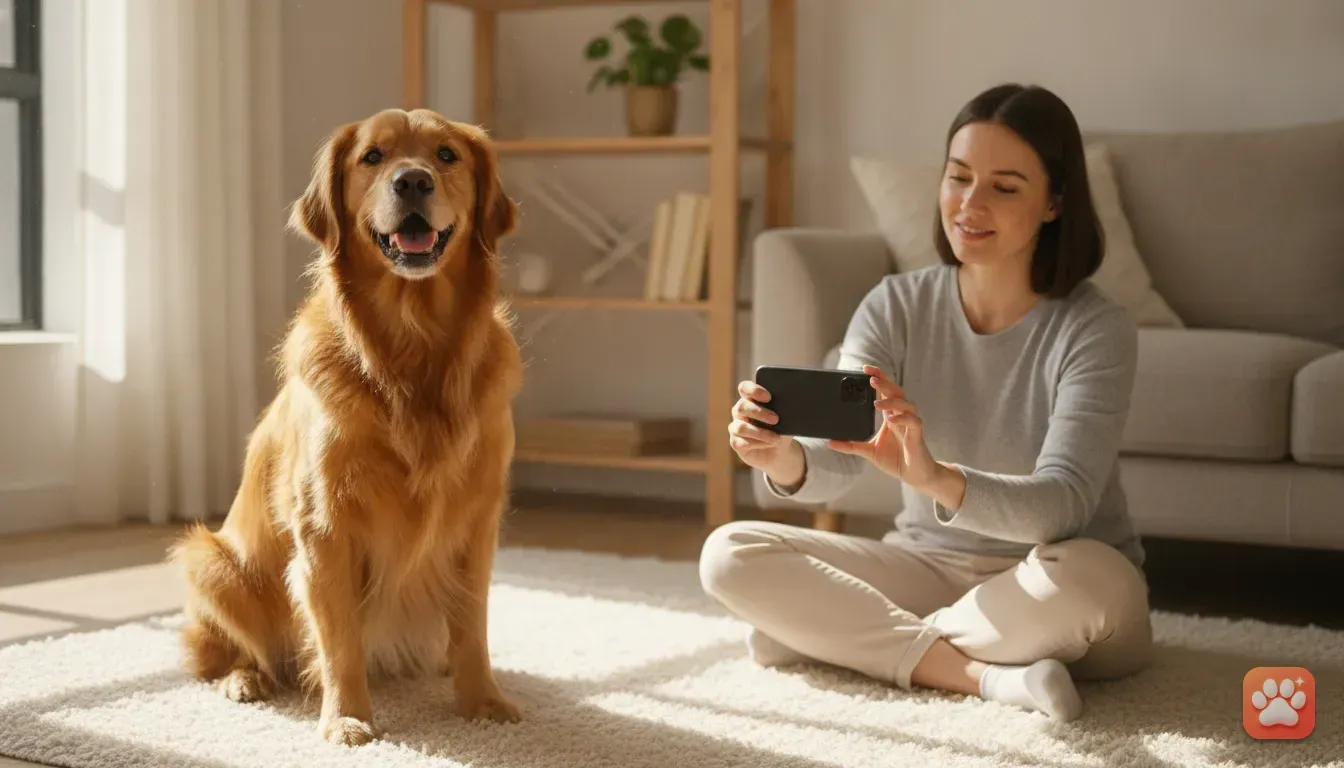
You know the drill. You hold up your phone to snap a cute picture of your dog or cat. Just as you press the button, they turn their head, lick their nose, or walk out of the room completely.
Taking pictures of animals is tough. But if you want to use an AI pet portrait app to create fun images, you only need to win this battle once. Just one clear, well-lit photo of your pet looking at the camera is all you need.
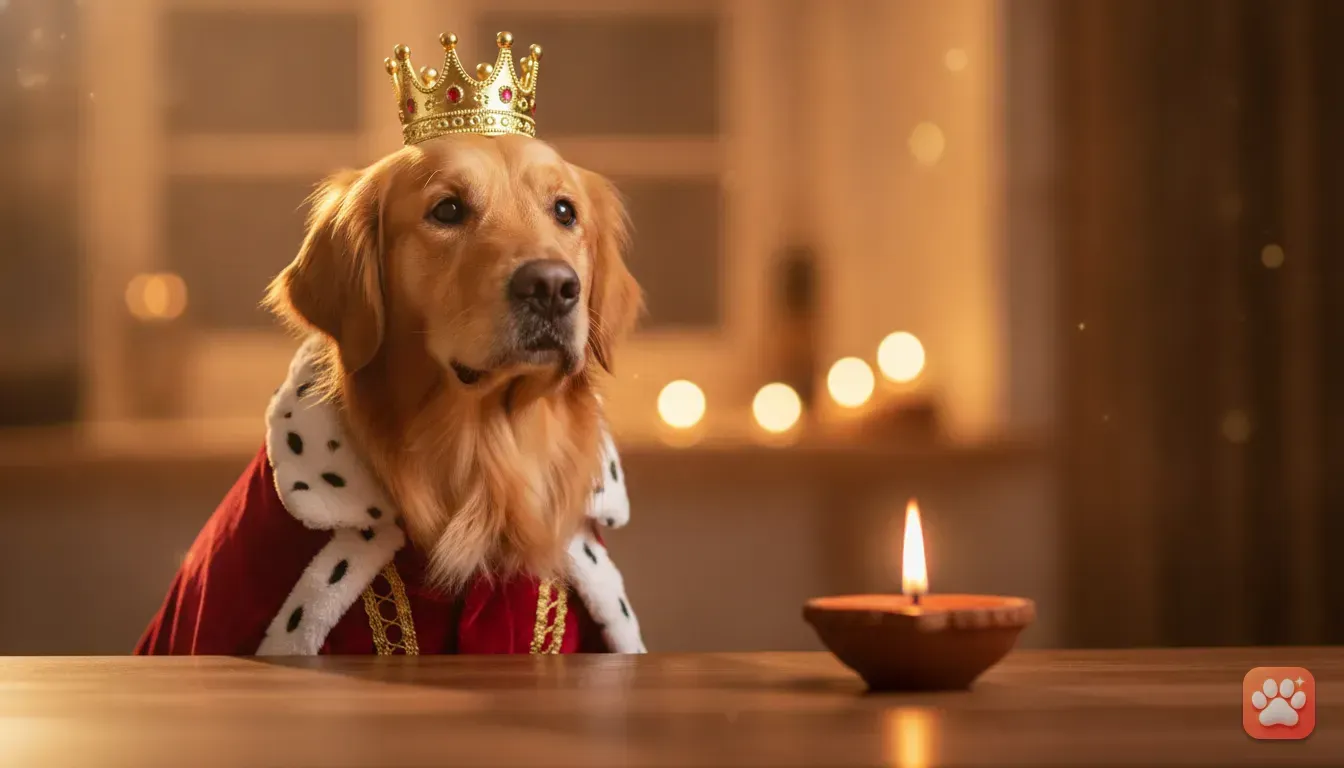
You don't have to struggle with itchy fabrics or tiny hats to get a great costume picture. Instead, you can use that single image to turn your dog into a king, a wizard, or a chef using artificial intelligence. Let's look at some Easy Pet Photography Tips at Home: How to Get One Clear Photo for AI Portraits so you can get that perfect reference shot today.
Understanding What the AI Needs from Your Photo
Before you start calling your pet over, it helps to know what a pet photo editor app actually looks for. Artificial intelligence maps the specific details of your animal to create a unique likeness. It just needs to see their face clearly.
The AI analyzes their eye shape, nose colour, fur texture, and specific markings. If your cat has a white patch over one eye, the app needs to see that patch clearly to recreate it. When the reference photo is blurry, the software has to guess.
Sharp, well-lit photos mean the results look exactly like your real pet. You want an image where your pet is sitting or standing naturally, looking directly at the lens. Their mouth can be open or closed, but their ears and chin must be fully visible.
You don't need a professional camera for this. A modern smartphone is more than capable if you follow the right steps.
Setting Up the Lighting in Your Living Room
Good lighting is the secret to a sharp photo. When there's plenty of light, your phone camera snaps the picture much faster. A faster shutter speed means less blur if your pet shifts their head.
You don't need to buy expensive photography lights. Find the biggest window in your house instead. The best time to take a picture is during the day when bright, indirect sunlight pours through that glass.
Direct, harsh sunlight is your enemy. It creates dark shadows under their chin and makes them squint.
- Position yourself correctly: Stand with your back to the window. Your pet should face the window so the light falls evenly on their face.
- Turn off indoor lights: Overhead bulbs often have a yellow or orange tint. This mixes poorly with natural daylight and messes up your pet's true fur colour.
- Avoid backlighting: Never place your pet in front of the window with the light behind them. This turns them into a dark silhouette, and the AI won't be able to see their facial details.
How to Get Eye Contact Without Stress
Getting your pet to look straight at the camera lens is usually the hardest part. Animals naturally look at your face rather than the phone in your hands. You have to give them a solid reason to stare at that little glass circle.
For Dogs
Dogs are usually motivated by food or strange noises. Hold a small, high-value treat right above your phone camera. Let them smell it first, then pull it back to the phone.
Wait for them to sit and look at the treat before you take the photo. If your dog ignores food, try using a squeaky toy. Give it one quick squeeze right behind your phone.
Don't squeak it constantly. They'll just get too excited and lunge for it, ruining the shot.
For Cats
Cats require a bit more patience. Crinkling a sweet wrapper or a plastic bag near the phone can grab their attention for a split second. A feather wand toy held just above the lens is also highly effective.
If your cat completely ignores you, try making a strange, high-pitched clicking noise with your mouth. Cats often freeze and stare when they hear an unusual sound.
For Small Pets
For rabbits or hamsters, put them on a safe, elevated surface like a stable table covered with a blanket. This stops them from running away too quickly and brings them right up to your eye level. Hold a small piece of fresh vegetable near the lens to make them look up.
Phone Camera Settings for Fast-Moving Pets
Your phone camera has a few basic features that make pet photography much easier. The very first thing you should do is wipe your camera lens with a soft cloth. We see this all the time. A smudged lens creates a blurry, glowing effect that ruins the fur details.
Next, turn off your flash completely. A bright flash startles animals and almost always causes glowing red or green eyes. Natural window light is far better.
If your pet moves a lot, use burst mode. On an iPhone, you can swipe the shutter button to the left to take rapid-fire photos. On many Android phones, holding down the shutter button does the exact same thing.
This takes dozens of pictures in a single second. You can look through them later and pick the exact moment your pet looked perfectly at the camera.
Another great trick is to use the focus lock feature. Tap and hold your finger on your pet's face on the screen until a box appears saying 'AE/AF Lock'. This locks the focus and brightness.
Now, even if your pet moves slightly, the camera won't suddenly blur trying to refocus.
Three Mistakes That Ruin an AI Portrait
Even with great lighting and camera settings, a few common mistakes can completely confuse the AI. Avoid these three things when capturing your reference photo.
- Cropping their ears: Make sure your pet's entire head is in the frame. If you cut off the tips of a German Shepherd's ears or the sides of a Persian cat's fluffy cheeks, the AI won't know what they look like and might generate strange shapes.
- Shooting from above: Don't stand up and take a photo looking down at your pet. This distorts their face and makes their nose look huge while their body disappears. Kneel down or lie on the floor so your phone is exactly at their eye level.
- Props blocking the face: Remove toys, thick harnesses, or hands from the frame. If your hand is holding their chin, the AI might blend your fingers into their fur. Keep their face completely clear.
How to Use Your Photo in a Pet Photo Editor App
Once you have your one perfect, clear photo, the fun part begins. You can now use an app like Furstume AI to generate dozens of incredible portraits. The app is built specifically for pets, meaning it understands exactly how to handle fur patterns and face shapes.
Open Furstume AI and upload the photo you just took. The app works for dogs, cats, rabbits, and hamsters. Once the AI analyses your pet, you can browse through over 100 costumes.
The AI keeps your pet's real fur colour, pattern, and facial expressions. The final image actually looks like them, not just a random animal.
You can choose a realistic studio lighting setup, just as if you'd taken them to a professional shoot. The best part is that your first portrait is completely free. We also made it so you can earn more credits simply by checking into the app daily.
If you're trying to figure out how to get a studio-quality pet costume photo at home without a photoshoot, this is the easiest method.
Creative Ideas for Your Pet's New Look
With your perfect reference photo loaded into the app, you have endless options. Here are a few great ways to use your new AI portraits throughout the year.
Festive Greetings
Finding a santa costume for dog photo shoots in real life usually involves ordering clothes that never fit properly. With the app, you can instantly put your dog in a perfect Santa Paws outfit instead.
If you're looking for dog christmas costume ideas, you can also try reindeer antlers or a snowy winter scarf. These images make brilliant digital Christmas cards to send on WhatsApp.
Spooky Season Outfits
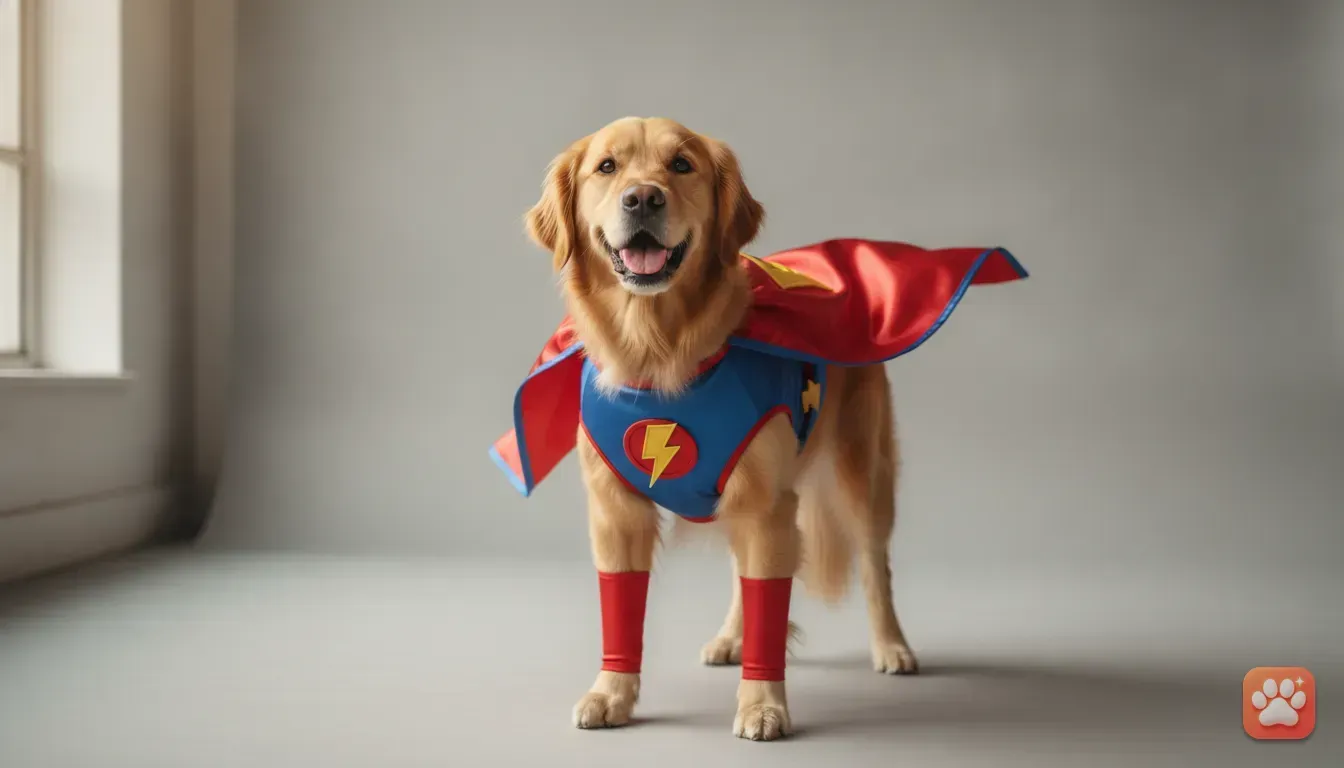
Cats are notorious for hating clothes. If you need cat costume ideas or pet halloween costume ideas in general, the AI can dress your cat up as a witch, a wizard, or a pumpkin without them ever knowing. For dogs, a superhero cape or a funny taco outfit is always a solid choice.
Birthday Celebrations
Planning a real party for your dog can be highly stressful. If you want simple dog birthday photoshoot ideas, use the app to put a virtual party hat on them, complete with balloons and a cake in the background. It's a quick, mess-free way to get a special picture for their big day.
Social Media Content
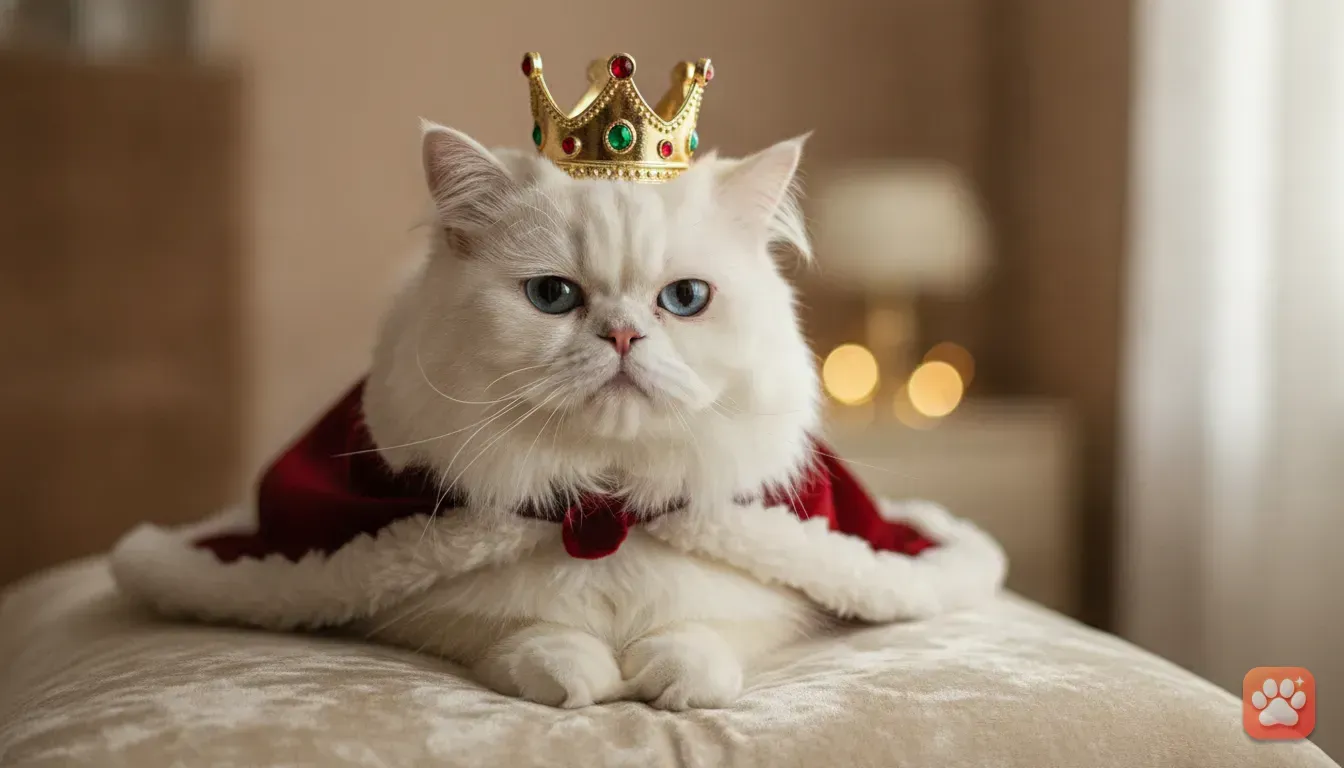
If you want cute cat photo ideas for instagram, a royal portrait always gets attention. Dressing a fluffy cat as a King or Queen with a crown looks incredibly majestic.
You can find more funny pet photo ideas like how to turn your dog into a wizard or astronaut in our other guides.
Personalised Gifts
If you need pet portrait gift ideas for a friend or family member, ask them to send you a clear photo of their pet. Run it through the app, pick a classic or funny outfit, and save the image in full quality.
You can then print this portrait and put it in a nice frame. It's a thoughtful, highly unique gift that costs very little to make.
Time to Try It Out
Capturing a great pet photo requires a little patience, a bright window, and perhaps a small piece of cheese. But once you have that one clear shot saved on your phone, you never have to worry about lighting or wrangling your pet again.
Take a few minutes today to get on the floor and take that perfect headshot. Then, upload it to Furstume AI and see what your furry friend looks like as an astronaut, a chef, or a royal monarch.
Frequently asked questions
How do I take a good picture of my dog with my phone?
Face a large window for natural light and get down to your dog's eye level. Hold a small treat right beside your phone lens to get them to look directly at the camera.
Can I use an old photo for an AI pet portrait?
Yes, you can use an old photo as long as it is clear, well-lit, and shows your pet's face and ears fully without any blur.
What is the best lighting for pet photography indoors?
The best indoor lighting is indirect, natural sunlight from a large window. Turn off your phone flash and indoor overhead lights to keep your pet's fur colour looking natural.
How does the AI keep my pet's real markings?
The AI analyses your reference photo to map the specific fur colours, eye shape, and unique patterns of your pet. It then applies these exact details to the chosen costume template.
Try it yourself
Furstume AI
Turn your pet into Santa, a King, a Chef and 100+ costume portraits.