DIY Dog Birthday Photoshoot Ideas at Home Using a Pet Photo App
Plan a stress-free dog birthday photoshoot at home. Learn how to capture great photos and use an AI app to add cute outfits without annoying your pet.
 DevForge Studio
7 min read
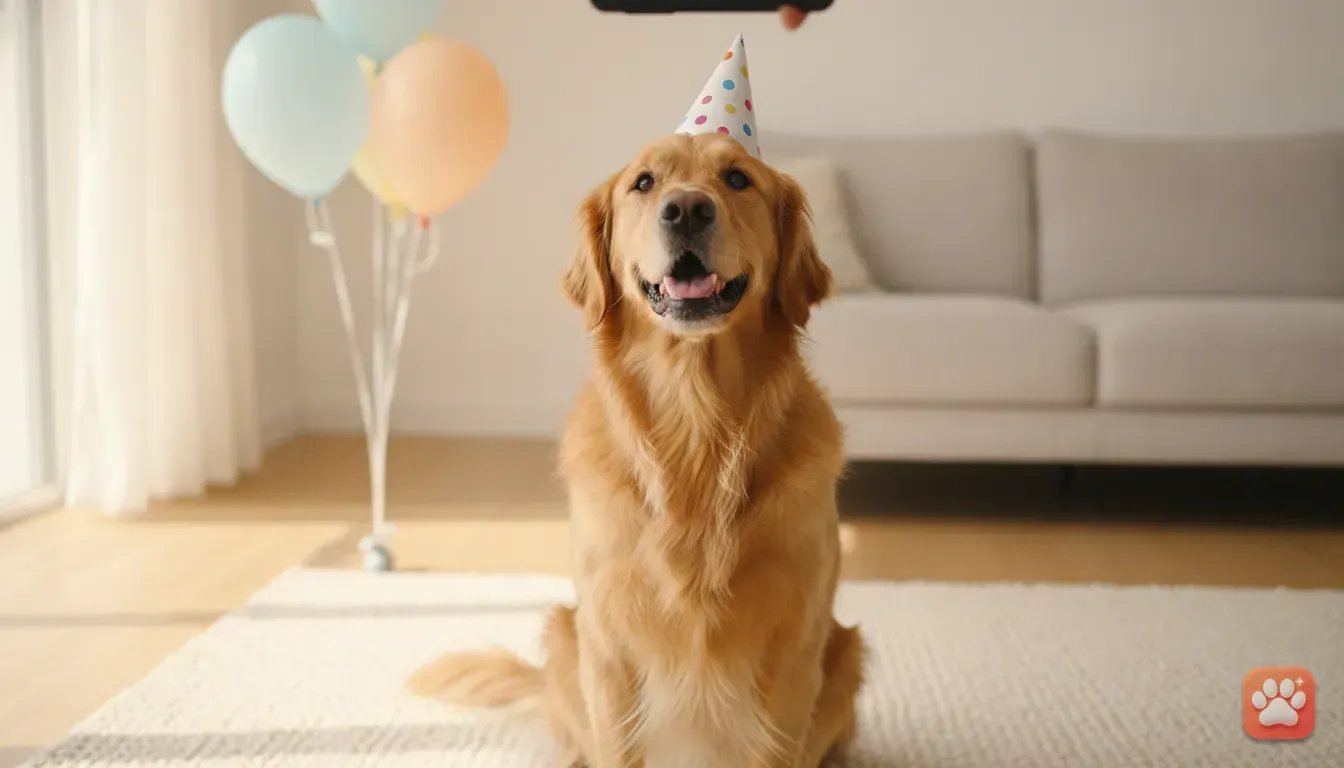
Planning your dog's birthday is fun. Getting a good photo of them wearing a party hat? Usually a struggle. Most dogs hate wearing real props. They shake them off, look miserable, or try to eat the cardboard. The easiest fix is to plan a DIY dog birthday photoshoot at home using a pet photo editor app. Just take a natural photo of your dog sitting by a window. Then you use the app to add crowns, outfits and party themes.
This keeps your dog happy. It also gives you studio-quality photos for Instagram, Facebook and WhatsApp. You don't need expensive camera gear or a rented studio space. Grab your phone, find some natural light, and fetch a handful of high-value treats. We've done this countless times. Here is how to set up your space and take the perfect base photo.
Why a DIY Home Photoshoot Works Best
Taking your dog to a professional photography studio sounds nice. In reality, it often brings unnecessary stress. New environments are full of strange smells, bright flashing lights, and unfamiliar people. For many dogs, this leads to anxious expressions, tucked tails, and a flat refusal to sit still.
At home, your dog feels safe. Their ears perk up naturally. Their smile is genuine, and they'll actually cooperate for a treat. A DIY shoot gives you total control over the schedule.
If your dog gets bored after five minutes, just stop. You can try again later. You'll save money, save time, and capture their real personality. Combining this comfortable setting with an editing app gives you the studio look minus the hassle.
Step 1: Prepare the Room and the Lighting
The secret to a great pet photograph is always the lighting. You want soft, even light to highlight your dog's eyes and fur texture. Here is how to set up your home space.
- Find the biggest window: Choose a room with a large window for indirect sunlight. Avoid direct, harsh sun that creates deep shadows and makes your dog squint.
- Turn off overhead lights: House bulbs have different colour temperatures. Some are yellow, while others cast blue. Mixing these with window light makes fur look strange on camera, so turn them all off.
- Clear the background: Move laundry baskets, cables, and random shoes out of the frame. A blank wall or a tidy sofa works best.
- Positioning: Place your dog facing the window, or at a slight angle to it. Stand between the window and your dog. Just make sure you don't cast a shadow over them.
Step 2: Getting Your Dog Ready and Relaxed
A successful photo session requires a cooperative model. If your dog is bursting with energy, they won't sit still. Take them for a long walk or play fetch before you start. A slightly tired dog is a calm dog.
Give them a quick brush to smooth their coat and remove loose fur. If your dog has eye boogers or food around their mouth, wipe their face with a damp cloth. You want them looking their absolute best.
Prepare their absolute favourite high-value treats. We find boiled chicken, tiny cubes of cheese, or smelly training treats work wonders. Keep these hidden in your pocket until you're ready to shoot.
Phone Camera Settings for Fast-Moving Pets
Dogs move their heads quickly. Treat time makes this even worse. To capture a sharp image, you'll need to tweak your phone settings.
First, get down on their level. Shooting from a standing position distorts their proportions and makes them look small. Sit on the floor or lie on your stomach. Getting your camera lens exactly at their eye level creates a much more intimate portrait.
Next, use burst mode. On most phones, you just swipe the shutter button to the left or hold the volume button. Burst mode takes dozens of photos in a second. You're almost guaranteed to capture that one perfect moment where their eyes are open and ears are up.
Finally, use focus lock. Tap and hold the screen on your dog's face until a yellow box with 'AE/AF Lock' appears. This stops the camera from suddenly shifting focus to the background. Hold the treat right next to your phone lens to get them looking directly into the camera.
Adding the Birthday Magic With a Pet Photo Editor App
Once you have a clear, well-lit photo of your dog, the real fun begins. Instead of fighting to keep a paper hat on their head, just dress them up virtually.
This is exactly why we built Furstume AI. Our app takes a simple photo of your dog and turns it into a studio-quality portrait with incredible costumes. The AI is trained to recognise and keep your dog's real fur colour, pattern, markings, and face. It doesn't just generate a random dog that sort of looks like yours. It keeps your actual pet in the picture.
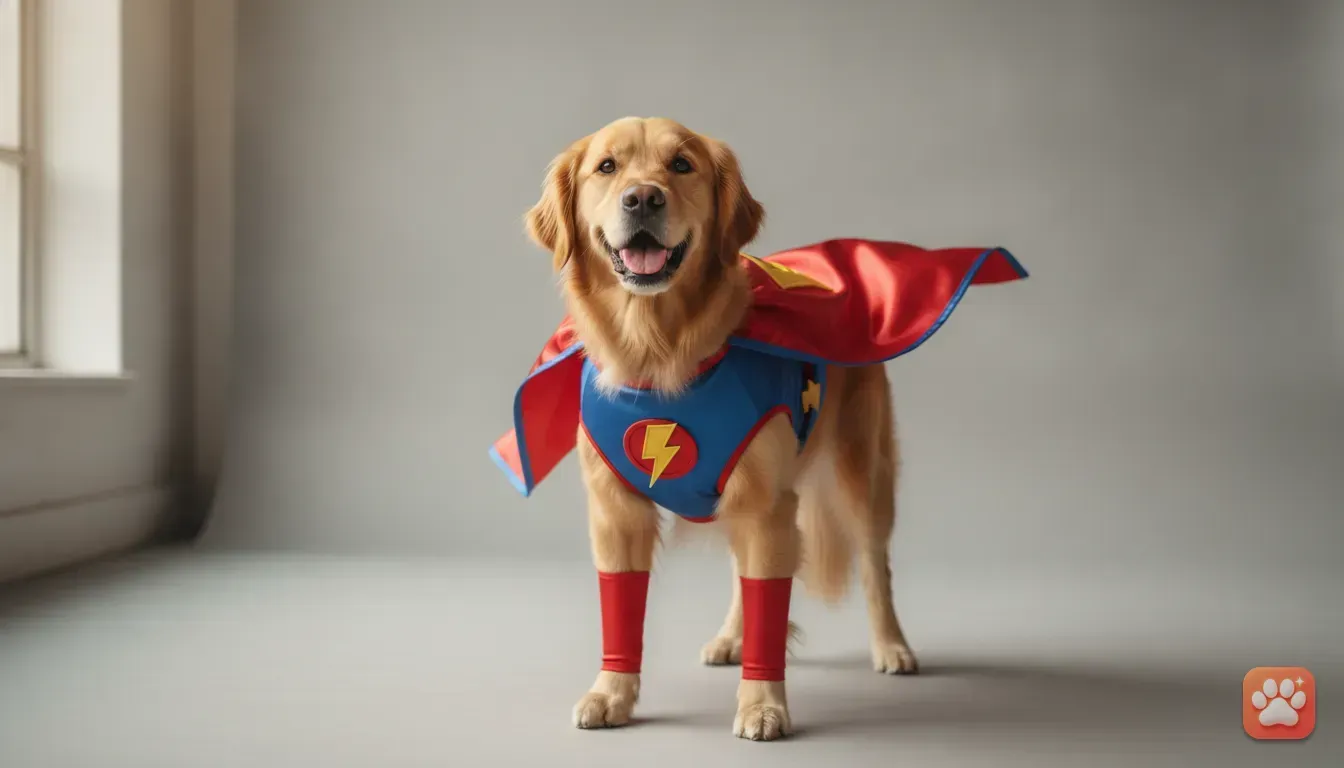
Using the app is completely straightforward. Upload that great base photo you just took by the window. Then, browse through over 100 different costumes and themes. Since it's your dog's birthday, choose a festive outfit, a royal crown, or a character suit. The app applies studio-quality lighting to match the costume.
Your first portrait on Furstume AI is free. You can earn more credits simply by using the daily check-in feature or watching short ads. We also built it with a privacy-first approach. Your photos are only used to create your portraits, and you can delete your data at any time.
4 Costume Ideas for Your Dog's Birthday Edit
If you aren't sure what theme to pick, we've got you covered. Here are a few ideas that always look brilliant when you edit them.
1. The Royal Birthday
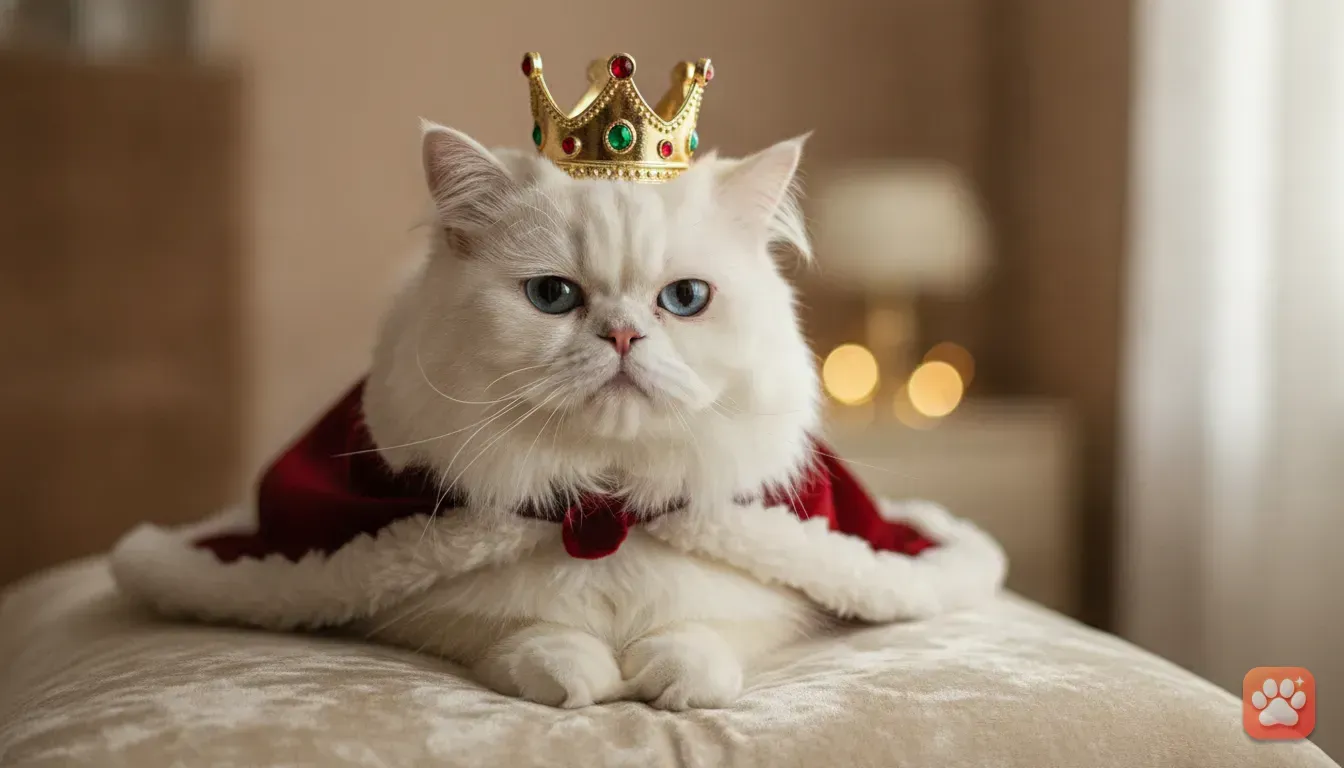
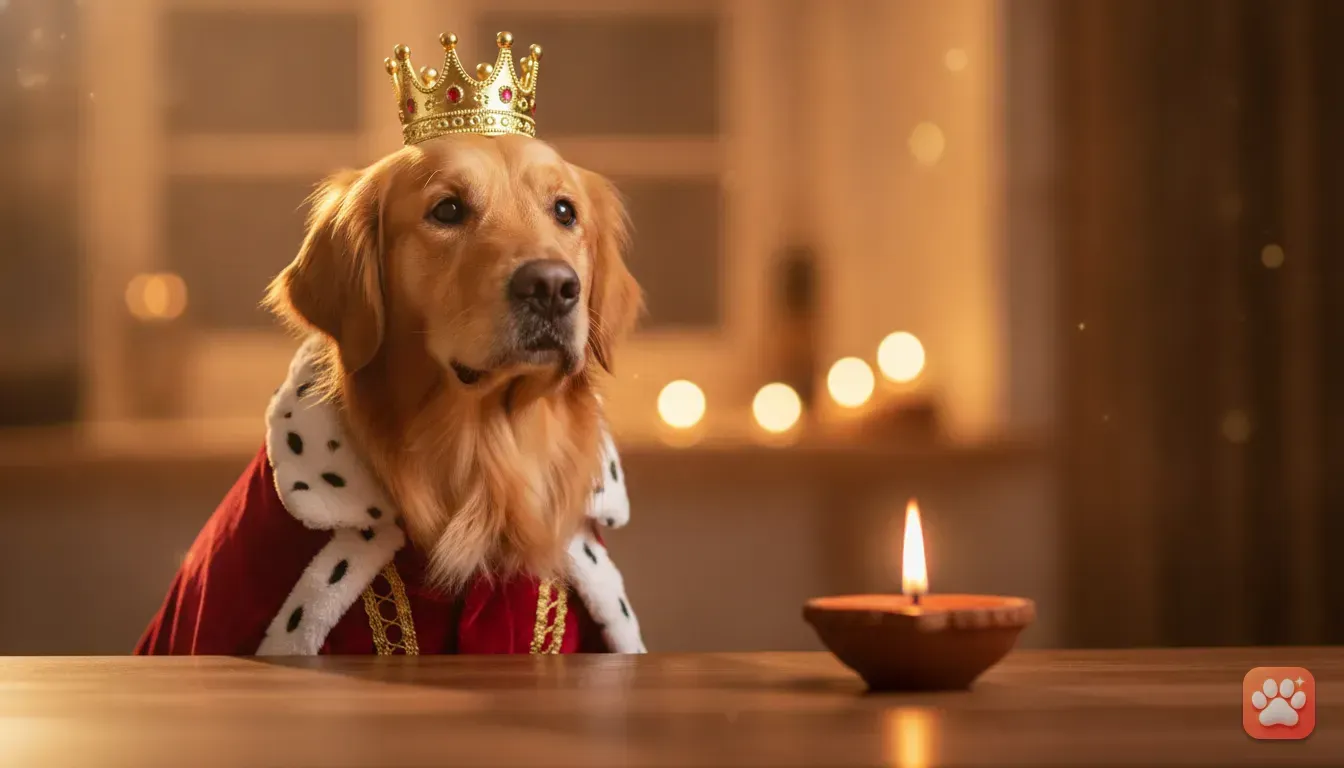
Your dog rules the house. They should definitely look the part on their birthday. Use the app to dress them in a velvet cape and a golden crown. This look is a huge trend on social media right now.
For a detailed guide on this specific look, read our post on how to turn your dog into a king with an AI pet portrait app. It makes an incredibly funny and majestic birthday card.
2. The Birthday Chef
Dogs love food more than anything else. A chef costume with a tall white hat and a little apron is perfect for a birthday post. Edit this photo and use it to announce what special dog-safe cake you're baking for them.
3. The Astronaut
For the dog that is completely out of this world, an astronaut suit is a fantastic choice. The highly detailed space suits in the app look incredibly realistic, complete with reflections in the helmet glass. It's a unique and unexpected theme that gets a lot of attention in WhatsApp groups.
4. Seasonal Themes
If your dog's birthday falls near a major festival, double up on the theme. A Christmas birthday calls for the Santa Paws costume, while an October birthday demands a cute pumpkin outfit.
If you have multiple pets in the house, the app lets you add several animals and switch between them with a tap. Read our guide on cute cat photo ideas for Instagram to include your feline friends in the celebrations.
Mistakes to Avoid When Photographing Pets
Even with a great editing app, you need a solid starting photo. Here are a few common mistakes pet parents make during DIY shoots.
- Using the camera flash: Never use the flash when photographing animals. It causes 'green eye' reflections, creates harsh shadows, and startles your pet. Always stick to natural light.
- Forcing the session: If your dog is stressed, panting heavily, or refusing to sit, stop. Try again tomorrow. The best photos come from happy dogs.
- Cluttered backgrounds: The AI works best when it can clearly see the outline of your dog's head and shoulders. Sitting in front of a busy bookshelf makes the editing process harder, so keep things simple.
- Using blurry photos: The better your original photo, the better the final portrait. Make sure your dog's face is sharp and entirely in focus.
What to Do With Your Finished Birthday Portraits
Once you've created the perfect birthday image, there are plenty of ways to use it. Save it in full quality to your phone and share it straight to your Instagram grid or stories. It also makes a perfect WhatsApp status update.
You can even take these high-quality edits and get them printed. They look wonderful on custom birthday cards, mugs, or framed for your living room wall. Because the lighting and details look professional, nobody will guess you created it on your phone while sitting on the floor.
Ready for the Birthday Shoot?
You don't need to stress your dog out with itchy costumes and confusing studio lights this year. Find a nice bright window, grab a handful of treats, and get down on their level. Once you have a sharp, well-lit photo, open up your app and let the AI do the heavy lifting. Pick a costume that matches their personality, save the image, and celebrate your pet's special day the fun, easy way.
Frequently asked questions
How do I get my dog to look directly at the phone camera?
Hold a high-value treat or a favourite squeaky toy directly next to your phone's camera lens. Wait for them to make eye contact, then use burst mode to capture the exact moment they look.
Can I use an AI app if my dog has unique fur patterns?
Yes. A good pet portrait app like Furstume AI is trained to map and retain your dog's specific fur colours, spots, and markings so the final image looks exactly like your pet.
What is the best lighting for dog photos at home?
Natural, indirect sunlight from a large window is the best lighting. Turn off your overhead room lights to avoid mixed colour temperatures and harsh shadows on your dog's face.
Do I need to buy props for a DIY dog birthday shoot?
Not at all. You just need a clear photo of your dog sitting naturally. You can add the birthday hats, crowns, and costumes digitally using a pet photo editor app.
Try it yourself
Furstume AI
Turn your pet into Santa, a King, a Chef and 100+ costume portraits.