Cute Cat Photo Ideas for Instagram (Without Stressing Your Pet)
Want to post amazing pictures of your cat without the scratch marks? Try these easy, stress-free photography ideas and digital costume tricks.
 DevForge Studio
7 min read
You want to post a cute photo of your cat on Instagram. You buy a tiny cowboy hat and approach your pet. Three seconds later, the hat is across the room, your cat is hiding under the sofa, and you feel terrible.
We've all been there. Cats are wonderful creatures, but they aren't cooperative models.
The secret is working with their natural habits. Capture them doing what they already do. We're talking sleeping, playing, or looking out the window.
Cute cat photo ideas for Instagram without stressing your pet are easier to pull off than you think. We'll walk you through exactly how to get those perfect shots.
Work with their natural routine
Cats sleep 12 to 16 hours a day. Use that to your advantage. A sleeping cat is a calm cat, making it the perfect time to grab your phone.
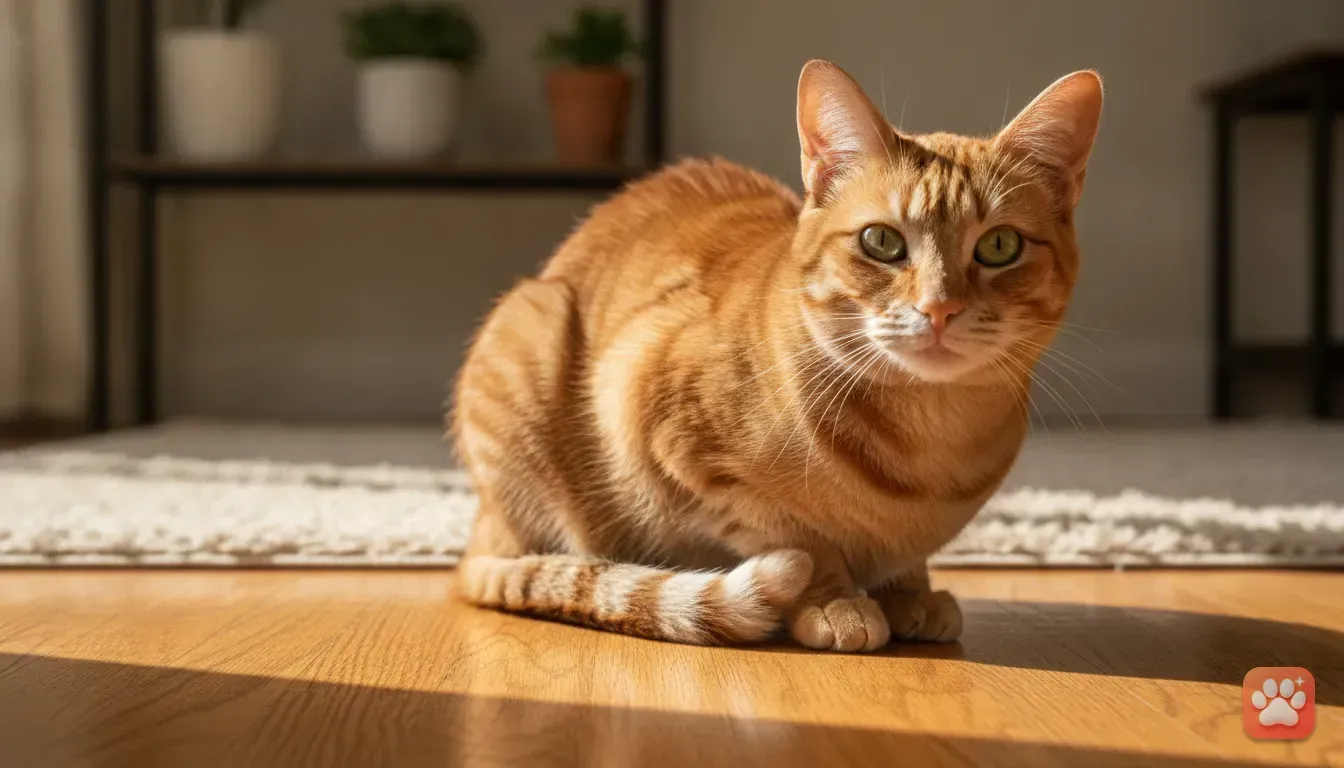
Wait for them to find a sunny spot by the window during the early morning or late afternoon. Natural light from a window is the best lighting you can get. It highlights their fur and creates a soft, cozy mood.
Set up photo traps instead of moving the cat. We know cats love boxes, paper bags, and warm laundry.
Place a nice woven basket in a spot with good lighting and wait for your cat to discover it. When they climb inside, you have a natural photo opportunity. You aren't forcing a pose, you're just setting the stage.
Capture the play for action shots. When they get the zoomies, grab a wand toy and use the burst mode on your phone.
Hold down the shutter button to take 20 photos in a row. You'll throw away most of them because they're blurry. But that one crisp photo of them mid-pounce will look amazing.
Dress them up digitally instead of physically
Let's be honest. Most cats hate wearing clothes. Physical costumes mess with their sensitive whiskers and flatten their ears.
It makes them feel trapped and anxious. But costume photos perform incredibly well on Instagram for holidays and birthdays.
The easiest fix is letting AI handle the outfits. We built Furstume AI for this exact reason. Just take a normal, stress-free photo of your cat sitting on the floor.
Our app dresses them up in over 100 different outfits while keeping their actual fur colour, pattern, and face intact. It looks exactly like your cat.
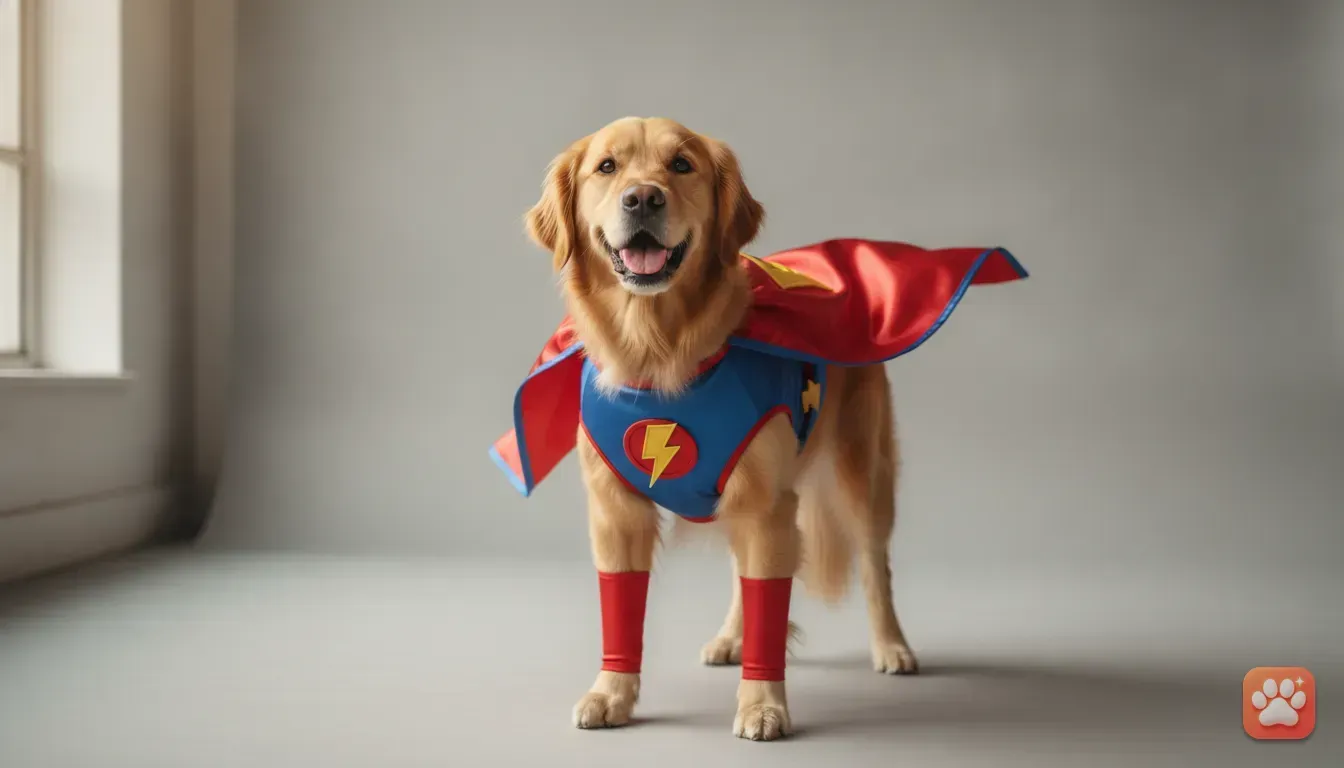
You can turn your tabby into a Chef or your Persian into a Wizard in seconds. We even have seasonal drops like Santa Paws and Halloween themes.
If you need the Best Christmas Costume Ideas for Dogs and Cats Photos, digital costumes are the kindest route.
Here's how you do it:
- Find one clear photo of your cat looking at the camera.
- Open Furstume AI and upload the picture.
- Pick a style. Tap King, Taco, or Astronaut.
- Wait a few seconds for the portrait to generate.
- Save it and share straight to Instagram or WhatsApp.
Your first portrait is free, and you can earn more credits through a daily check-in. No scratch marks and no hiding under the bed. It's just a highly shareable photo for your followers.
Privacy is also a priority for us. Pet photos are only used to create your portraits, and you can delete your data at any time.
Direct their eyes with treats and sounds
Getting a cat to look at the camera lens is notoriously difficult. If you call their name, they usually look at your mouth. Make a loud noise and they'll just walk away in disgust.
Try the treat tape trick. Roll up some sticky tape and attach a dry treat to the back of your phone near the lenses.
Your cat will stare intently at the treat, giving you a perfect wide-eyed gaze. Just remember to let them eat it afterwards as a reward.
You can also use soft, unfamiliar sounds. Crinkling a plastic wrapper gently behind your phone works wonders.
Cats are highly attuned to rustling sounds because it mimics prey. They'll instantly lock their eyes on the source.
Avoid using flash at all costs. A bright flash startles cats and creates glowing, alien eyes in the photo.
It can also make them run away and refuse to come back. Always stick to natural room light.
Shoot from their eye level for a dramatic look
The biggest mistake owners make is taking photos while standing up. Pointing the camera down at the cat on the floor is boring.
It makes the cat look small and flattens the background into just carpet or tiles. This isn't visually appealing for Instagram.
Get down on their level. Sit cross-legged or lie on your stomach if you have to.
When the camera is at eye height, the photo feels intimate and personal. You see the world from their perspective, and their features look proportional.
To get even lower, try flipping your phone upside down. This places the camera lenses closer to the ground.
It creates a dramatic angle that makes your cat look majestic and powerful, even if they're just staring at a toy.
5 stress-free Instagram photo ideas to try
Need some quick inspiration for your next post? Try these simple concepts. They require zero forcing and guarantee a cute result.
- The Toe Beans Close-Up: Wait until your cat falls asleep on their back or side. Get a close-up macro shot of just their paws. Instagram users love toe beans, making this a cute, low-effort post that always gets good engagement.
- The Peekaboo Shot: Hang a blanket over the edge of a sofa. Hide behind it with your phone and dangle a string toy. Snap the photo just as your cat peeks over the blanket to investigate.
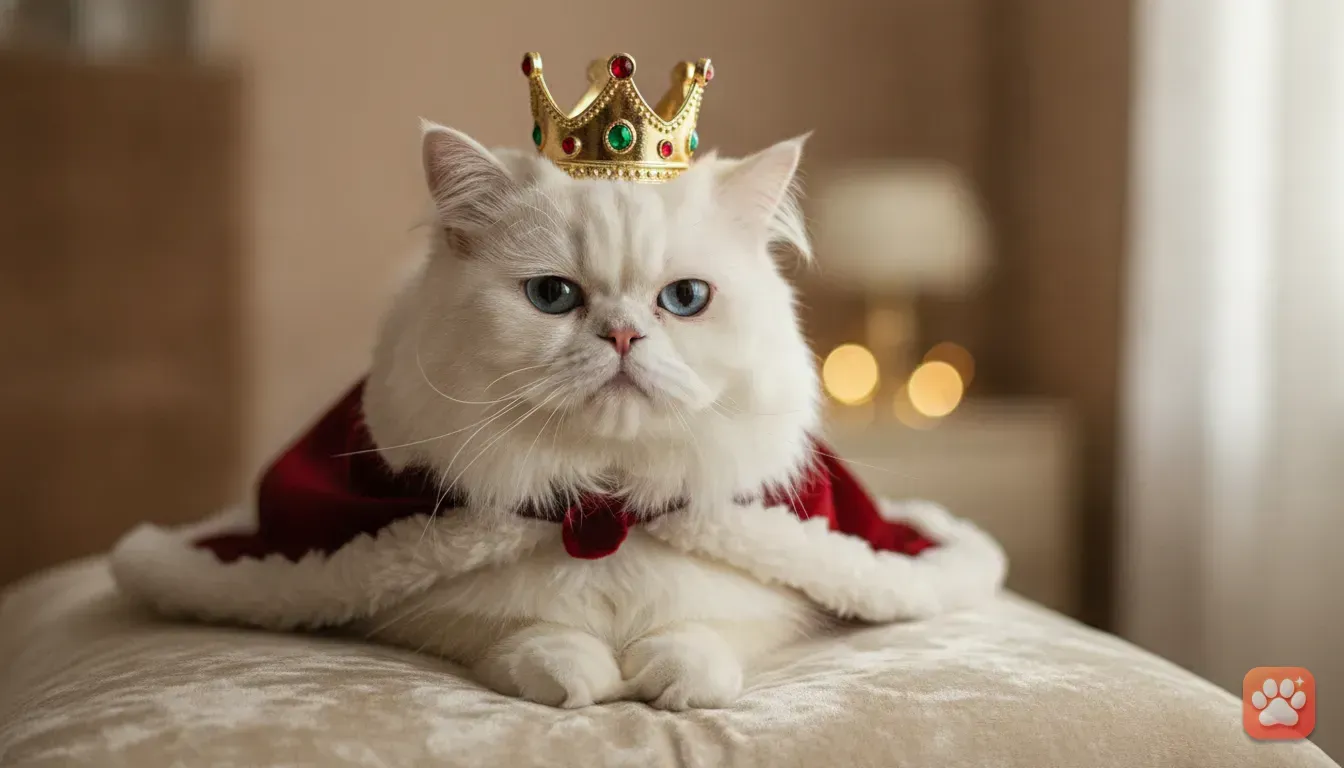
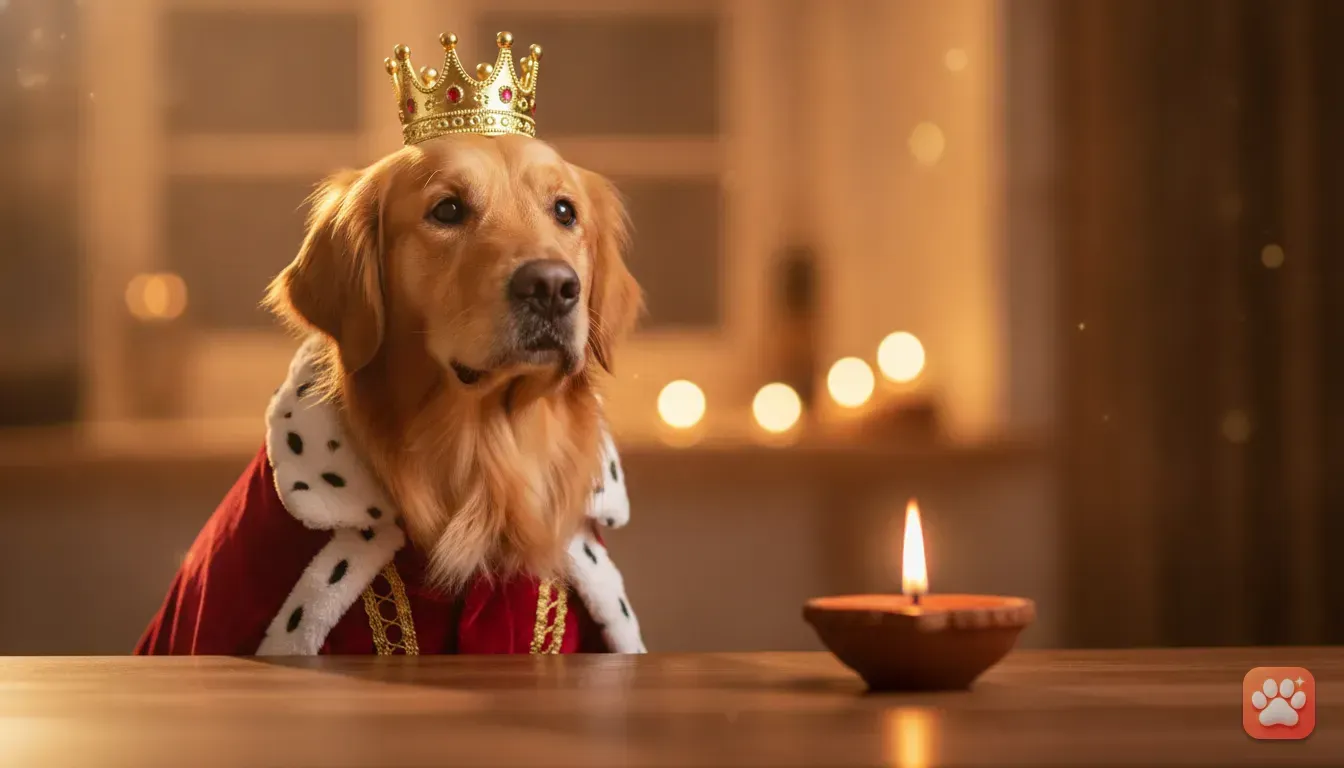
- The Royal Portrait: Take a simple photo of your cat sitting tall on a chair. Use an AI pet portrait app to give them a crown and royal robes. We previously shared how to Turn Your Dog Into a King With an AI Pet Portrait App. The exact same steps work beautifully for cats.
- The Big Yawn: This requires a bit of patience. Keep your camera ready when your cat wakes up from a nap. They almost always do a big stretch followed by a massive yawn, which makes for a hilarious photo.
- The Work From Home Helper: If you use a laptop, your cat will eventually sit on the keyboard. Instead of shooing them away, snap a quick photo. A caption like "My new manager is very strict" is a classic Instagram post.
Quick editing tricks to make your cat photos stand out
You've captured the perfect, relaxed photo. Now you just need to make it pop before posting. Keep your edits simple using your phone's built-in tools.
Over-edited photos can look messy and lose their charm.
Crop tight on the subject. Remove distracting background clutter.
If there's a messy pile of cables or a stray shoe in the corner, crop it out. A clean background keeps the focus entirely on your cat.
Adjust the shadows for dark fur. Black cats are notoriously hard to photograph because their faces look like dark silhouettes.
Go into your photo editor and turn up the 'Shadows' slider slightly. This lifts the darkness and brings out the details in their fur.
Keep the temperature warm. In your editing app, you'll find a 'Warmth' or 'Temperature' slider.
Moving it slightly to the warm side adds a golden tint. This makes pet photos feel cozy compared to harsh blue tones.
Start your next pet photoshoot today
Getting that perfect photo doesn't mean ruining their afternoon with tight outfits or scary noises. Use natural window light and get down on the floor.
By letting them do normal cat things, you'll capture images that show off their true personality.
When you want to celebrate a birthday or share a picture of your tabby as a Taco, leave the costumes in the store.
Try Furstume AI. Upload a normal photo and let the app handle the dressing up.
Pick a sunny spot in your house right now. Wait for your cat to settle in and try taking a few photos from their eye level. It's the easiest way to upgrade your feed.
Frequently asked questions
How do I get my cat to look at the camera?
Tape a small dry treat to the back of your phone near the camera lens. Your cat will stare intently at the food, giving you a perfect, wide-eyed shot.
Do cats hate wearing physical costumes?
Yes, most cats dislike clothes because they restrict movement and press against their sensitive whiskers. It is much kinder to use an AI app like Furstume AI to add a costume digitally.
Why are my black cat photos so dark?
Phone cameras struggle to capture the details in dark fur, often turning your cat into a silhouette. Use the 'Shadows' slider in your photo editing app to brighten their face without ruining the rest of the picture.
Are AI pet portrait apps safe for my privacy?
When using Furstume AI, your photos are only used to generate the portraits. You have full control and can delete your data at any time.
Try it yourself
Furstume AI
Turn your pet into Santa, a King, a Chef and 100+ costume portraits.