Best Virtual Try On Clothes App for Indian Ethnic Wear and Sarees
Stop guessing how that heavy lehenga or silk saree will look on you. Learn how to test Indian ethnic wear on your own photo before you buy.
 DevForge Studio
7 min read
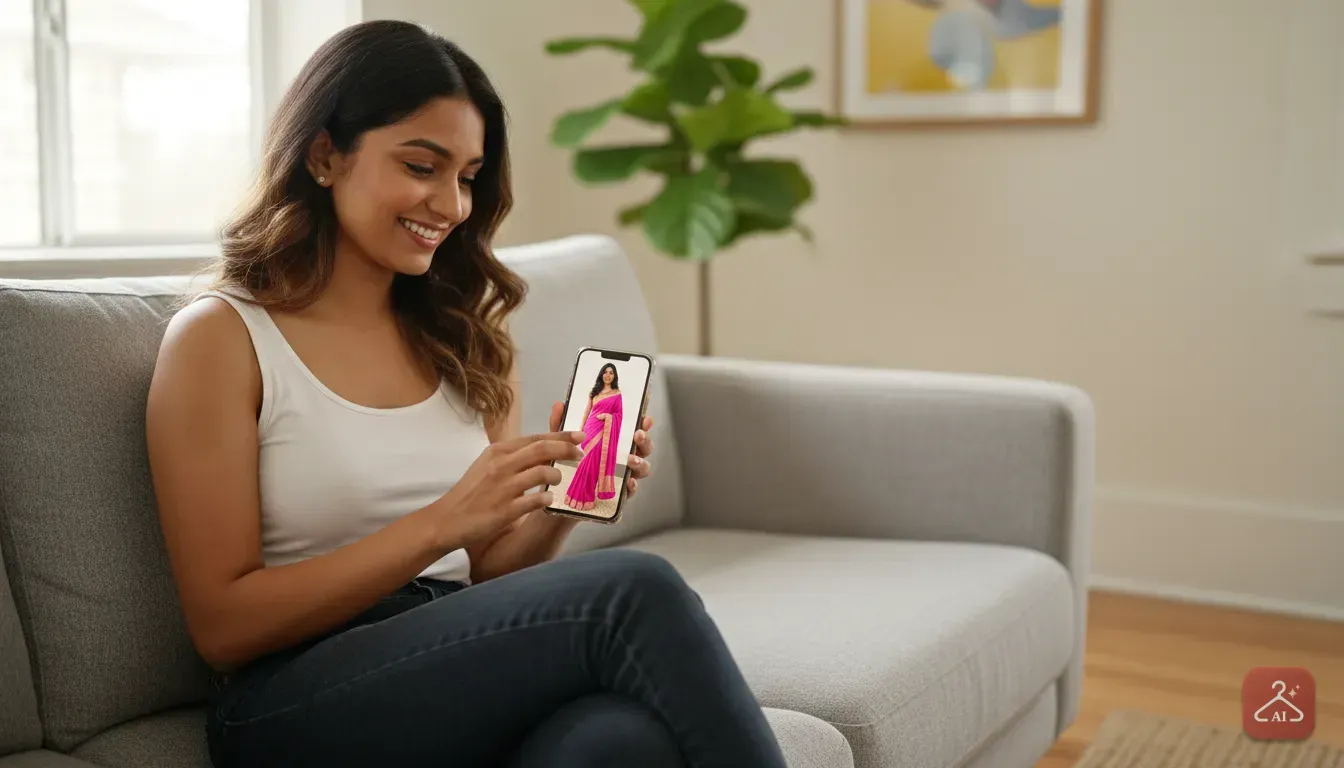
You've probably been there before. You're scrolling through Myntra, Ajio, or an Instagram boutique and spot the perfect festive outfit. It's a stunning Banarasi silk saree or a heavy embroidered lehenga.
The model looks fantastic, so you buy it. But when you finally put it on, the colour washes you out, the drape sits awkwardly, or the dupatta overwhelms your frame. Buying ethnic wear online is expensive, and boxing up heavy garments for returns is a massive hassle.
We all want to know how an outfit looks on our actual body before spending money. This is exactly why finding the best virtual try on clothes app for Indian ethnic wear and sarees has become so popular. Western clothes like t-shirts are fairly easy to guess.
But Indian traditional wear is different. It involves complex drapes, intricate embroidery, and rich fabrics that completely change depending on who wears them.
Here is how you can virtually try on sarees, lehengas, and kurtis using your own photos. We'll also explain how small clothing sellers and boutique owners can use these exact tools to create catalogue photos without paying for studio setups.
Why Indian Ethnic Wear Needs a Different Approach
Trying on a basic dress virtually is one thing. A traditional Indian outfit requires an app that understands volume, drapes, and complex patterns.
We've found that ethnic wear is uniquely challenging to buy online without a proper preview. Here is why.
The Complexity of Saree Drapes
A saree is essentially six to nine yards of unstitched fabric. The way the pallu falls, the neatness of the pleats, and the blouse contrast completely define the look.
On a store website, that saree is pinned and styled by professionals. A good virtual try on tool needs to map that specific drape onto your body. It must keep the exact placement of the borders and zari work intact.
Heavy Lehengas and Dupattas
Bridal lehengas and wedding outfits involve layers of tulle, heavy can-can skirts, and embellished dupattas. If you're petite, a voluminous skirt might swallow you whole.
If you're tall, the proportions of the choli and the skirt need to sit exactly right. Seeing this on your own photo helps you decide if you really need a mermaid cut instead of an A-line lehenga.
Skin Tone and Colour Matching
Indian skin tones range beautifully from fair to deep, with varying warm and cool undertones. A neon pink kurti that pops on a model might look completely different on you.
Maybe an olive green Anarkali suit is actually your perfect match. By placing the exact garment colour onto a photo of yourself, you instantly see if the shade flatters your natural complexion.
How to See Sarees and Lehengas on Yourself Before Buying
If you want to stop returning orders and start buying outfits you actually wear, you need a straightforward process. We designed Outfit Gen AI specifically to handle these complex clothing swaps.
Our Outfit Swap feature lets you upload a picture of yourself alongside the outfit you want to buy, blending them together in seconds. Here is the exact step-by-step process you can follow to test out ethnic wear online.
Step 1: Save the Product Image
Find the outfit you want to buy on your favourite shopping app. It could be a Chikankari kurti on Meesho or a Kanjeevaram saree on an Instagram store.
Save the highest quality image you can find. We recommend choosing a photo where the model is standing up straight and facing the camera. Avoid images where the outfit is heavily obscured by props or strange poses.
Step 2: Take a Good Reference Photo of Yourself
Your result will only be as good as the photo you provide. Stand against a plain, well-lit wall.
Wear tight-fitting clothes like a tank top and leggings to stop the AI from getting confused by bulky sleeves or collars. Keep your hands relaxed by your sides.
Don't block your body with your arms or your phone.
Step 3: Run the Outfit Swap
Open Outfit Gen AI on your phone. Upload your reference photo first, then upload the photo of the saree or lehenga. Tap the button to swap the outfit.
The app analyzes the drapes, the borders, and the fit of the ethnic wear before placing it naturally onto your body. It preserves the original fabric texture so you can see how the silk shines or how the georgette flows.
If you need more help getting this right, read our detailed guide on how to see clothes on yourself online to avoid shopping returns.
Tips for Getting the Best Virtual Try-On Results
Even with great tools, a little preparation goes a long way. If you want a realistic preview of your next Diwali or wedding outfit, keep these practical tips in mind.
- Match the pose: If the model wearing the lehenga is standing with her hands on her hips, upload a photo of yourself in a similar pose. This helps the fabric map perfectly.
- Pull your hair back: Traditional Indian wear often features heavy necklines, choker styling, or detailed blouse backs. Tie your hair up so the app can accurately show the neckline of the kurti.
- Watch your lighting: Shadows can trick AI apps. Take your photo facing a window during daylight, and avoid harsh overhead lights that cast dark shadows under your chin.
- Use the 4K Upscale: Ethnic wear is all about the details. Once you get your initial try-on result, use the 4K Upscale feature to sharpen the intricate thread work or mirror details clearly.
For Sellers: Creating Ethnic Wear Catalogues Without a Studio
If you run a boutique, sell on Meesho, or have an Instagram clothing page, you already know that good photos sell clothes. But hiring a model, makeup artist, and photographer for every new saree drop is expensive.
Many sellers try to solve this by taking photos of clothes flat on a bed or hung on a mannequin. Buyers struggle to visualize how a flat saree looks when draped, leading to fewer sales.
You can actually use virtual try-on technology to fix this. It turns your raw inventory shots into professional catalogue images.
The Workflow for Clothing Stores
You don't need to be a tech expert to get great product photos. Here is how you can build a stunning ethnic wear catalogue using your phone.
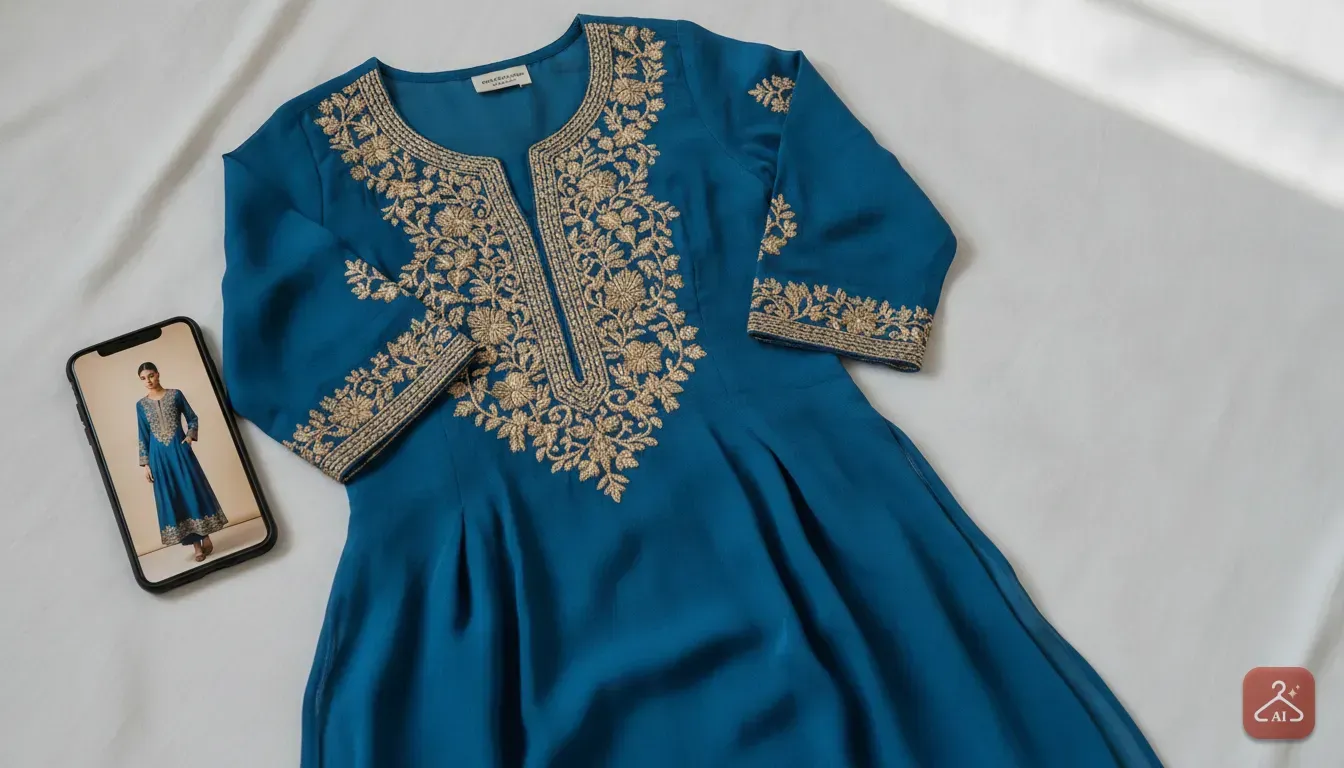
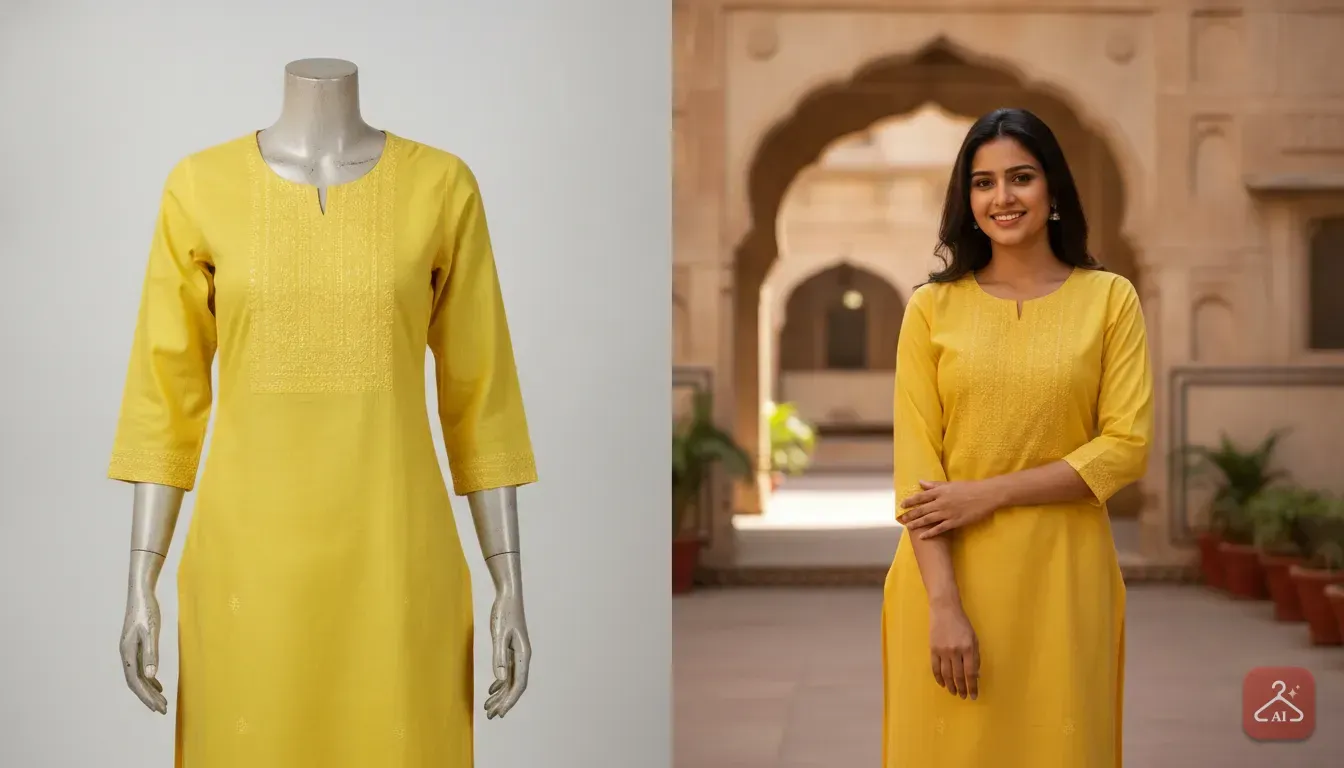
First, start with a clear picture of your garment. If you have a photo of a kurti on a plastic dummy or someone wearing it in a stockroom, use the Extract Outfit feature. This isolates the clothing and turns it into a clean, standalone product image.
Next, use the Model Photoshoot feature. Upload your clean product photo, select a model that fits your target demographic, and let the AI do the work. The app drapes your saree or fits your party wear onto the virtual model.
Finally, use the AI Edit tool to describe the background you want. Want your model standing in front of a festive marigold setup for a Diwali campaign? Just type it in.
The app can change the lighting and setting instantly. For more tips on this process, check out our guide on how to turn mannequin pictures into an AI model photoshoot for clothing sellers.
Common Mistakes to Avoid When Using AI Dress Changers
Virtual try-on apps are incredibly smart, but they still rely on clear visual data. Avoid these common mistakes to ensure you get a realistic result every time.
Using Cluttered Backgrounds
If you take a photo in a messy bedroom, the AI has to work much harder to figure out where your body ends and the background begins. Always stand against a plain wall or a simple curtain.
We notice this is especially important for sarees, where the pallu extends outward. A busy background can distort the edges of the fabric.
Wearing Loose Original Clothing
If you try on a sleek, fitted Anarkali suit virtually, but your source photo shows a baggy winter jacket, the result will look bulky.
The AI tries to cover what you're already wearing. Always start with a photo of yourself in tight, minimal clothing so the ethnic wear fits properly.
Ignoring the Original Garment's Flow
AI cannot magically change the physical properties of a fabric. If the product photo shows a stiff, heavily starched cotton saree, it will look stiff in the virtual try-on.
Don't expect it to flow like soft chiffon. Understanding the material you're buying helps you manage your expectations when viewing the digital result.
Your Next Step for Smarter Shopping
Shopping for Indian ethnic wear should be exciting, not stressful. You no longer have to cross your fingers and hope a saree drapes well.
You don't need to worry that a heavily embroidered lehenga won't suit your body type. By taking five minutes to test the outfit on your own photo, you can shop with confidence and avoid frustrating returns.
Grab your phone and try it out for your next wedding event or boutique drop. Find a photo of a festive look, upload your own picture, and see exactly how it fits before hitting checkout.
Frequently asked questions
Can I virtually try on a saree if the product photo is just folded fabric?
It is difficult for AI to drape flat, folded fabric accurately. For the best virtual try-on results, you should use a product photo where the saree is already draped on a model or a mannequin.
How do I make sure the AI gets my skin tone right?
Take your source photo in natural daylight facing a window. Good, even lighting helps the app preserve your actual skin tone and prevents the outfit from reflecting artificial room lights onto your face.
Can sellers use these apps to put their own clothes on different models?
Yes. Small business owners can upload photos of their clothing inventory and use model photoshoot features to generate realistic catalogue images without renting a studio or hiring models.
Does the app show exactly how the ethnic wear will fit me in real life?
The app gives you a highly accurate visual preview of how the style, colour, and drapes suit your body and skin tone. However, you should always check the seller's specific size chart before buying to ensure the physical fit is correct.

Try it yourself
Outfit Gen AI
See yourself in any outfit before you buy it.