How to Edit Funny Pet Photos for Instagram: Turn Your Cat Into a Chef
Learn how to create hilarious and cute costume photos of your pets for social media without the stress of dressing them up in real life.
 DevForge Studio
6 min read
You want to post a funny pet picture, but actual outfits are a nightmare. If you've ever tried to put a real hat on a cat, you know it usually ends in scratches. They hate clothes, and putting them in uncomfortable costumes just for a quick picture stresses everyone out.
If you want cute pictures without the hassle, learning How to Edit Funny Pet Photos for Instagram: Turn Your Cat Into a Chef is the smartest method. You keep your pet perfectly happy on their favourite rug. Meanwhile, you still get a hilarious image to share with your friends.
We'll walk through the exact steps to make this happen. We also have a few practical ideas for dogs, rabbits, and hamsters.
Why Editing Beats Real Pet Costumes Every Time
Dressing up a pet sounds fun. The reality is usually a mess. Dogs might tolerate a loose scarf, but cats and small pets will actively fight sleeves and hats.
Taking a sharp picture becomes almost impossible when they won't stop moving.
Using a pet photo editor app solves this. Your pet stays comfortable in their normal collar. You also get detailed, studio-quality outfits that cost a fortune in real life.
We know from experience that a giant dog will only wear an expensive king costume for three minutes.
Editing digitally means you can test ten different cat costume ideas or pet halloween costume ideas in five minutes. Your pet sleeps on the sofa. You get perfect content for your feed or WhatsApp status.
Getting the Perfect Base Photo at Home
Before creating costumes, you need one incredibly clear photo. AI tools rely heavily on your original picture. Feed the editor a blurry image, and you'll get a messy result.
You don't need professional gear for this. Here is how to get a great base shot with your phone:
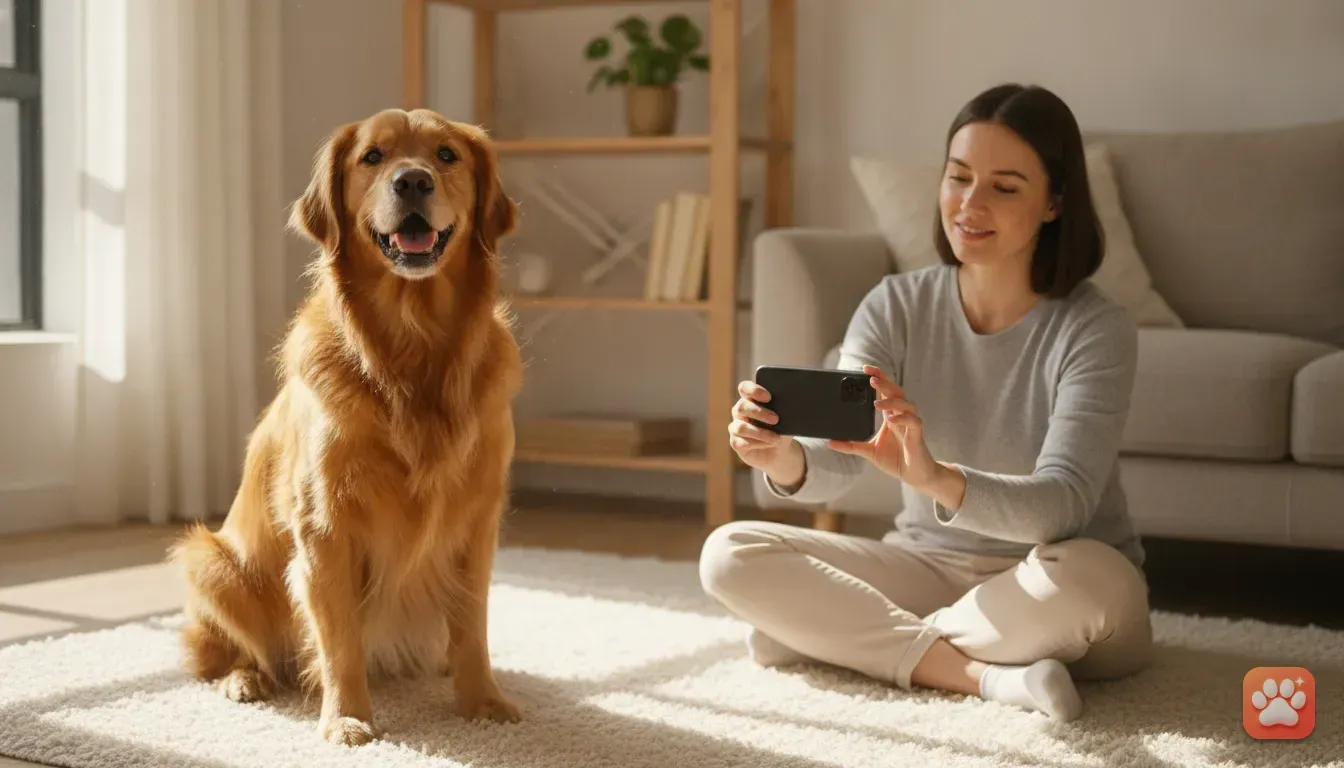
- Find natural light: Turn off harsh room lights. Bring your pet near a large window during the day. Soft sunlight brings out their true fur colour.
- Get down to their eye level: Don't stand up and point your phone down. Sit on the floor so the lens is in line with their face. It looks much more natural.
- Use high value bribes: Hold a piece of chicken or a squeaky toy right next to your lens. Snap the picture the exact second they look up.
- Clear the frame: Ensure their face isn't blocked by blankets or toys. You want their ears and chin fully visible.
For specific tricks on moving animals, read our guide on easy pet photography tips at home. Once you have that perfect shot, you can create endless funny pet photo ideas.
Step-by-Step: Turn Your Cat Into a Chef
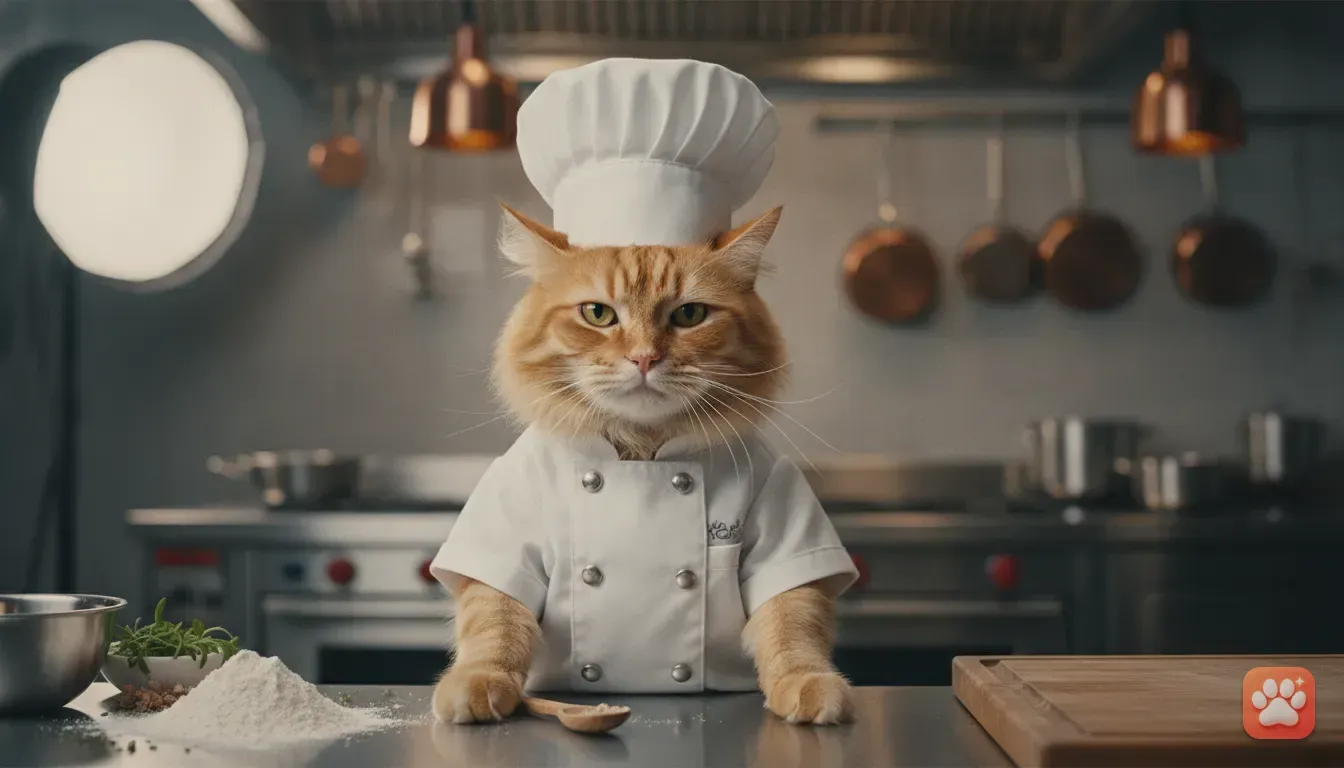
Now for the fun part. You have a well-lit photo of your cat, and you want them in a busy kitchen wearing a white chef coat. You could spend hours manually masking images in Photoshop.
Using an AI app is just much faster.
We built Furstume AI specifically to solve a big editing problem. Standard generators often create a generic orange tabby instead of your unique pet. Our app keeps your pet's actual fur pattern and markings so they don't turn into a lookalike.
Here are the exact steps:
- Set up your pet profile: Open the app and tap to add a pet. Upload that clear window photo you just took.
- Pick your outfit: Scroll through the gallery. Select the 'Chef' outfit from the 100 available options.
- Generate the portrait: Tap the generate button. The app uses studio lighting to fit the costume perfectly around your pet's actual face.
- Save and share: Save the final portrait directly to your camera roll. Post it straight to Instagram or your group chats.
Your first portrait is completely free. You can test out the chef idea right away. Earn more credits easily with the daily check-in feature or by watching short ads.
We know privacy is a major concern. Your photos are only used to create your portraits. You can delete your data at any time.
5 Funny Pet Photo Ideas for Your Instagram Feed
You'll want to try more than just the chef outfit once you start. Different breeds suit different looks. Here are our favourite ideas to try out next.
1. The Royal Portrait
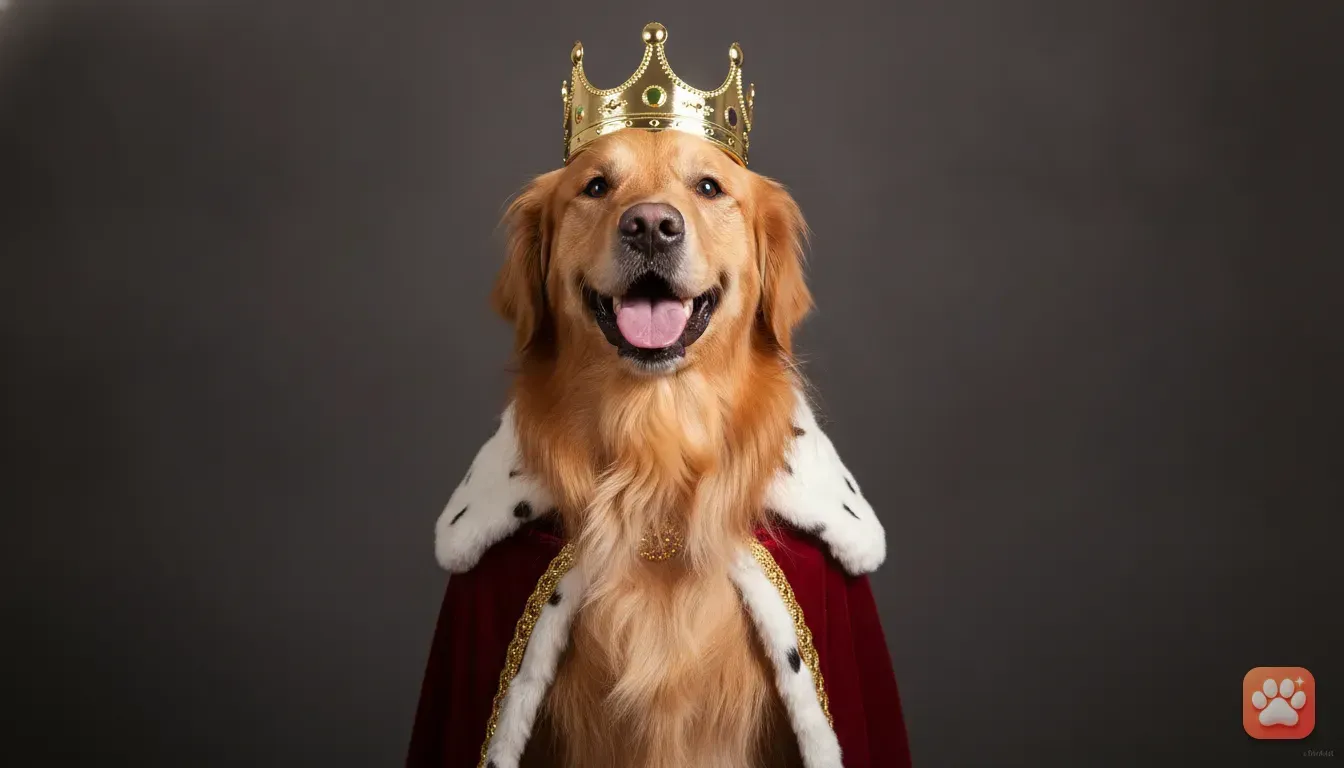
If your dog acts like they own the house, make it official. Searching how to turn my dog into a king is incredibly popular online. A velvet cape and shiny crown fit perfectly on serious faces like Dobermans or Persian cats.
The contrast is brilliant.
2. The Holiday Special
When the festive season hits, you'll need dog christmas costume ideas. Don't buy itchy reindeer antlers your dog will just shake off. Generate a Santa costume for dog photo cards digitally.
It looks like a professional shoot for a fraction of the cost.
3. The Astronaut Explorer
Put your hamster or rabbit inside a detailed space suit. The contrast between a tiny face and heavy space equipment always gets a laugh. This makes a great swipe-through post.
4. The Taco Cat
Sometimes you just want cute cat photo ideas for instagram that are purely silly. A cat dressed as a giant taco is a classic joke. It works especially well for round, fluffy cats.
5. The Birthday Star
If a birthday is coming up, you need quick dog birthday photoshoot ideas. Edit them wearing a party hat surrounded by balloons and cake. It makes a great cover photo without you having to scrub real frosting off the floor.
Mistakes to Avoid When Editing Pet Photos
A few simple mistakes can ruin your final picture. Keep an eye on these common errors. It helps keep your edits looking realistic.
Using sleeping photos: The eyes are the most important part of any portrait. If your pet has their eyes closed, the final edit looks lifeless. Always use a photo where they are alert.
Clashing body types: Putting a skinny Greyhound in a wide, bulky costume looks awkward. Match the outfit style to their actual face shape for the best results.
Ignoring bad lighting: Dark rooms cast heavy shadows on your dog's face. The final edit will simply copy those shadows. Aim for flat, even natural light across their whole face.
What to Do With Your Funny Pet Photos
Now you have a camera roll full of edited pets. What comes next?
Instagram carousels are a great place to start. Post a series showing your pet in different careers. Ask your followers which job suits your pet best to get more comments.
These edits make incredible pet portrait gifts. Edit a few photos of your friend's golden retriever in funny outfits. Print them on high-quality paper or a coffee mug.
It's a highly personal, inexpensive present they will actually use.
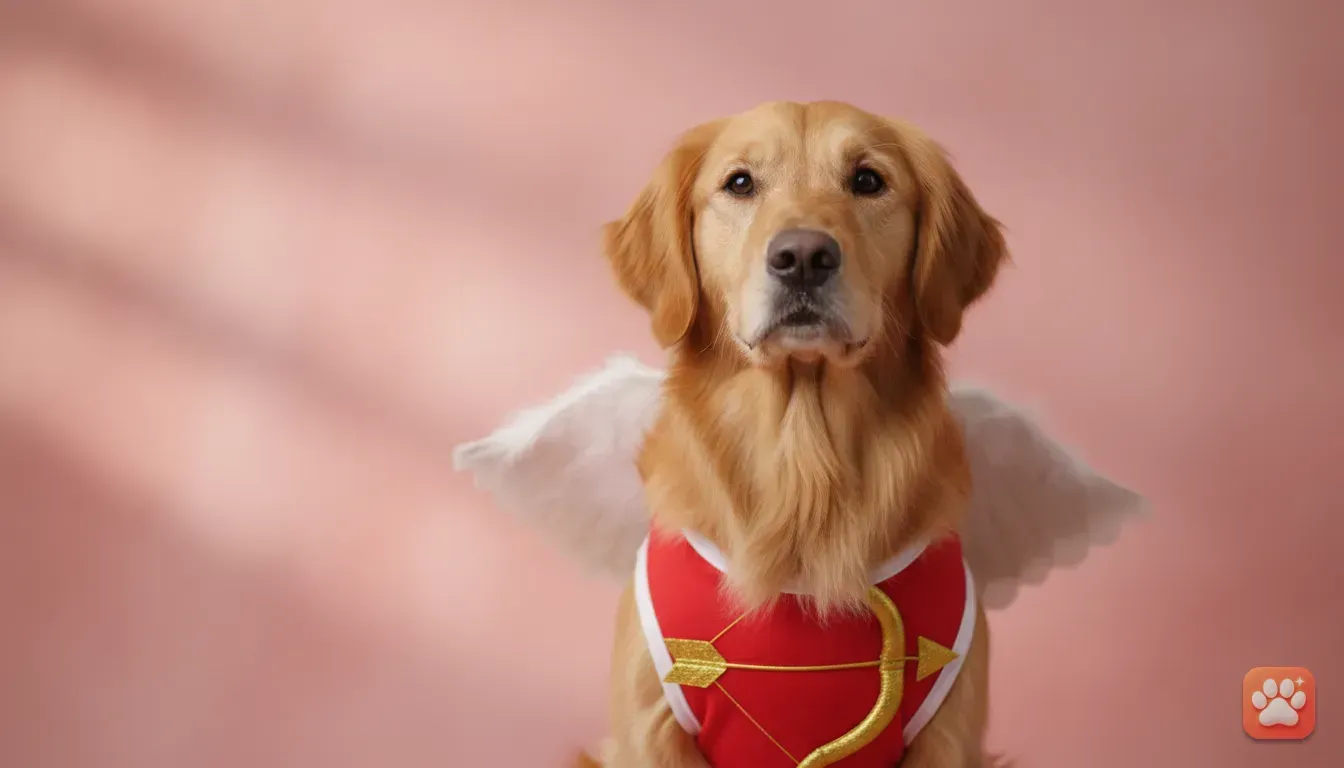
You can also use these portraits for physical greeting cards. We have a full tutorial on how to make cute Valentine's pet cards using a photo editor app. The exact same steps work for birthdays or Christmas.
Your Next Steps for Better Pet Photos
Getting a funny pet costume photo doesn't have to involve stressful dressing up sessions. You don't have to force a cat into a tiny sweater.
Grab your phone. Find a well-lit spot near a window, and bribe your pet with a treat for a clear shot. Open your editor and start experimenting.
You can create it all quietly while they take their afternoon nap.
Frequently asked questions
How do I take a good photo of a moving pet for editing?
Use bright natural light from a window and sit at their eye level. Hold a high value treat or a squeaky toy right next to your phone lens to get them to freeze and look directly at the camera.
Do AI pet editors keep my dog's natural spots and fur colour?
Many generic editors do not, but tools built specifically for pets like Furstume AI map the real fur patterns, colours, and markings to the generated costume so it looks exactly like your pet.
What are the best funny photo ideas for small pets like hamsters?
Tiny scale outfits like astronauts, tacos, or small wizard robes look hilarious on small pets. The dramatic size contrast between a tiny fluffy face and a complex costume always gets a great reaction online.
Is it safe and private to upload my pet's photo to an AI app?
Always check the privacy policy before uploading. Choose an app that explicitly states your photos are only used to create your portraits and allows you to delete your data and account at any time.
Try it yourself
Furstume AI
Turn your pet into Santa, a King, a Chef and 100+ costume portraits.