Cat Costume Ideas for Instagram When Your Cat Won't Sit Still
Struggling to dress up your fidgety cat for photos? Learn how to get adorable costume pictures for Instagram without the scratching or stress.
 DevForge Studio
7 min read
You just bought a tiny pirate outfit for your pet. You spent ten minutes trying to guide your cat's arms through those little fabric sleeves. Now your cat is hiding under the sofa, giving you a look of pure betrayal.
All you have is a blurry photo of a tail. Figuring out how to get cute cat costume ideas for Instagram when your cat won't sit still feels nearly impossible.
We've all been there. Most cats absolutely hate wearing clothes. They wriggle, scratch, and flop over as if their legs no longer work.
The good news is you don't need to force them into sweaters to get a great picture. You can work with your cat's natural behaviour, use minimal props, or skip physical clothes entirely with digital outfits. We'll show you exactly how to get shareable pet photos without stressing out your furry friend.
Why Your Cat Hates Wearing Costumes
Before you try another photoshoot, it helps to understand why your cat turns into a liquid ninja around a tiny sweater. Cats rely heavily on their fur and whiskers for sensory information. Putting a physical costume on them compresses that fur.
It messes with their spatial awareness and makes them feel trapped. Some cats tolerate a lightweight shirt if they wore them as kittens. Most adult cats will just freeze or escape.
Flattened ears, aggressive tail swishes, and hiding mean they're uncomfortable. Forcing clothes on an anxious cat ruins trust and guarantees a bad photo. Instead of fighting their instincts, adapt your approach.
Trick 1: Use Minimal Props Instead of Full Outfits
If a full costume fails, compromise with minimal accessories. A cat that fights a sweater might ignore a loose bow tie or a special collar. These small additions look fantastic on Instagram.
Best of all, they take seconds to slip on. Look for props that attach with a simple velcro strap. Avoid anything that pulls over their head.
A festive collar for Christmas, a bright summer bandana, or a lightweight fabric crown changes the entire photo. Place the prop on your cat right before mealtime. They'll be so focused on the food bowl that they might not even notice the accessory.
Snap a few quick photos while they eat. You can also hold a treat just above the camera lens to make them look up. Keep the session under two minutes, and take the prop off the moment they show annoyance.
Trick 2: Create a Themed Background
If your cat refuses to wear anything, create a costume-like atmosphere by decorating their environment. Don't dress the cat as a pumpkin for Halloween. Instead, surround their favourite sleeping spot with small, pet-safe decorative pumpkins and autumn leaves.
For a cozy winter photo, drape a thick blanket over their usual bed. Place a few safe ornaments nearby and wait for them to nap. Styling the background keeps your cat completely relaxed.
The focus stays on your pet, and the setting tells the story.
The Stress-Free Method: Use an AI Pet Portrait App
Sometimes you just want to see your cat dressed as an astronaut. No amount of treats will make that happen in real life. Digital outfits fix this entirely.
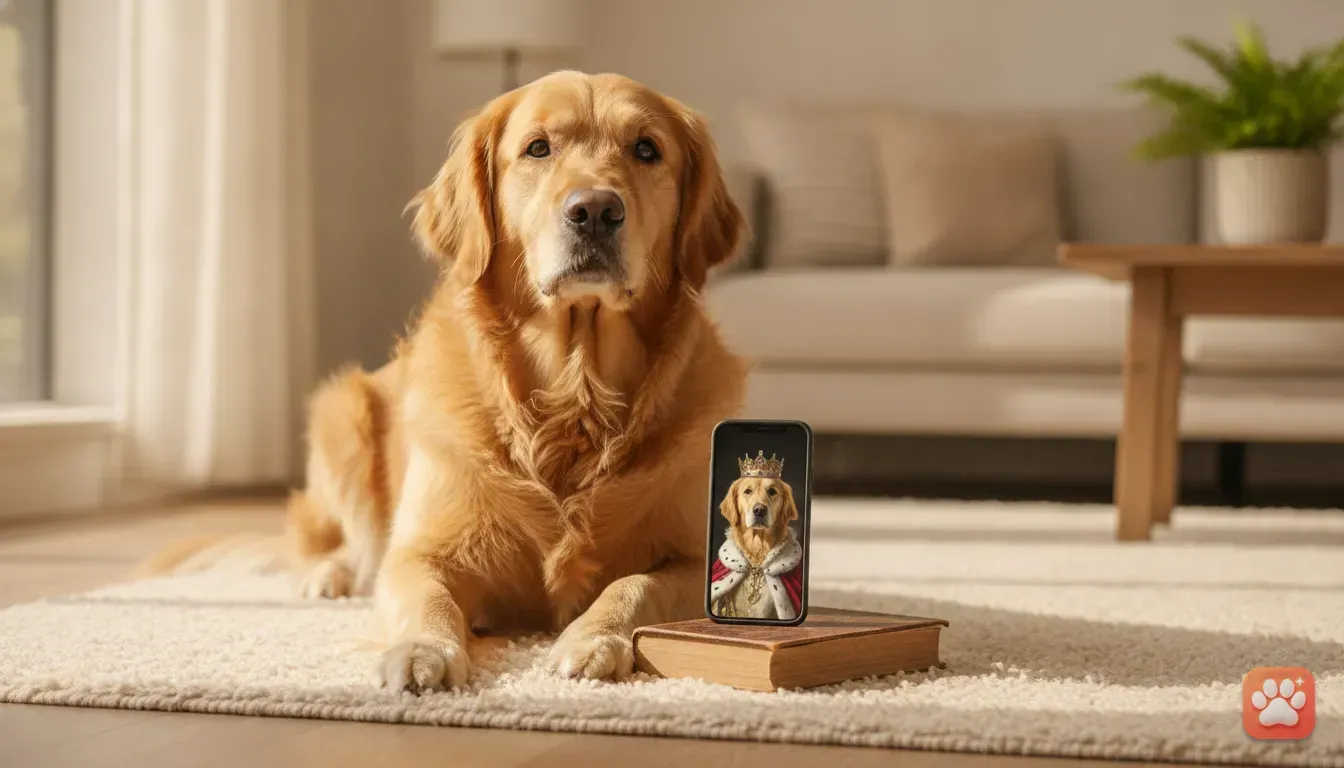
You can use an AI pet portrait app to create studio-quality costume photos without touching your cat. Our app, Furstume AI, solves this specific problem. Upload one clear photo of your cat sitting naturally.
The app turns them into characters like Santa Paws, a Chef, or a Wizard. The best part is it actually looks like your pet. Generic filters just slap a cartoon face on a costume.
Furstume AI keeps your cat's real fur colour, markings, and eye shape. If your cat has a specific white patch over one eye, the final portrait retains it. You get professional studio lighting and detailed costumes.
Your first portrait is free to try. You can earn more credits through daily check-ins.
5 Cute Cat Costume Ideas for Instagram
Having a fun concept makes your post stand out. Here are five popular ideas that always get great engagement on social media. We've included caption suggestions for your next post.
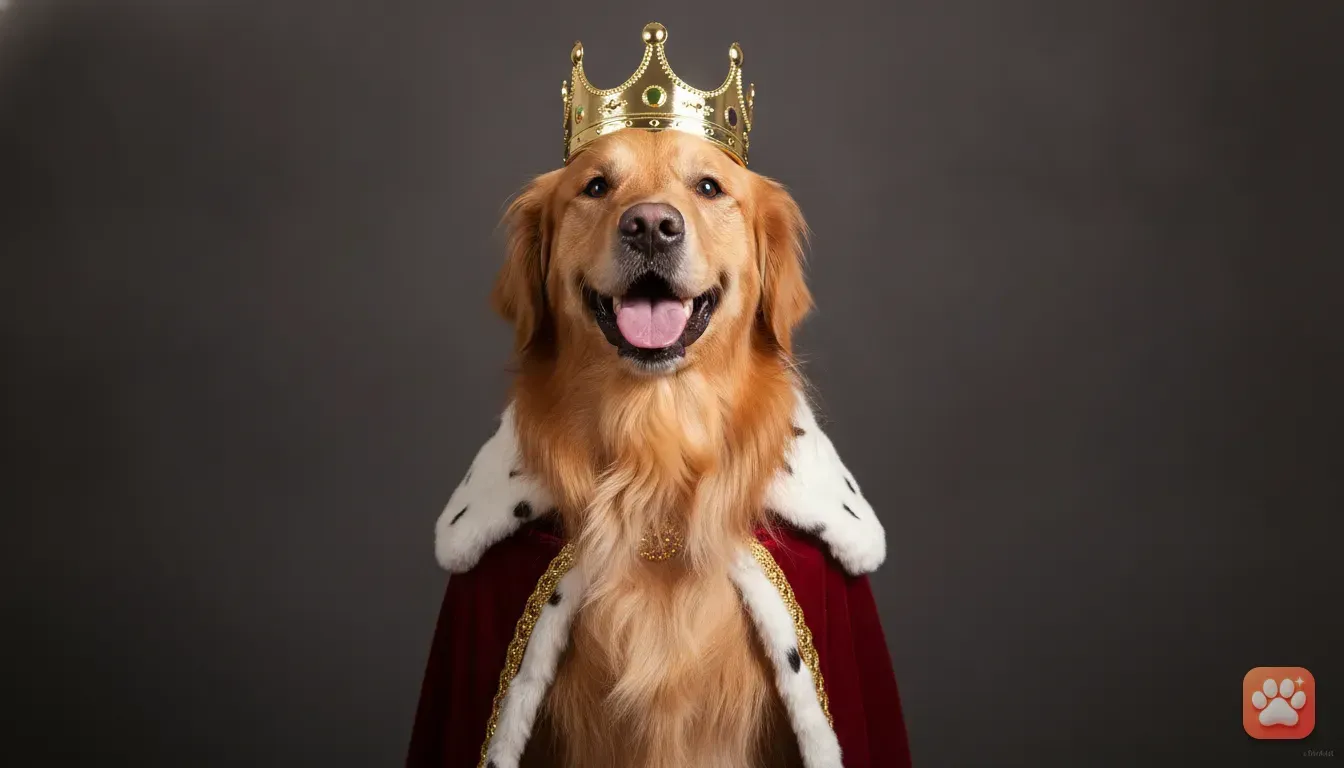
1. The Royal King or Queen
Cats already act like they own the house. A royal theme fits their personality perfectly. A digital portrait of your cat on a plush throne with a golden crown is a guaranteed crowd-pleaser.
- Caption Idea: Bow down to the true ruler of this household. Rent is due in treats.
- Best for: Birthdays or adopting anniversaries.
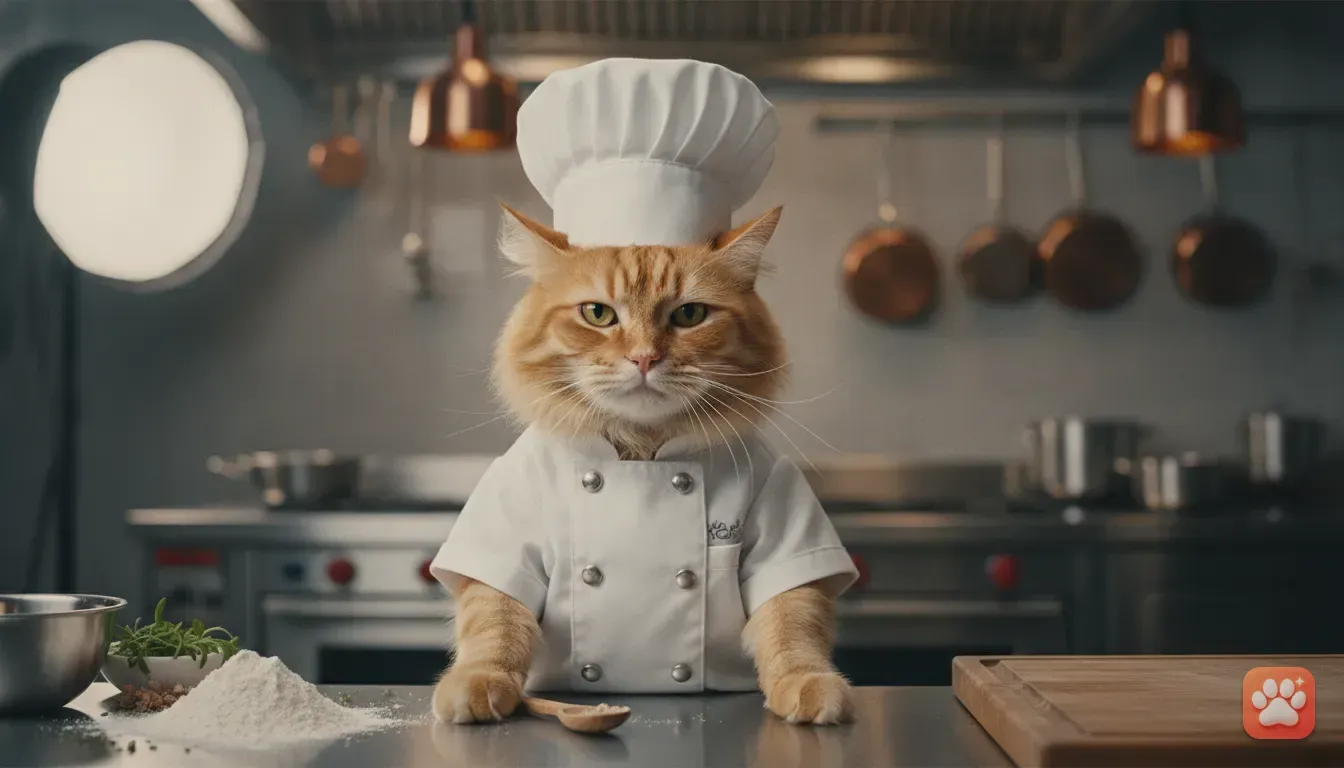
2. The Grumpy Chef
Turning a highly food-motivated cat into a chef is hilarious. You can read more about creating this exact look in our guide on how to edit funny pet photos for Instagram. A tall white hat and a little apron look brilliant against a grumpy cat expression.
- Caption Idea: The head chef is very disappointed with the quality of the tuna today.
- Best for: Weekend cooking posts or breakfast updates.
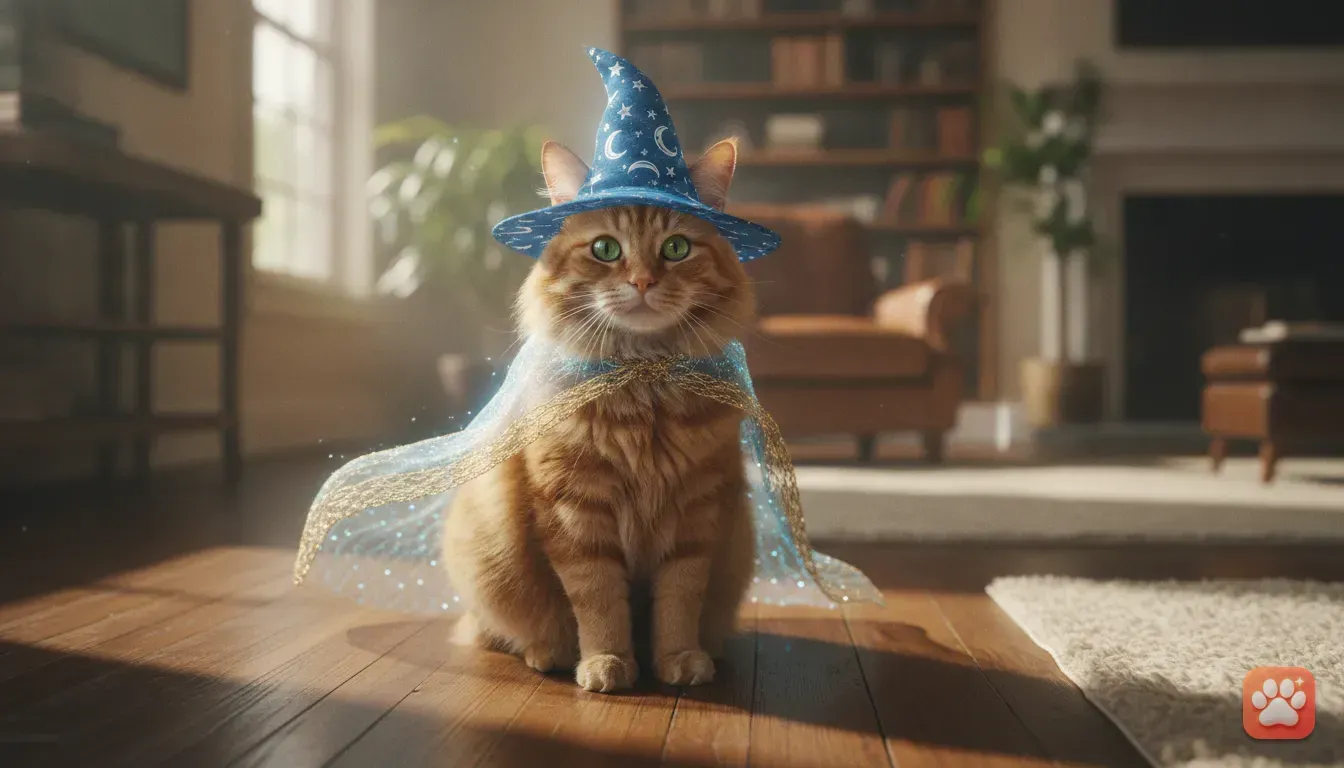
3. The Mystical Wizard
The wizard costume is a favourite for a spooky aesthetic. Think of a tall pointed hat and a starry cape. This works incredibly well for black cats or fluffy long-haired breeds.
- Caption Idea: Casting a spell to make the dog disappear. Results pending.
- Best for: Halloween or moody autumn photo dumps.
4. The Space Astronaut
An astronaut suit creates a fantastic contrast with fluffy fur. Seeing your cat's face peering out of a space helmet stops people from scrolling past.
- Caption Idea: Ground control to Major Tom. Requesting permission to knock a glass off the table.
- Best for: Random weekday humour or sci-fi fans.
5. The Taco Cat
Internet culture loves a good pun. 'Taco cat' (spelled the same backwards) is a classic. A digital costume wrapping your cat in a hard taco shell is silly, colourful, and highly shareable.
- Caption Idea: Happy Taco Tuesday from the spiciest item on the menu.
- Best for: Tuesday posts or casual Instagram stories.
How to Take One Clear Photo for Digital Edits
If you use Furstume AI, the final quality depends on the photo you upload. You only need one good picture. Getting a fidgety cat to look at the camera takes a little planning, though.
We have a full guide on easy pet photography tips at home, but here are the essential steps. First, find a room with natural daylight. Open your curtains and let the light hit your cat's face.
Avoid night photos with bright room lights. This causes harsh yellow shadows and makes their eyes look unnatural. Second, get down to their eye level.
Photos taken from above make your cat look small and distorted. Sit on the floor. Keep your phone camera directly in line with their nose to capture true proportions.
Finally, use burst mode. Cats move quickly. Make a strange clicking noise with your tongue to get their attention.
The moment they look at the lens, hold down the camera button to take ten rapid photos. You can then pick the one frame where they sit perfectly still.
Planning Your Instagram Feed
Once you have your cute cat costume photos, think about how you want to share them. Try mixing fun costume portraits with standard photos of your pet relaxing. This keeps a clean, aesthetic grid on your main profile.
Instagram Stories are perfect for behind-the-scenes content. Share a video of your cat refusing to sit still. Follow it up with the perfect digital portrait from Furstume AI.
Showing the reality of pet ownership alongside a polished image makes your account highly relatable. Always use relevant tags so other cat lovers can find your posts.
Mix broad tags like your cat's breed with specific outfit tags. Leave genuine comments on other pet accounts, and you'll quickly build a fun community.
Your Next Steps for Better Pet Photos
Getting your cat to cooperate for photos shouldn't feel like a battle. Respect their boundaries. Use small props, style the background, or embrace digital tools.
You'll create amazing content for social media without the scratches. Test your cat's patience level next. Try placing a loose ribbon on them near food time.
If they hate it, don't push it. Instead, grab your phone and find a spot by the window. Practice using burst mode to get one clear, natural picture.
Once you have that base photo, you can turn them into any character you want from the comfort of your sofa.
Frequently asked questions
How can I take a picture of my cat when they won't stop moving?
Use the burst mode on your smartphone camera to capture many frames per second. Hold a treat or a toy right above your phone lens to grab their attention, and shoot in bright natural daylight to avoid blurry images.
Is it safe to dress up a cat for photos?
It is safe only if the cat is relaxed and the clothing does not restrict their movement or vision. If your cat shows signs of stress, such as flattened ears or hiding, remove the clothes immediately and use digital alternatives instead.
What is the best app to add costumes to my pet photos?
Furstume AI is a great choice because it keeps your pet's natural fur colour, pattern, and unique markings. It offers over 100 studio-quality costumes and gives you your first portrait for free.
How do I get my cat to look at the camera?
Cats respond well to novel sounds. Instead of calling their name repeatedly, try making a strange clicking noise, rustling a packet of treats, or using a crinkle toy just above the camera to get a sudden, curious glance.
Try it yourself
Furstume AI
Turn your pet into Santa, a King, a Chef and 100+ costume portraits.