How to Find the Best AI Filters for Selfies That Keep Your Natural Face
Tired of AI apps turning you into a completely different person? Here is how to find and use AI filters that actually keep your real facial features intact.
 DevForge Studio
6 min read
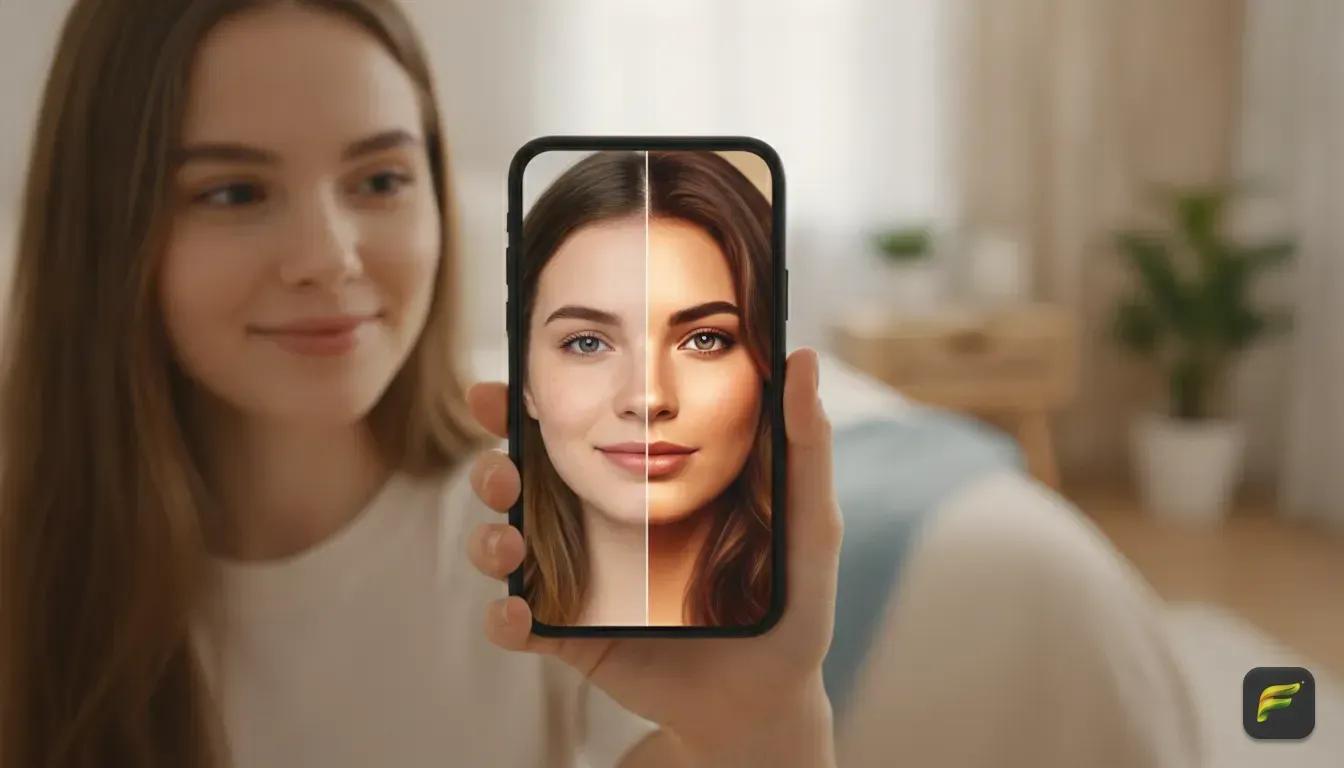
You upload a photo to an AI app and get back a flawless stranger. The hair is yours, and the outfit is cool. But the face belongs to a video game character.
We see this happen constantly in our studio. Learning how to find the best AI filters for selfies that actually keep your natural face comes down to finding the right settings. You also have to feed the app the perfect starting image.
We'll show you how to stop the AI from over-smoothing your skin or reshaping your nose. You'll learn the exact settings to find and the specific text prompts that work best. Soon, you'll create eye-catching profile pictures without losing your real likeness.
Why most AI filters change your face completely
To fix this, you need to understand how basic AI filters work. Standard photo apps don't just put a layer over your selfie. They actually redraw the image from scratch using a hidden text prompt.
These AI models learn from millions of model and celebrity photos. When the software redraws your face, it averages out your unique traits to match its idea of perfection.
Your nose gets thinner. Your jawline gets sharper, and your skin loses all its natural texture. The AI simply applies a generic beauty standard instead of preserving you.
What to look for in a face-preserving AI photo editor
You can't fix this with better lighting alone. You need an app built specifically to lock your facial features in place.
The technology behind this is called a control network. It maps the exact distance between your eyes, the curve of your lips, and the shape of your cheeks. It then forces the AI to draw around these landmarks instead of drawing over them.
When choosing an AI photo editor, look for three specific features.
- A dedicated face-lock setting. The app must clearly state it keeps your face intact while altering the outfit or background.
- Custom prompt control. Standard filters limit your creativity, so you need the ability to type exactly what you want.
- Clear privacy rules. Your face is personal data. Always ensure the app processes images privately.
We built Fotorra AI because we were tired of generic results. It lets you choose curated templates or type custom prompts to change your outfit. The app keeps your natural face completely intact while transforming the rest of the image.
Your edits generate quickly and save right to your phone. We also made sure uploads are private by design. They are never used to train public AI models.
How to take the perfect selfie for AI edits
Even the smartest AI needs a good starting point. If shadow hides half your face, the software has to guess what is there.
AI is terrible at guessing. It just fills in the blanks with generic features. For the best results, you need a highly clear input photo.
- Use flat, even lighting. Stand facing a large window during the day to illuminate your whole face evenly. Avoid overhead sunlight, which casts harsh shadows under your eyes and nose.
- Keep your hands away from your face. Don't rest your chin in your hand. AI struggles to separate fingers from skin, leaving you with weird, blended shapes.
- Look straight at the camera. A slight angle is fine, but extreme side profiles confuse most face-mapping algorithms. A straight-on shot gives the most accurate map of your proportions.
- Avoid heavy makeup. If you want a natural look, start with a natural face. Heavy contouring tricks the AI into thinking your bone structure is different.
- Remove sunglasses and hats. Glasses hide the shape of your eyes. Large brims cast heavy shadows across your forehead.
Trending AI photo styles that work well with natural faces
Once you have your perfect base selfie, you can start experimenting with viral trends. Some styles naturally look far more realistic than others.
The cinematic studio look
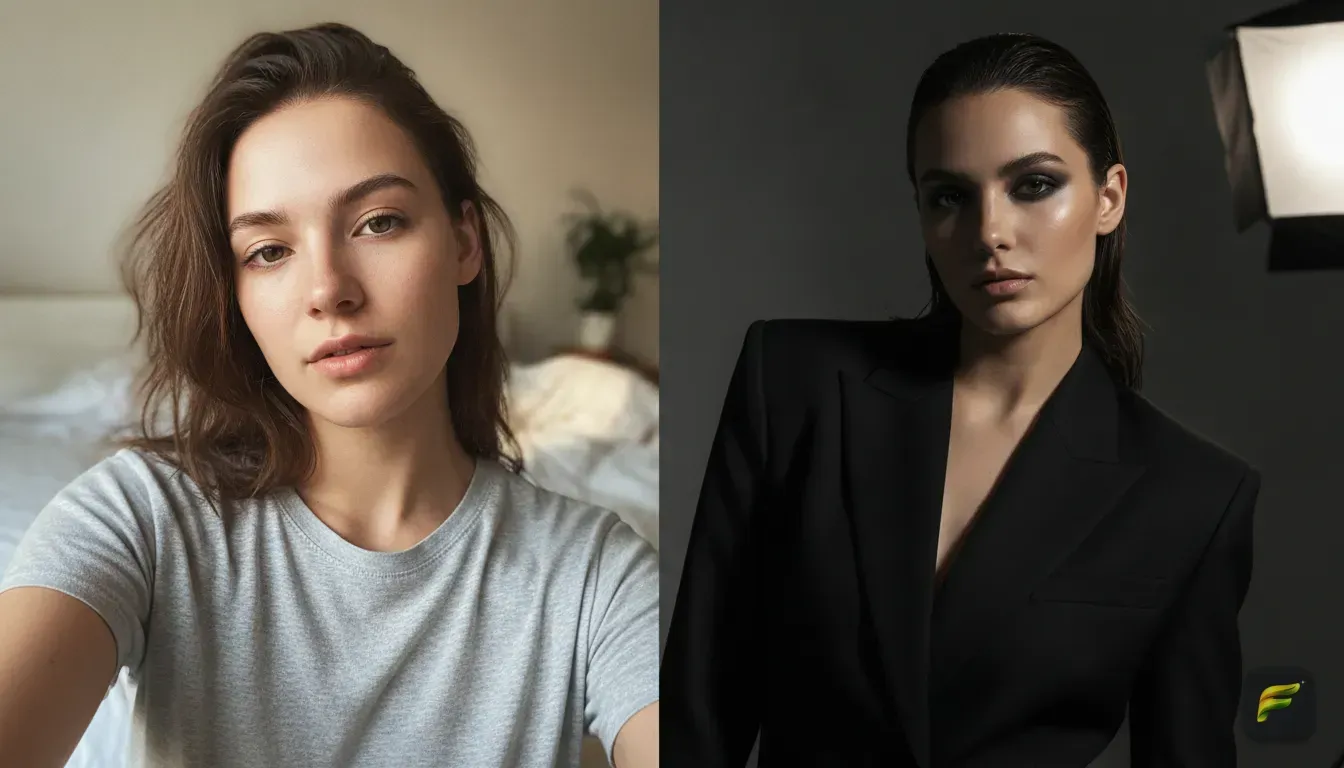
This style mimics a professional photoshoot with dramatic lighting and a blurry background. It works perfectly for LinkedIn, dating apps, or Instagram.
By adding soft rim lighting and a shallow depth of field, the AI makes your everyday selfie look highly professional. We explain exactly how to achieve this in our guide on how to get a cinematic photo edit from an everyday selfie using AI.
The 90s vintage film aesthetic
Vintage yearbook and disposable camera trends are massive right now. These edits add film grain, slight light leaks, and harsh flash effects.
Because the style is intentionally raw, it hides small digital errors and makes AI edits look incredibly realistic. We have a full tutorial on how to do the viral vintage photo edit AI trend on your phone.
5 custom prompts to try right now for eye-catching results
If you use an app with a custom prompt feature, you can describe exactly what you want. The trick is being highly specific about the lighting, outfit, and setting. Try copying and pasting these examples.
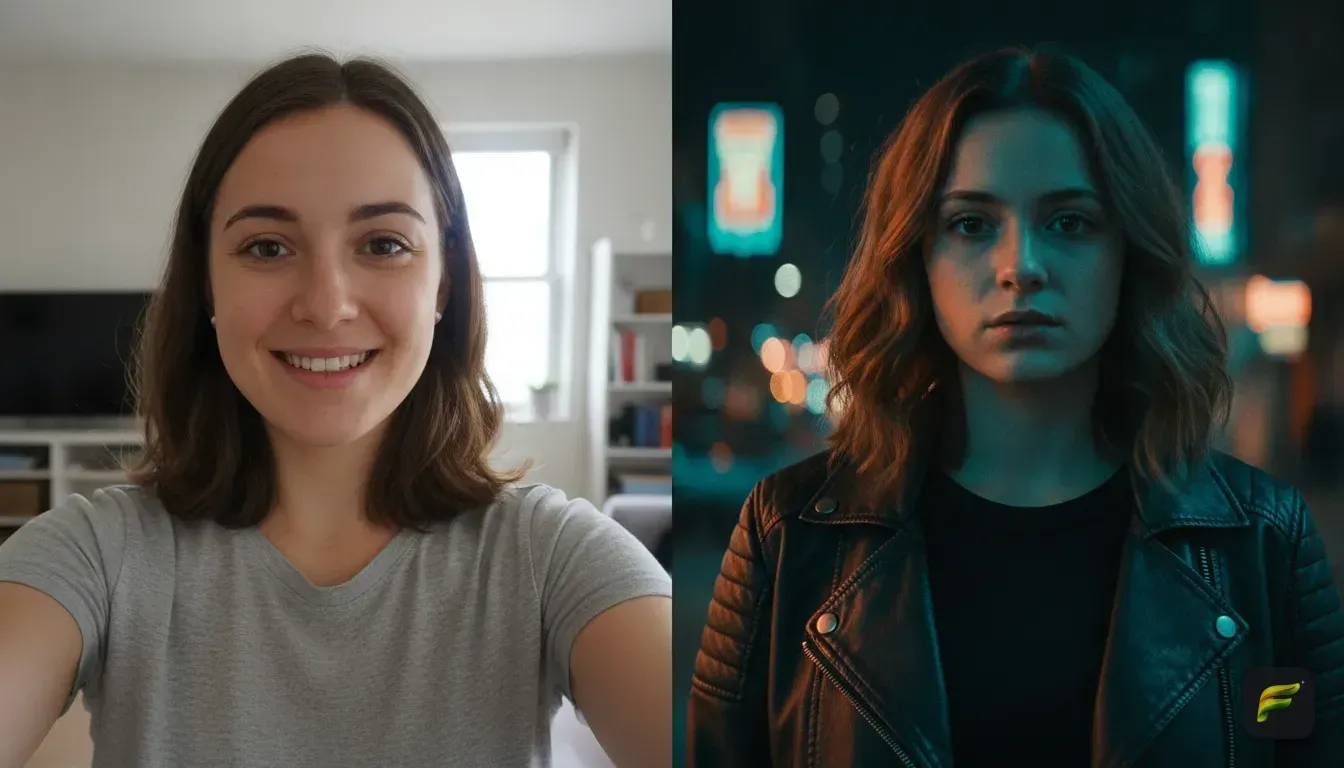
- The neon night out: "Subject wearing a black leather jacket, standing on a rainy city street at night, illuminated by bright pink and blue neon signs, cinematic lighting, highly detailed."
- The soft cottagecore aesthetic: "Subject wearing a flowing white linen dress, sitting in a sunlit spring garden surrounded by wildflowers, soft pastel colours, natural sunlight, vintage film camera style."
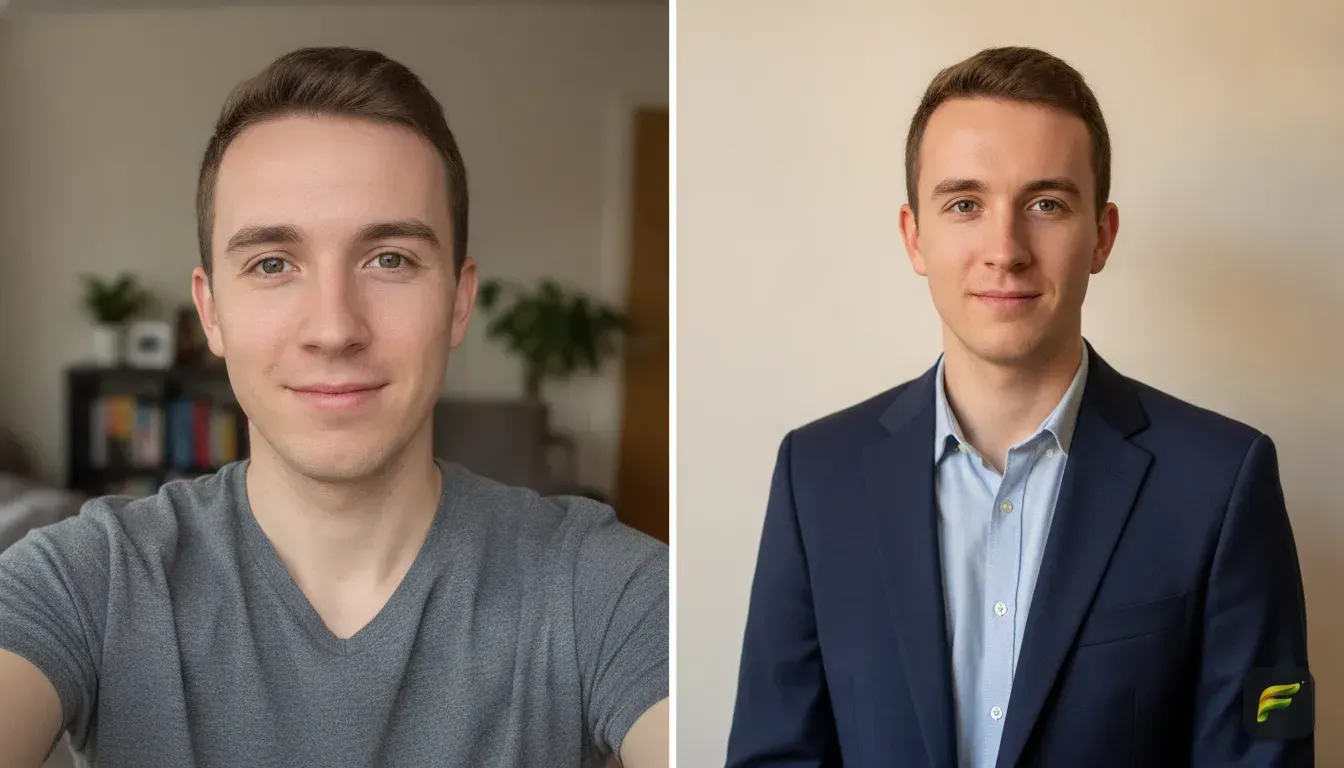
- The professional headshot: "Subject wearing a tailored navy blue blazer over a crisp white shirt, standing against a neutral grey studio backdrop, professional studio lighting, sharp focus, corporate headshot style."
- The high fashion editorial: "Subject wearing an avant-garde red silk outfit, posing in a modern art gallery, dramatic directional lighting, high contrast, vogue magazine cover style."
- The cosy coffee shop: "Subject wearing a thick knitted beige jumper, holding a coffee cup, sitting inside a warm indie coffee shop, rainy window in the background, warm autumn tones."
Common mistakes that ruin AI selfies
Even with the right app and a great prompt, things still go wrong. We see the same mistakes ruin perfectly good photos all the time. Avoid these pitfalls to keep your edits looking natural.
- Using a blurry base photo. If your original photo lacks resolution, the AI tries to add fake details to replace the missing pixels. You'll get plastic-looking skin or weird hair textures.
- Having a messy background. AI easily replaces backgrounds, but it works best when it can separate you clearly from the room behind you. Start with a plain wall.
- Overcomplicating the prompt. Don't ask the AI to put you in a spacesuit while riding a horse on Mars. It will focus entirely on those details and lose the accuracy of your face. Keep prompts focused on outfit, setting, and lighting.
- Editing people without consent. Only use AI editors on your own pictures. Modifying photos of friends or strangers without permission breaches their privacy.
Next steps for your profile picture
Getting an amazing AI photo edit doesn't require hours of software training. You just need a clear, well-lit selfie. More importantly, you need a tool that respects your natural bone structure.
Grab your phone. Find a window with good natural light and take a fresh selfie right now. Keep your face neutral, leave your hands down, and let the light hit you evenly.
Then, open your AI editor. Try out one of our custom prompts, and watch your photo transform while your real face stays completely intact.
Frequently asked questions
Why do most AI filters make me look like someone else?
Most AI filters recreate your photo from scratch using training data based on generic beauty standards. Unless the app uses specific facial mapping technology to lock your features, it will naturally average out your unique traits.
Can I change my outfit in a photo using AI without changing my face?
Yes, apps like Fotorra AI are built specifically to do this. They isolate your facial features and preserve them while replacing the clothes and background based on your text prompts.
What is the best lighting for an AI selfie?
Flat, even natural light works best. Standing facing a large window during the day prevents harsh shadows, giving the AI a clear and accurate map of your facial features.
Are AI photo editors safe for my privacy?
It depends on the app you use. Always look for tools that state they process images privately and do not use your personal uploads to train public AI models.

Try it yourself
Fotorra AI
Transform photos instantly with AI.