How to Do an AI Model Photoshoot for Clothing as a Small Business Owner
Learn how to turn simple flat lays and mannequin pictures into professional catalogue images using AI, without paying for an expensive studio.
 DevForge Studio
6 min read
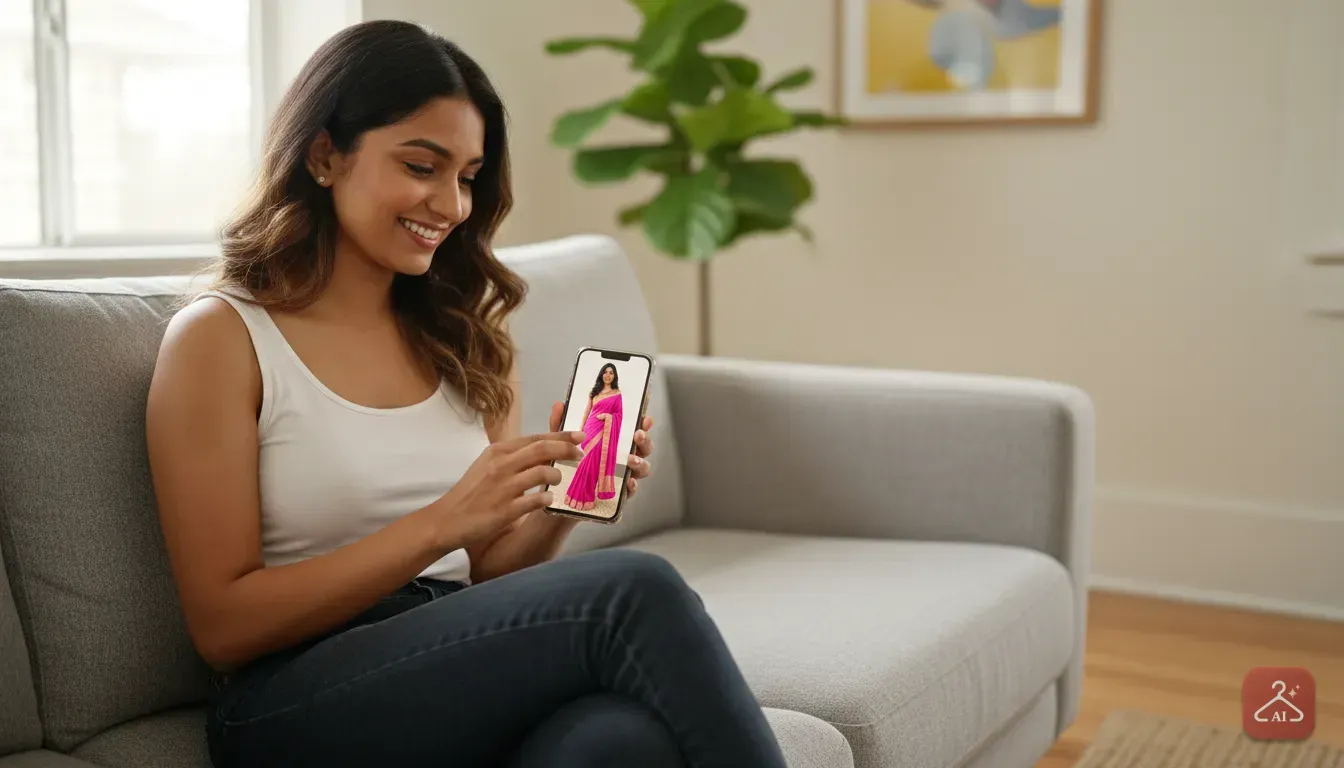
Running an online clothing store means you constantly need fresh photos of your stock. If you sell on Meesho, Instagram, or Ajio, you know buyers want to see a kurti or saree on an actual person before they buy.
Hiring models, renting a studio, and paying a photographer costs thousands of rupees for one day. That expense cuts right into your profit margins.
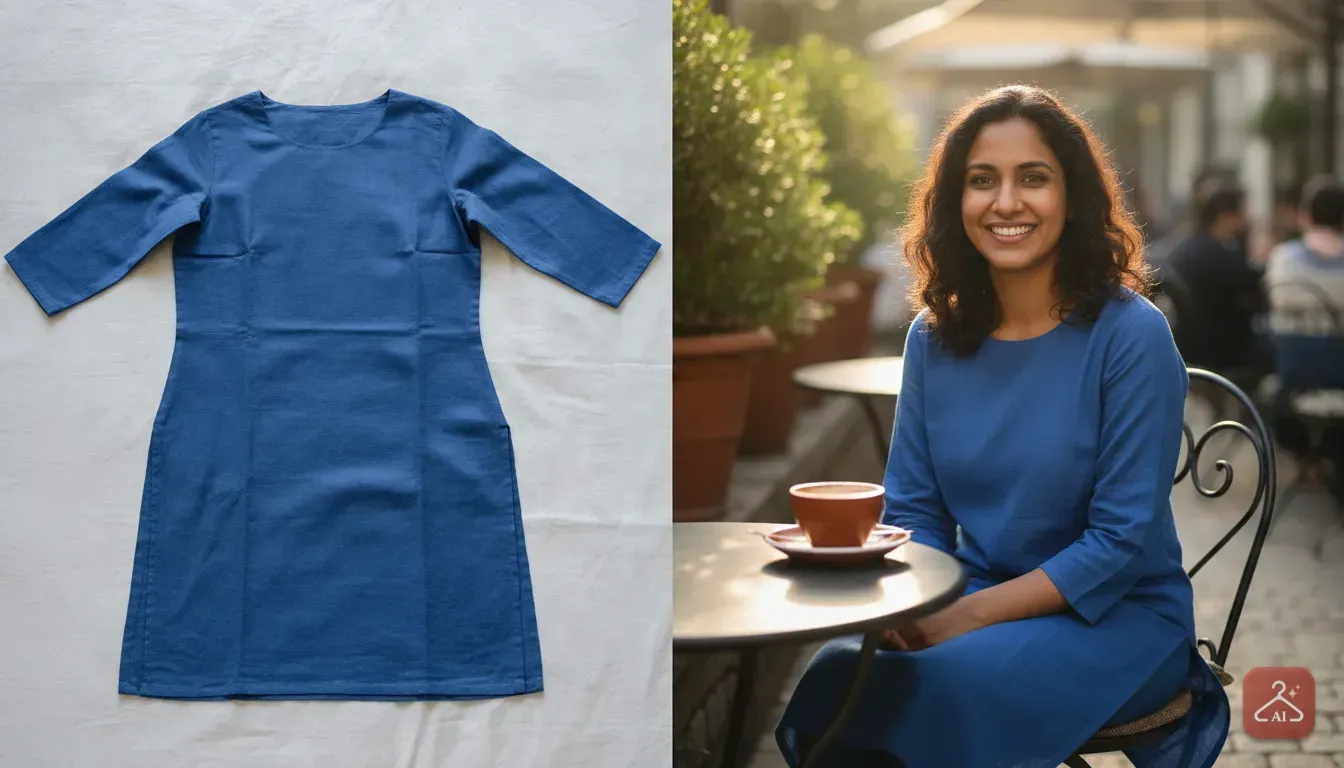
Learning how to do an AI model photoshoot for clothing as a small business owner gives you a massive advantage. You take a simple photo of your garment on a hanger, a mannequin, or laid flat on a bed. Then, you use an app to put that piece of clothing onto a realistic virtual model.
You get professional catalogue shots in minutes directly from your phone. Let's walk through the exact steps to get this right so your photos actually drive sales.
Prepare Your Garments for the Camera
The AI needs a clear starting point to understand your clothes. If your base photo is messy, wrinkled, or poorly lit, the final result will look unnatural. You can't skip this preparation step.
First, iron or steam your clothes thoroughly. Wrinkles confuse AI tools because crease shadows look like permanent patterns or seams. If you're shooting a silk saree or a delicate lehenga, use a garment steamer so the fabric falls naturally.
Next, remove any dust or stray threads. We always use a sticky lint roller on dark colours like navy blue or black. Cameras pick up small white specs of dust, and the AI often amplifies them in the final image.
Finally, give the clothing some shape. If a dress has puffy sleeves, stuff a little tissue paper inside to hold the volume. If a kurti has a waist tie, tie it neatly so the silhouette is obvious. The better the garment looks in your stockroom, the better it looks on your virtual model.
Choose Your Base Photography Method
You have two main ways to photograph clothes before sending them to the AI. Both work well. You just need to pick the one that fits your space and your stock.
The Flat Lay Method
This is the easiest setup if you lack equipment. You place the clothing completely flat on a clean surface, like a bedsheet or the floor. It works perfectly for structured items like t-shirts, jeans, straight-cut kurtis, and simple dresses.
If you're turning flat lay clothing into professional product photos, shoot directly from above. Don't tilt your phone. A tilted angle makes the bottom of the dress look smaller than the top, ruining the proportions.
The Mannequin Method
If you sell items with complex draping, a basic mannequin is a great investment. A plastic torso mannequin costs very little and shows the AI exactly how fabric falls over a body. Pin the excess fabric at the back so the outfit looks fitted from the front.
We have a full guide on how to turn mannequin pictures into an AI model photoshoot if you need more details. When taking the photo, hold your phone at waist level and shoot straight on.
Set Up Bright and Even Lighting
Lighting is the secret to good product photography. The AI needs to see the true colour and texture of your fabric. Shoot in a dark room with a yellow tube light, and a bright pink dress will look muddy and orange.
You don't need expensive studio lights. Natural daylight is your best tool. Set up near a large window between 10 AM and 3 PM when the sun is bright but indirect.
Turn off indoor lights to avoid mixing yellow room light with blue daylight. The light must fall evenly across the outfit. You don't want harsh, dark shadows on one side.
Generate the Model Photoshoot
Once you have a clean, well-lit photo, it's time to bring in the model. We built Outfit Gen AI specifically to help small sellers get styled catalogue shots quickly from their phones.
Here's exactly how to run your photoshoot in the app:
- Extract the outfit: First, isolate your garment. Upload your base photo and use the Extract Outfit feature. This turns a messy bedroom background into a clean, transparent product image.
- Pick your model: Think about your target customer. If you sell ethnic wear to young women in India, pick a model matching that demographic. The app lets you choose different body types, skin tones, and poses.
- Run the generation: Select the Model Photoshoot feature, attach your extracted clothing image, and let the app work. It maps the fabric, patterns, and cuts onto the 3D shape of the virtual model.
Within seconds, you'll have a photorealistic image of a person wearing your exact product. The AI handles the lighting on the skin and the natural fabric shadows.
Edit the Background to Match Your Brand
Different shopping platforms require different styles of photos. Amazon or Ajio usually want a plain white or light grey background to keep focus entirely on the product. However, buyers respond much better to lifestyle images if you're selling on Instagram or Facebook.
You can use the AI Edit feature to change the background. If you sell a heavy wedding lehenga, type "luxury wedding venue with soft string lights" to place your model in a festive setting.
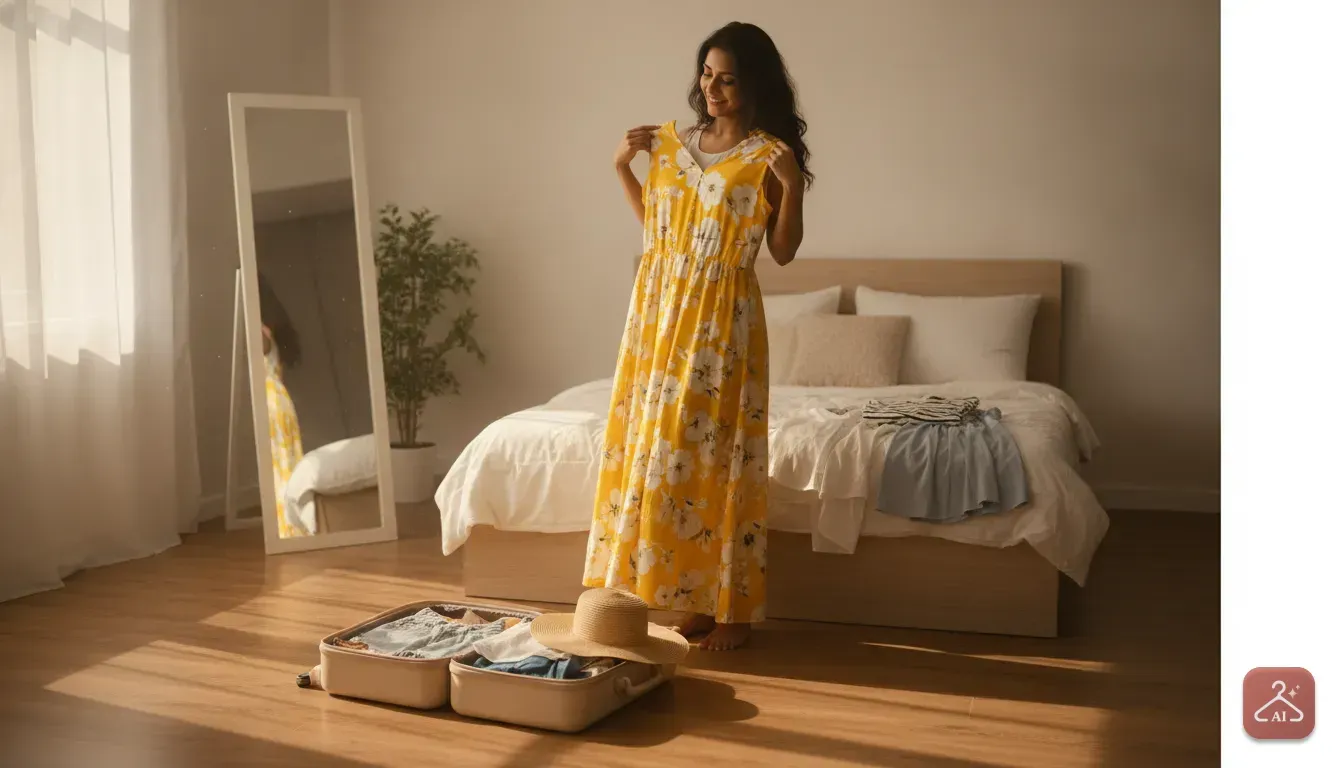
For a casual summer maxi dress, change the background to "a sunny outdoor cafe with green plants". Matching the background to the vibe of the outfit makes the photo much more appealing on a phone screen.
Upscale for High-Resolution Zoom
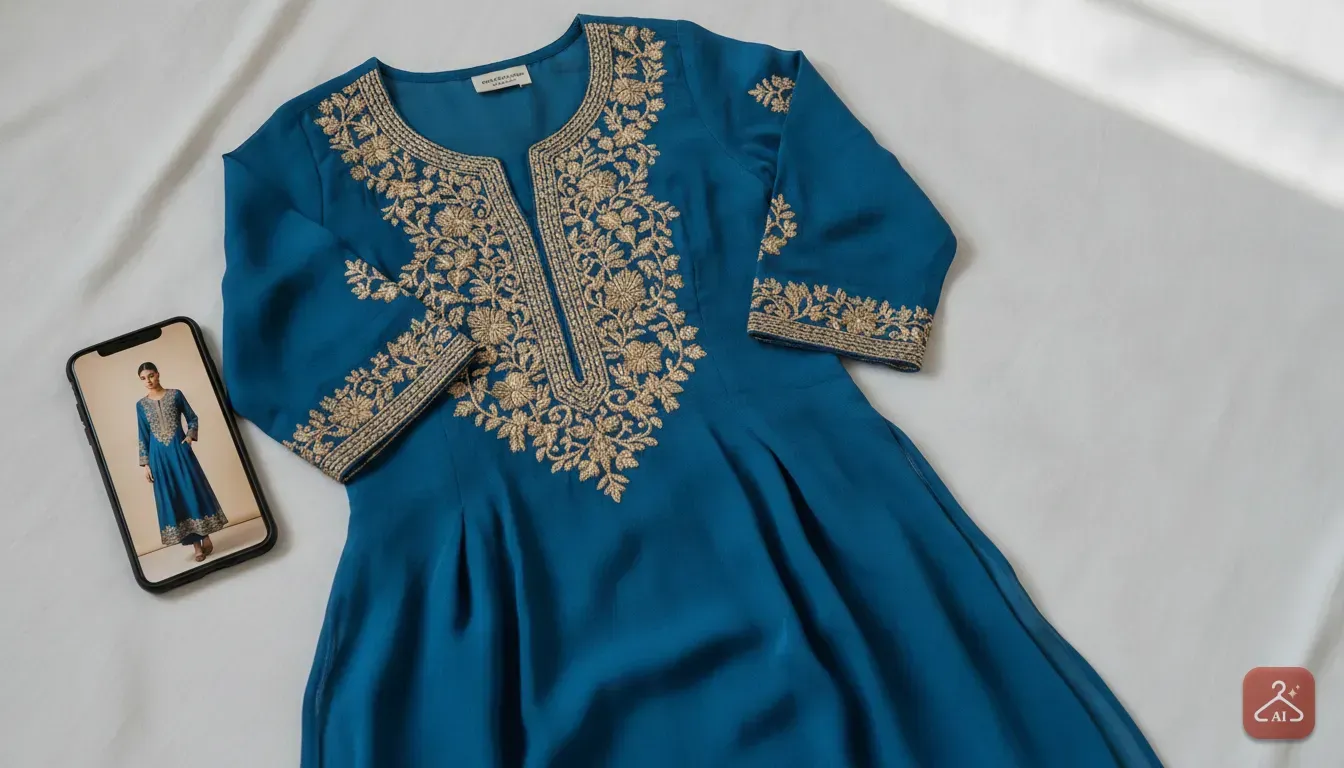
Customers need to zoom in and check fabric details on your store. If your final image is blurry, buyers will hesitate to spend money. They want to see the embroidery work on a neckline or the print quality.
Always use the 4K Upscale feature after generating your model and fixing the background. One tap sharpens all edges, clarifies textures, and makes the model's face look crisp. This ensures your catalogue photos meet high-resolution platform requirements.
Mistakes to Avoid with AI Product Photos
While AI makes things easy, you still need to act as the quality controller. Here are a few common mistakes we see small sellers make and how to avoid them.
First, watch the proportions. A bad angle on your base photo can make a knee-length dress look like a mini skirt. It can even turn a normal sleeve into a three-quarter sleeve.
Always compare the AI result to the real physical garment. If the length looks wrong, retake your base photo from a straighter angle and try again.
Second, check the fine details like hands and fingers. AI has improved a lot, but it occasionally generates an awkward hand pose. If the hands look weird, simply regenerate the image. Taking an extra minute is better than posting a strange photo.
Finally, avoid mismatched lighting. If your original photo has a strong shadow on the left, but your AI background shows sun from the right, it looks fake. Keep lighting consistent between the clothes and the background.
Get Your Catalogue Ready for Customers
Doing your own photoshoots used to be a massive hurdle. Now it's just a simple process you can manage on a Sunday afternoon. Gather five of your best-selling items this week.
Steam them, place them near a window, and take clear photos. Run them through the app, upscale the results to 4K, and update your product listings. You'll immediately notice how professional your store looks, and customers will feel much more confident buying.
Frequently asked questions
Do I need a mannequin for an AI model photoshoot?
No, you do not strictly need a mannequin. You can lay the clothes flat on a bedsheet or hang them neatly on a hanger. However, mannequins work best for heavily draped items like sarees to show the actual fit.
Can I use photos taken from my smartphone camera?
Yes, modern smartphone cameras are excellent for this. Just make sure the lens is clean, you are shooting in bright natural daylight, and the phone is held perfectly straight to capture accurate proportions.
Will the AI change the colour of my clothing?
The AI relies entirely on the colours in your base photo. If you shoot in a dark room with yellow lights, the result will reflect those distorted colours. Always shoot in neutral daylight to keep the colours completely accurate.
Are AI-generated product photos allowed on Meesho and Instagram?
Yes, sellers use AI-generated model photos widely on platforms like Meesho, Instagram, and independent Shopify stores. Ensure the final image has a high resolution and clearly represents the real physical product.
Try it yourself
Outfit Gen AI
See yourself in any outfit before you buy it.